Active Directory
79 articles on Active Directory.
-
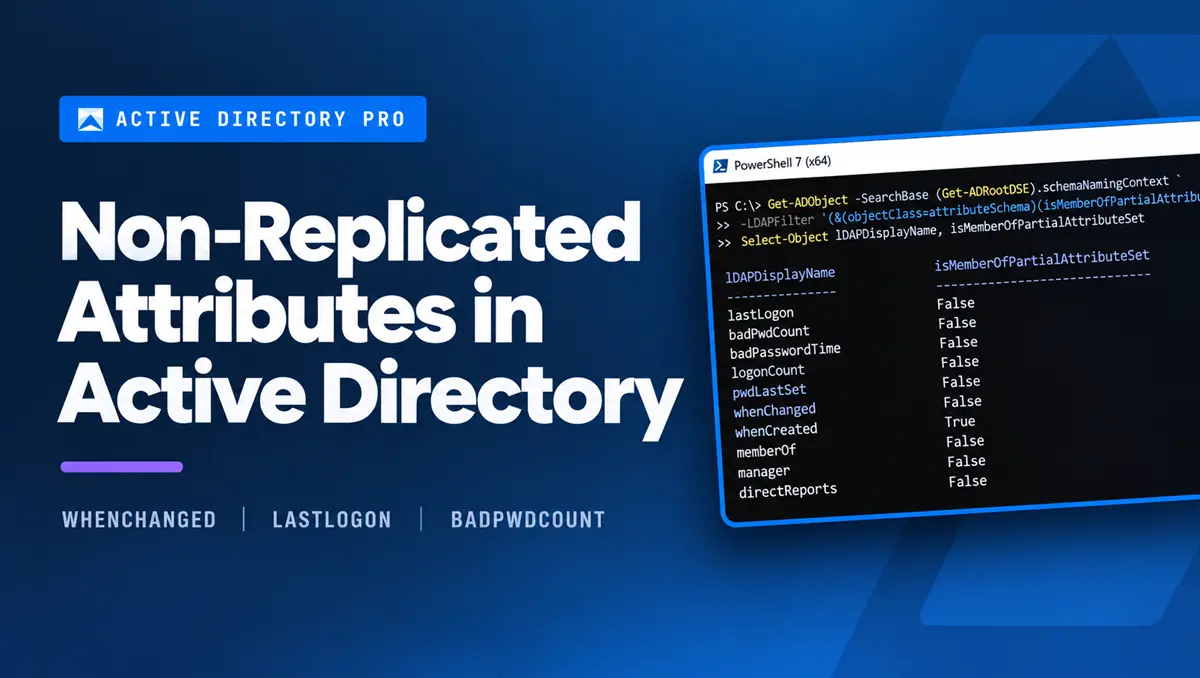
Non-Replicated Attributes in Active Directory
What non-replicated attributes are in Active Directory, which ones matter, and how to read them correctly across every domain controller.
-
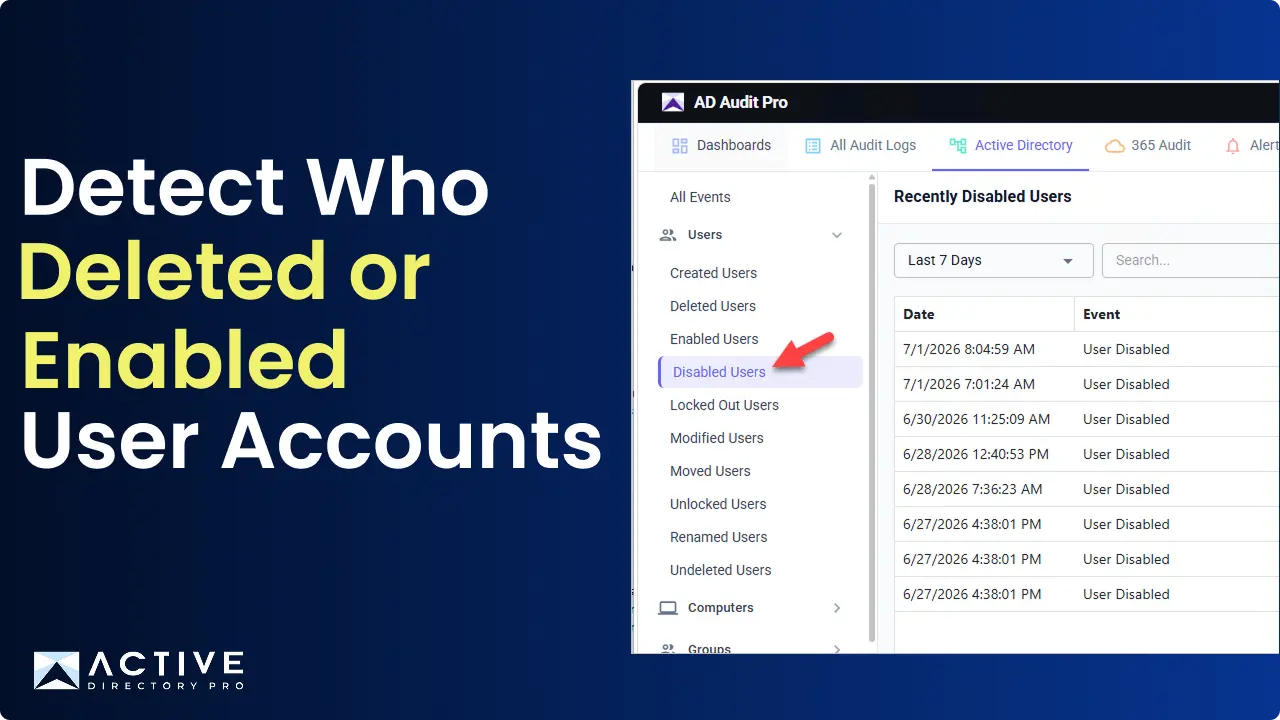
Detect Who Disabled or Enabled a User Account in Active Directory
Need to know who enabled or disabled an Active Directory user account, and when it happened? Tracking these changes is critical for security, auditing…
-
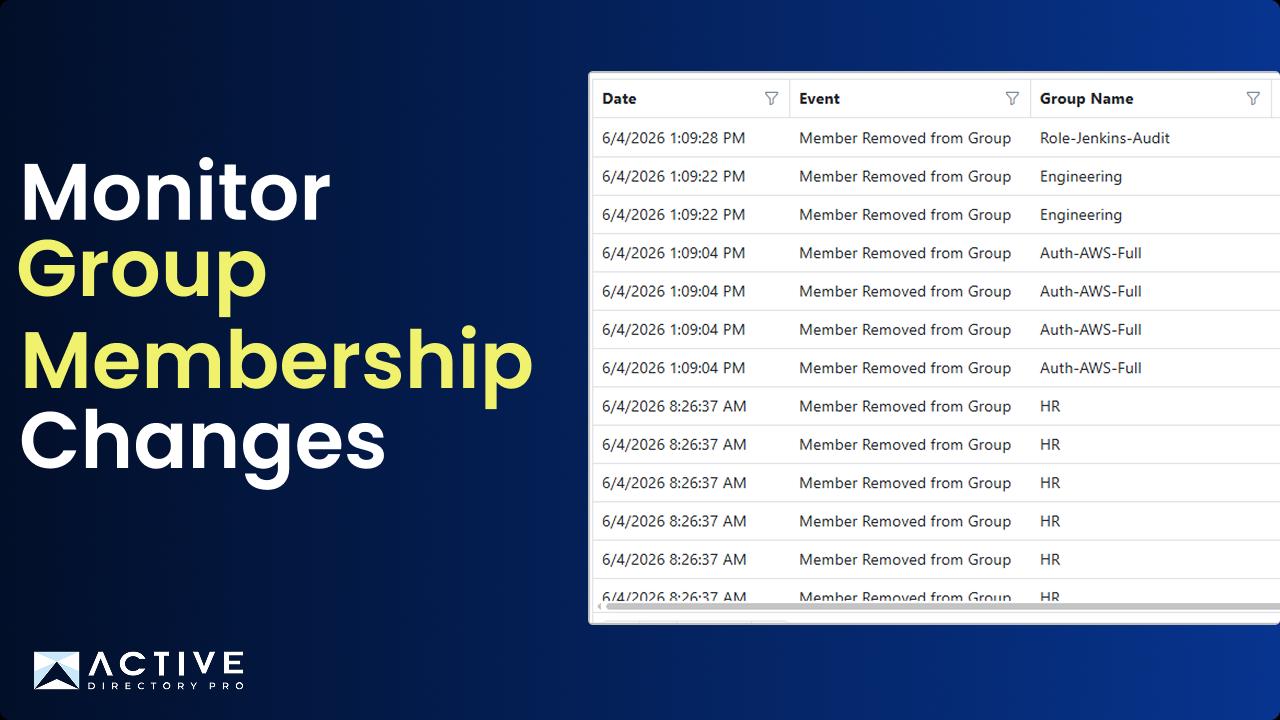
Monitor Active Directory Group Membership Changes
This guide shows you how to monitor group membership changes to Active Directory groups. Track when and who added or removed users to security and distribution…
-
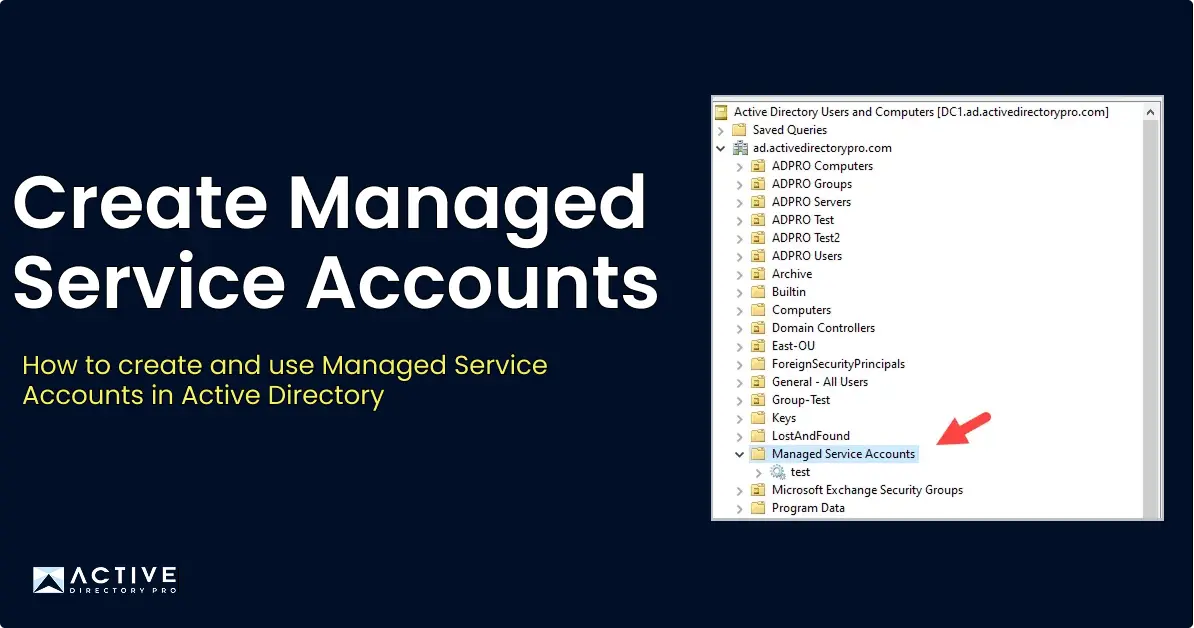
Create Managed Service Accounts in Active Directory
In this article, I’ll show you how to install and use Managed Service Accounts in Active Directory. Before migrating to managed service accounts…
-
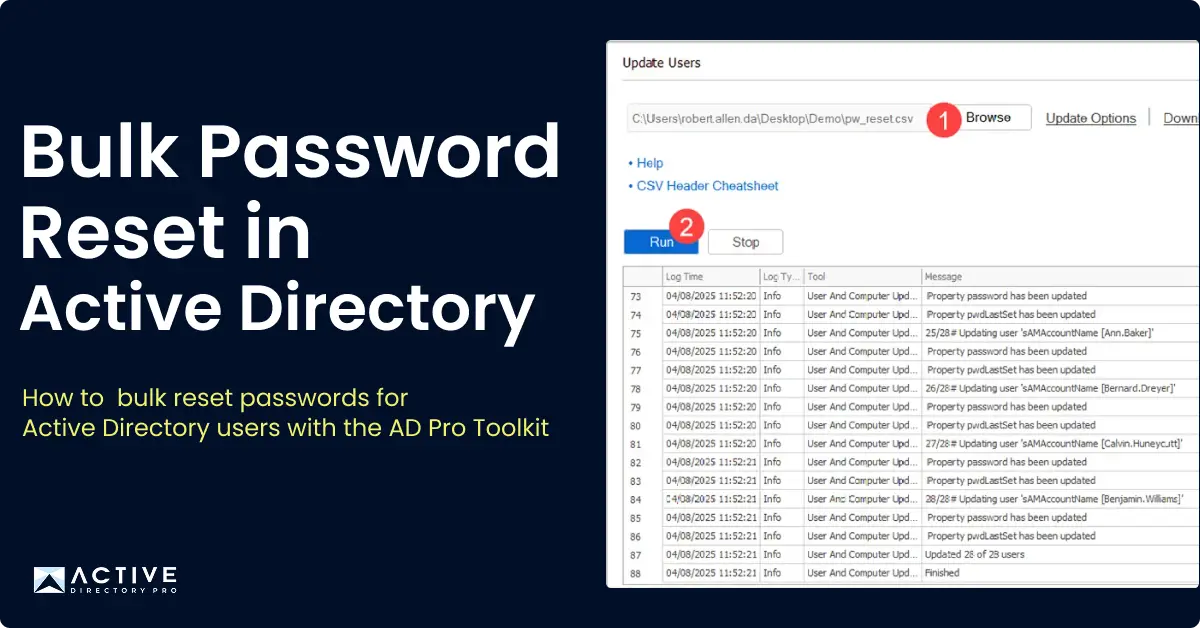
Bulk Password Reset in Active Directory
In this guide, you’ll learn how to bulk reset passwords for multiple Active Directory users at once using PowerShell and the AD Pro Toolkit.
-
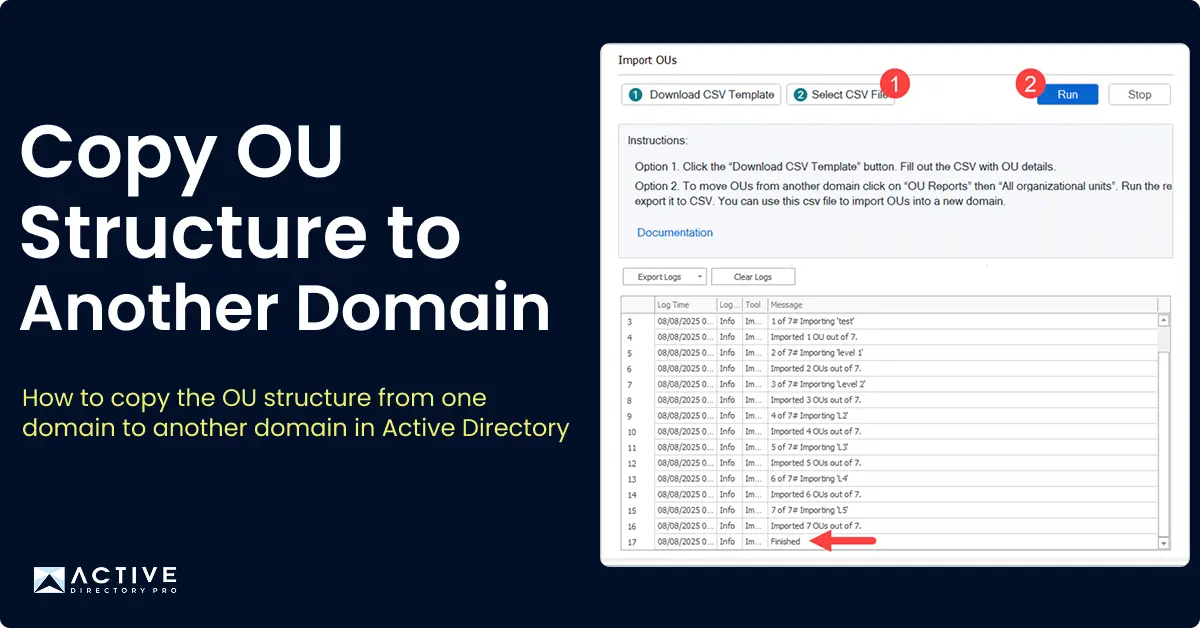
Copy OU Structure from One Domain to Another
In this guide, I’ll show you how to copy the OU structure from one domain to another using the AD Pro Toolkit. To copy an OU structure in Active Directory…
-
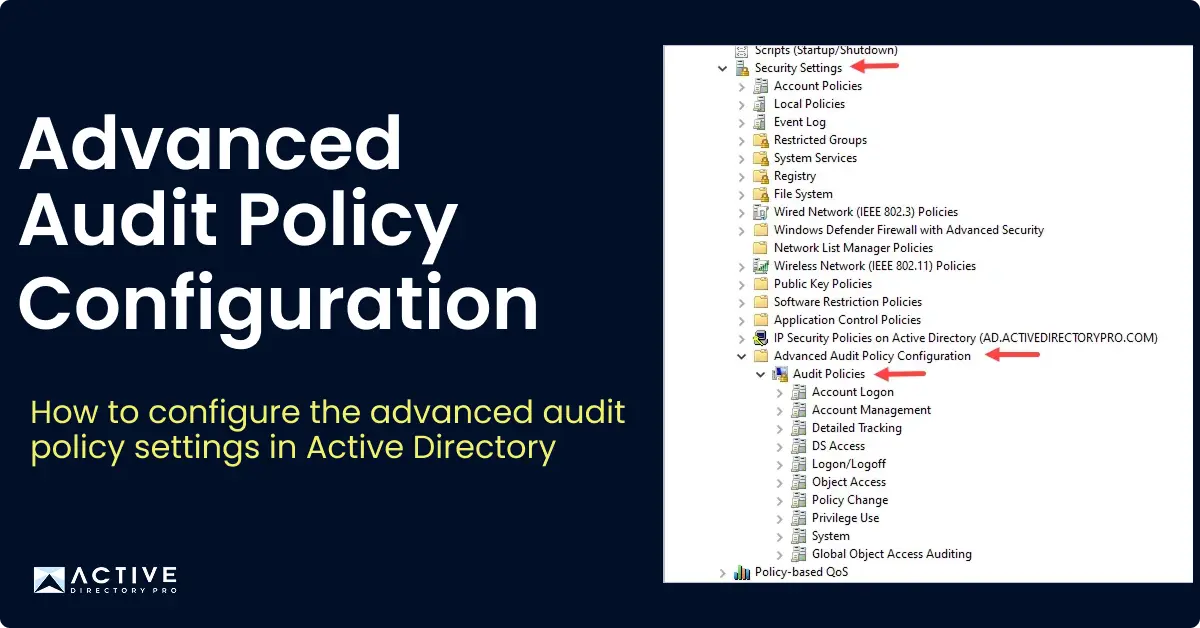
Advanced Audit Policy Configuration
In this guide, I walk through how to configure the Advanced Audit Policy settings in Active Directory.
-
13 Active Directory Mistakes You Must Avoid
Active Directory (AD) is critical for managing users and resources, but mistakes can lead to security risks and inefficiencies. From stale accounts to…
-
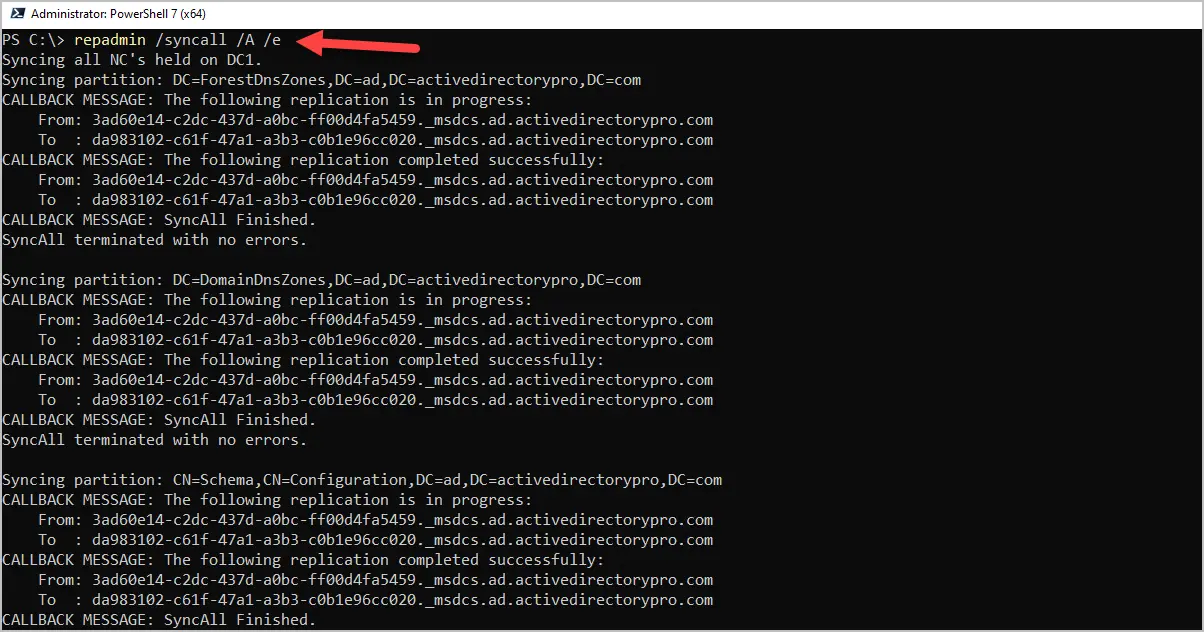
How to Force Replication Between Domain Controllers
In this article, I’ll show you how to force replication between all domain controllers and specific domain controllers. You can force replication using the…
-
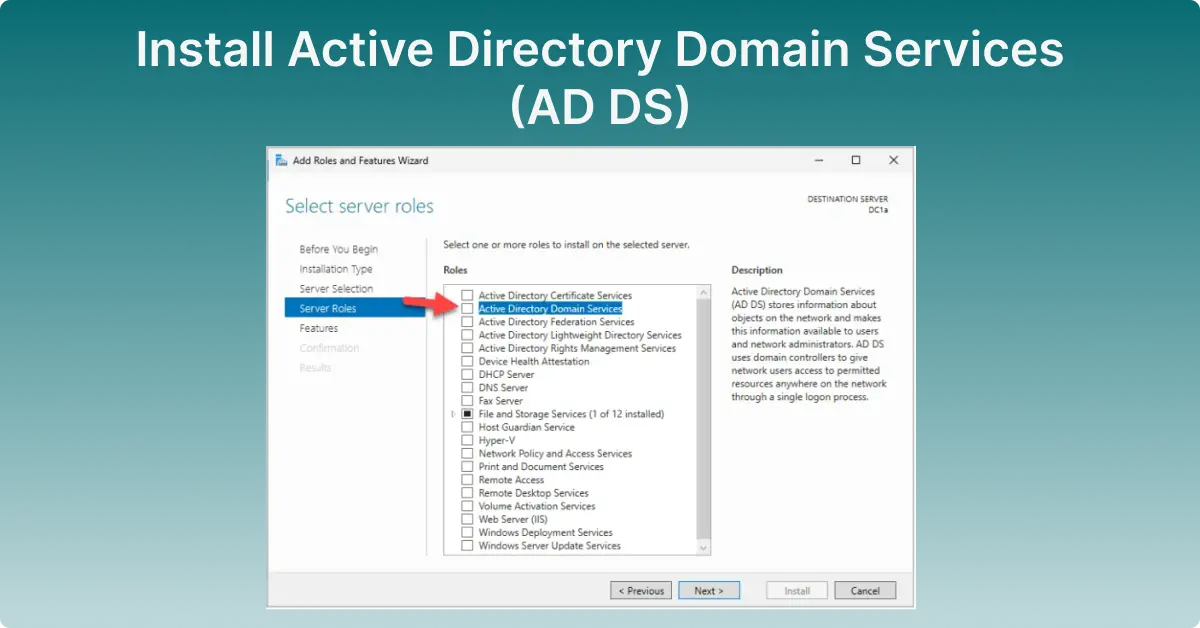
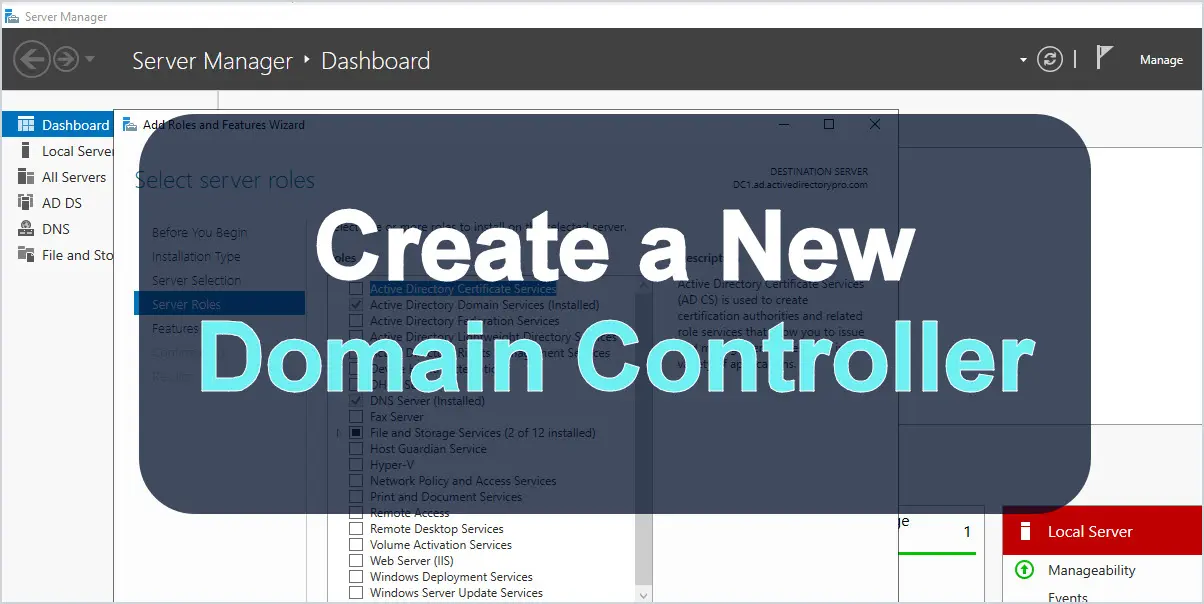
Install Active Directory Domain Services (AD DS)
This is a detailed guide on how to install Active Directory Domain Services (AD DS). The steps in this guide walk through how to install and configure the first
-
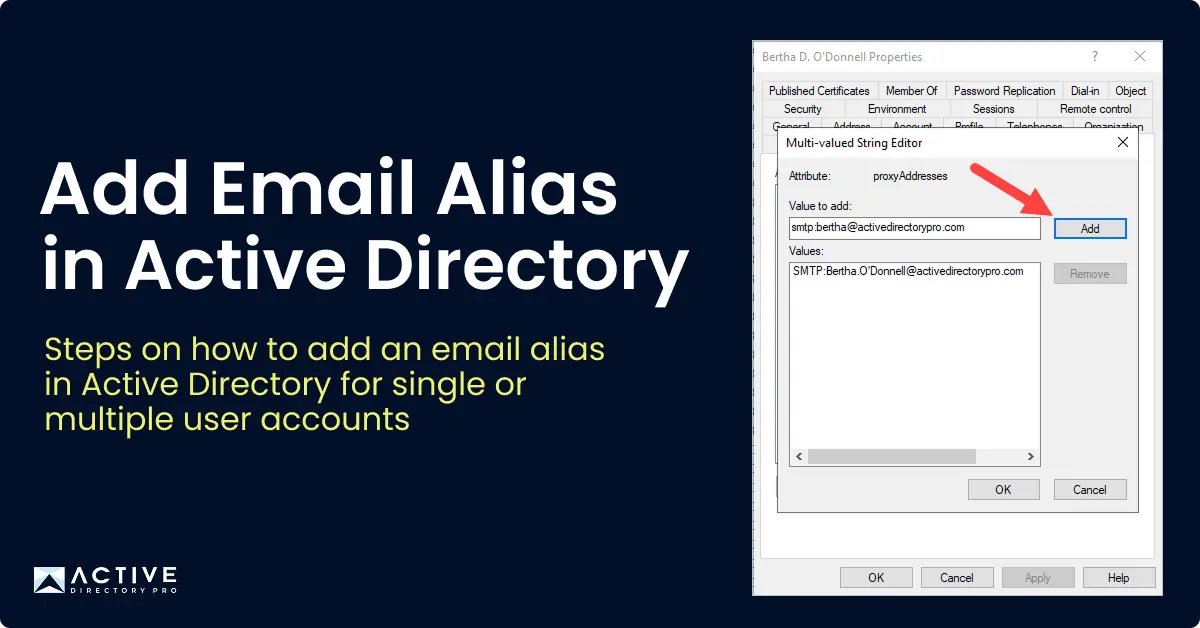
How to Add an Email alias in Active Directory
An email alias in Active Directory is a secondary email address linked to a Microsoft Exchange mailbox, allowing the mailbox to receive emails sent to either…
-
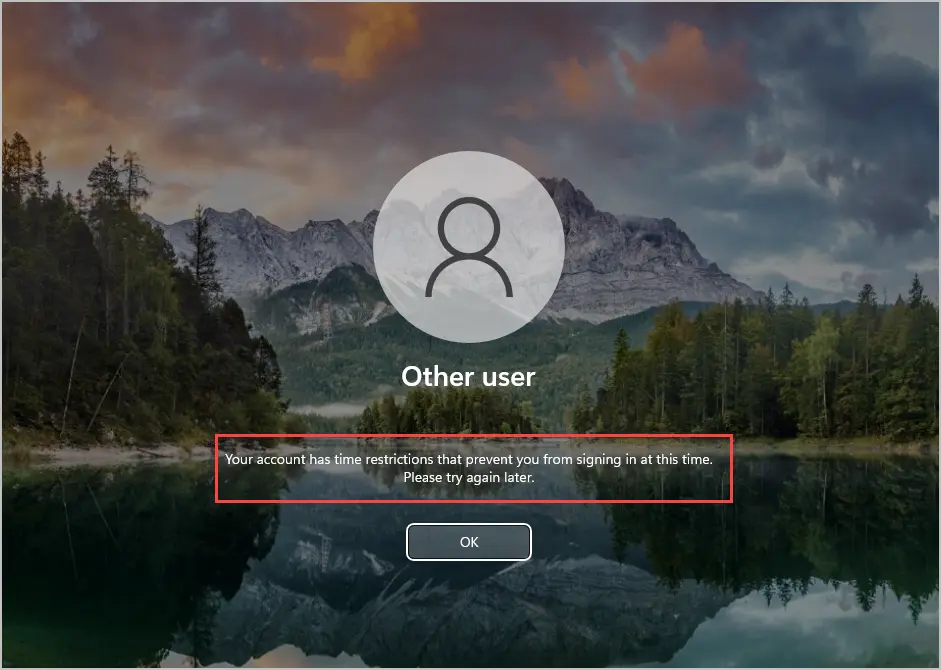
How to set Logon Hours for Active Directory Users
In this article, you will learn how to set logon hours for users in Active Directory. Logon hours in Active Directory enable administrators to control when…
-
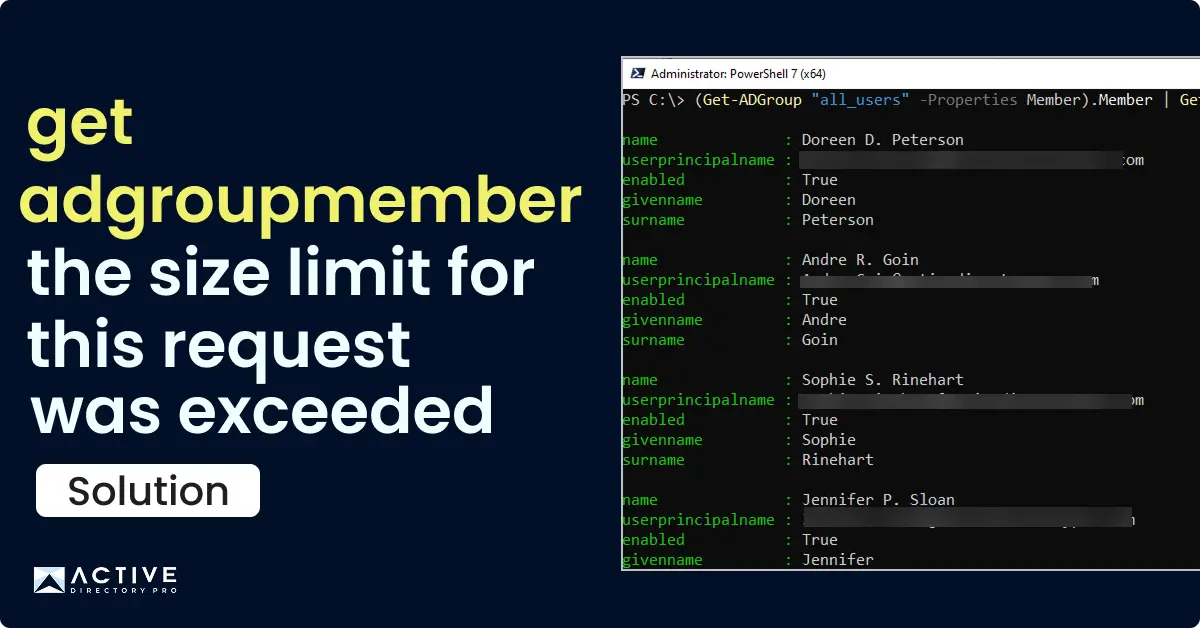
Get Members of Large AD Groups (5,000+)
Get Active Directory group members with more than 5000 objects using PowerShell. Get-ADGroupMember: The size limit for this request was exceeded
-
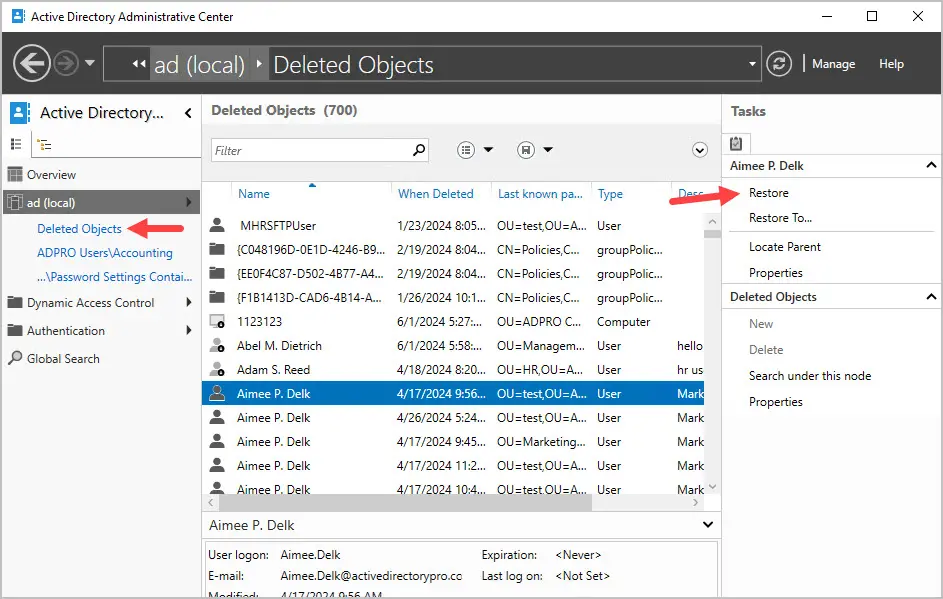
Restore Deleted Active Directory User
In this article, I’ll show you how to restore deleted Active Directory user accounts. You can recover deleted AD Users without a backup by using native…
-
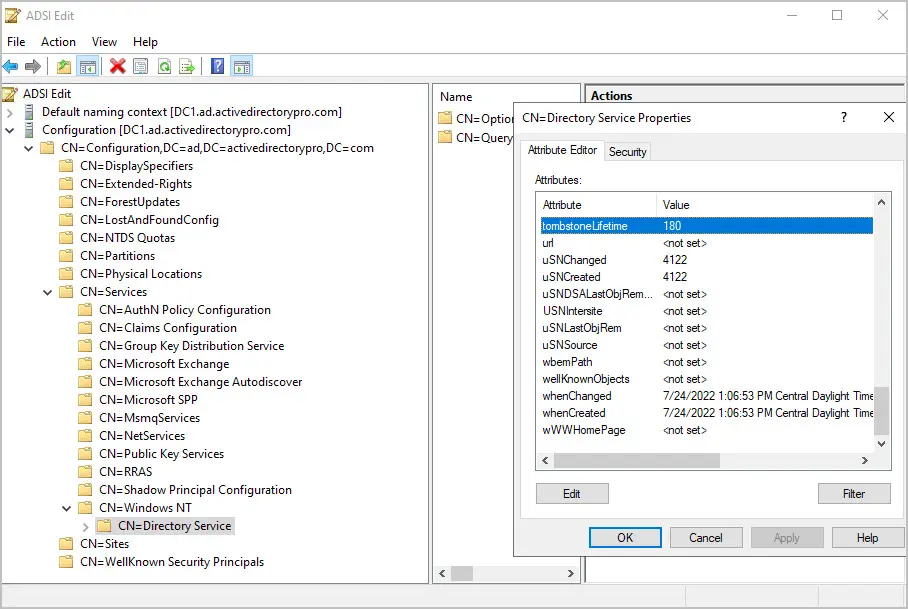
How to Check Tombstone Lifetime of Active Directory
In this guide, I’ll show two options on how to check the Tombstone Lifetime in Active Directory. Use the below PowerShell command to check the Tombstone…
-
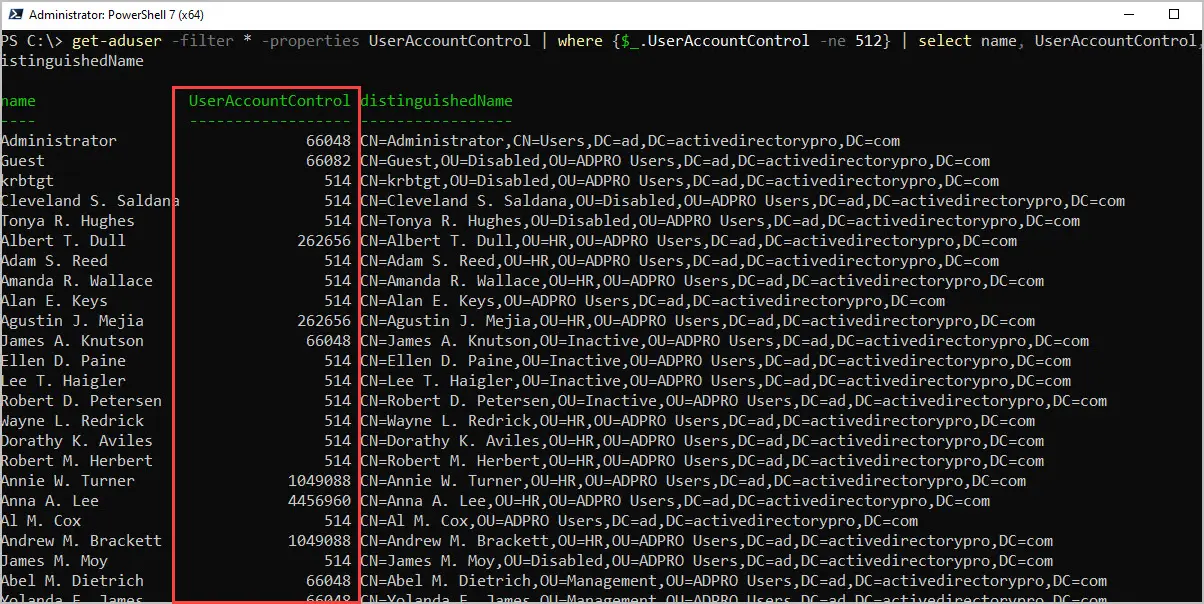
UserAccountControl Attribute Values
In this article, you will learn about the UserAccountControl attribute in Active Directory. In addition, I’ve created a table that lists all of the…
-
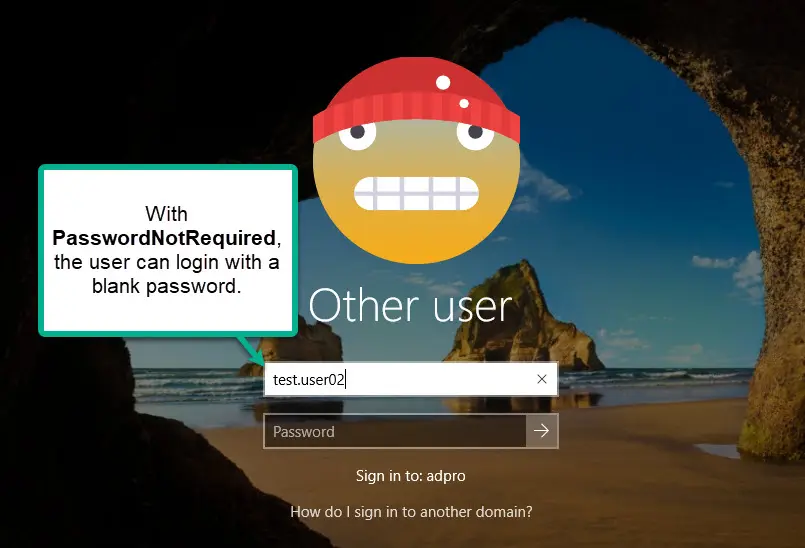
Find Accounts with Password Not Required (Blank Password)
In this post, you will learn how to find Active Directory user accounts with PasswordNotRequired set to true. When a user is configured with Password-Not…
-
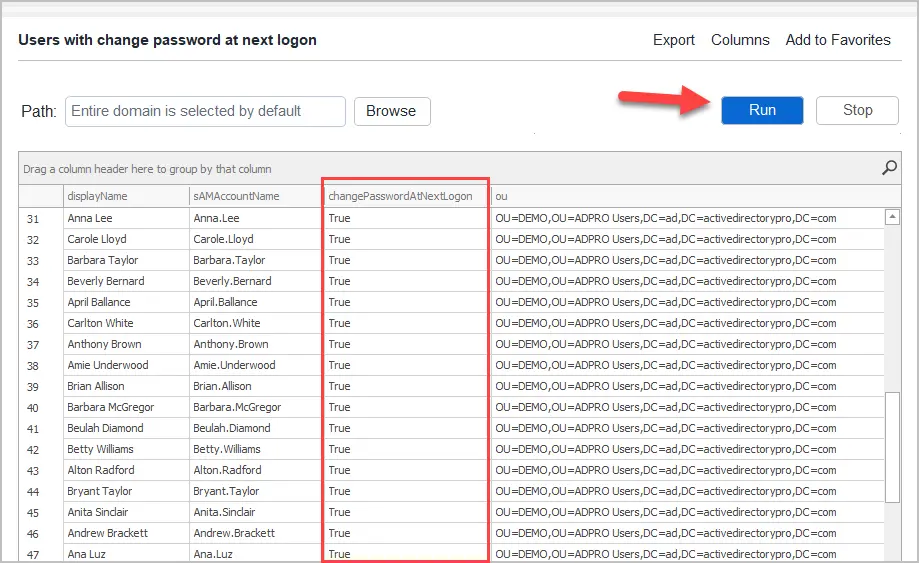
How to Set User Must Change Password at Next Logon in Active Directory
The “User must change password at next logon” setting forces a user to create a new password the next time they log in. In this guide, I’ll show you how to…
-
How to Find User SID in Active Directory
In this guide, I’ll show you how to find a users SID in Active Directory with PowerShell and the AD Pro Toolkit. I’ll also show you how to find the SID of a…
-
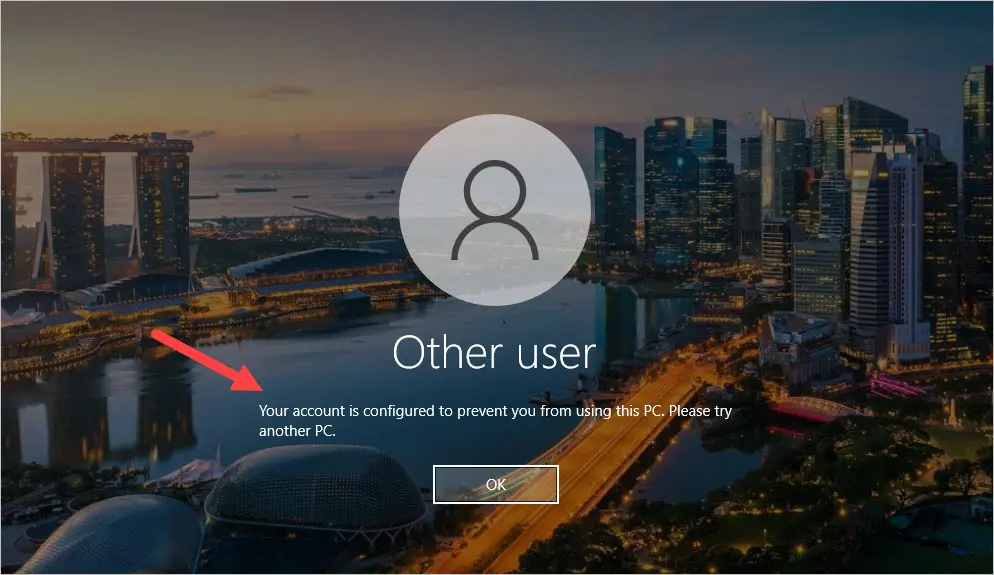
Restrict User Logon to Specific Computers
In this article, you will learn how to restrict a user’s logon to specific computers. There are multiple ways to limit which computers a user can log on to, I’…
-
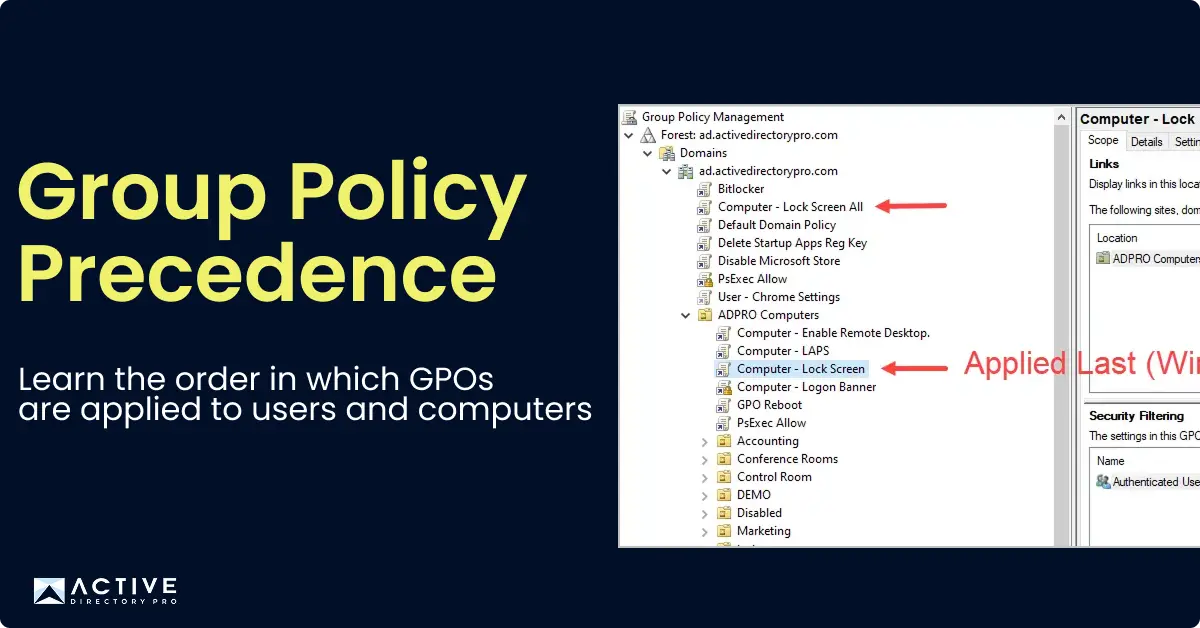
Group Policy Processing Order (GPO Hierarchy)
In this article, I will explain the order in which group policies are applied to users and computers. Group Policy order of precedence determines the order in…
-
How to Find Privileged Accounts in Active Directory
In this guide, I’ll show you how to find and identify privileged accounts in Active Directory. Table of contents: A privileged account is an account that has…
-
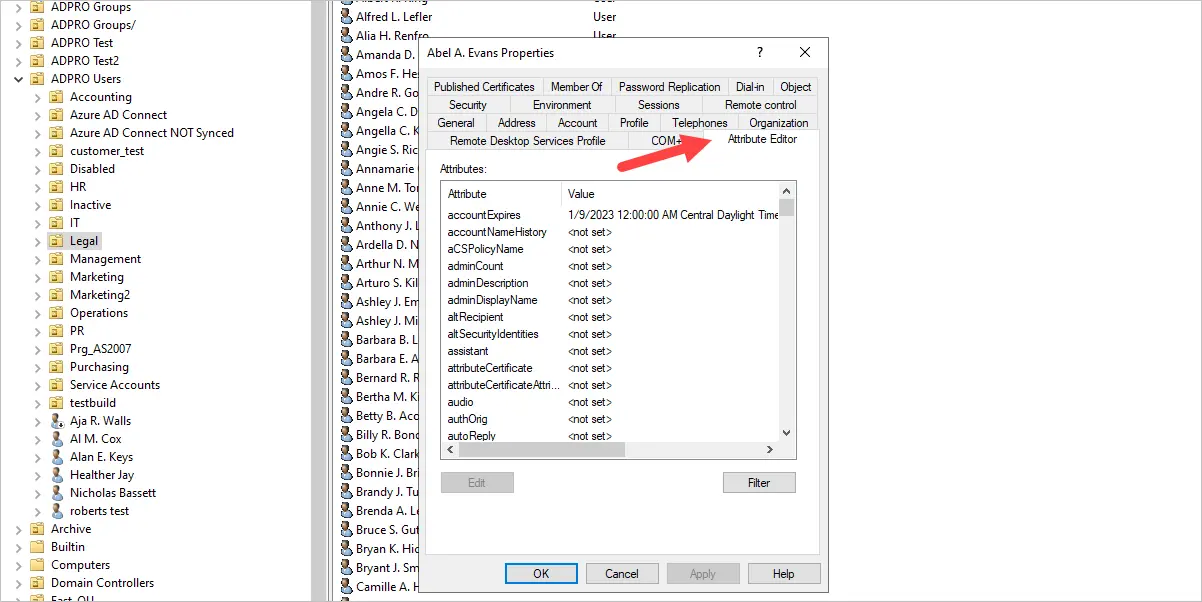
Active Directory Attributes List
A list of Active Directory user attributes with a visual reference, and how to view them for a user in ADUC or the AD Pro Toolkit.
-
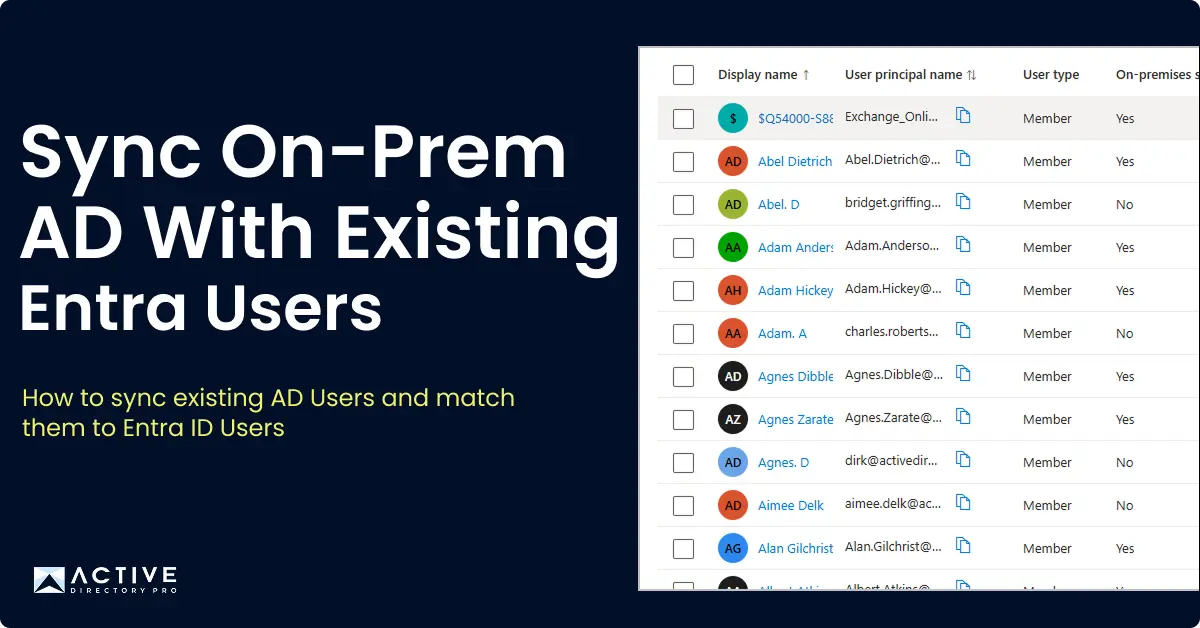
How to Sync On-Prem AD With Existing Azure AD Users
Do you have existing Azure AD Users using Office 365 and you need to sync them with on-premises Active Directory? In this guide, I’ll walk through how to sync…
-
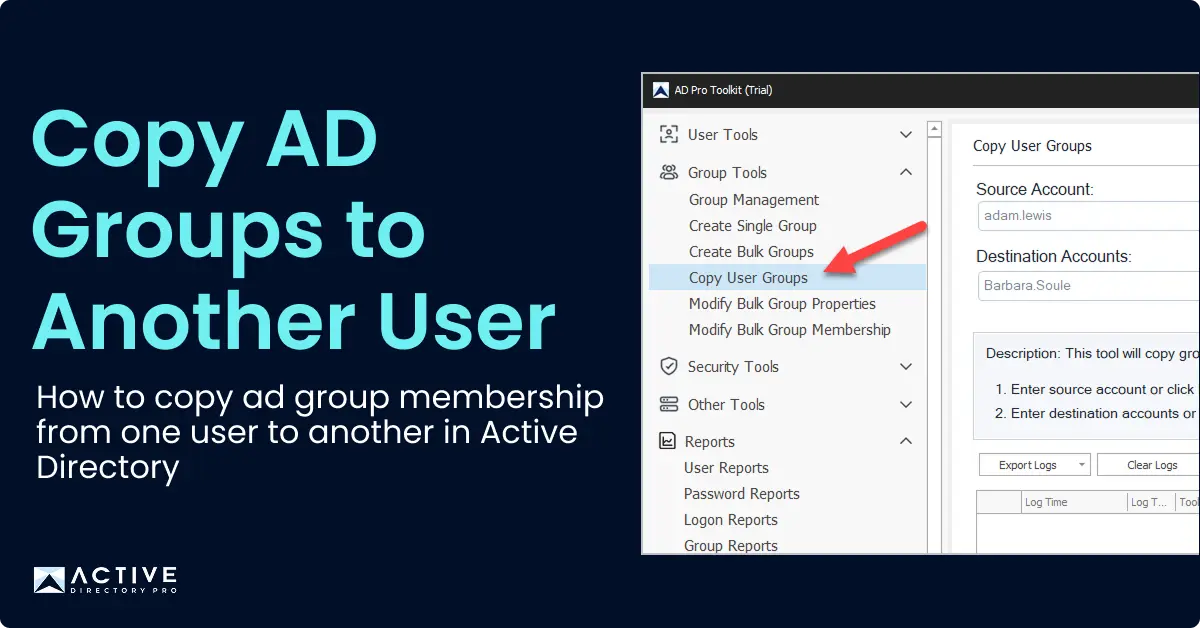
Copy AD Group Members to Another Group
Need to copy members from one Active Directory group to another? In this guide, I’ll show you how to copy group members using PowerShell and the AD Pro Toolkit.
-
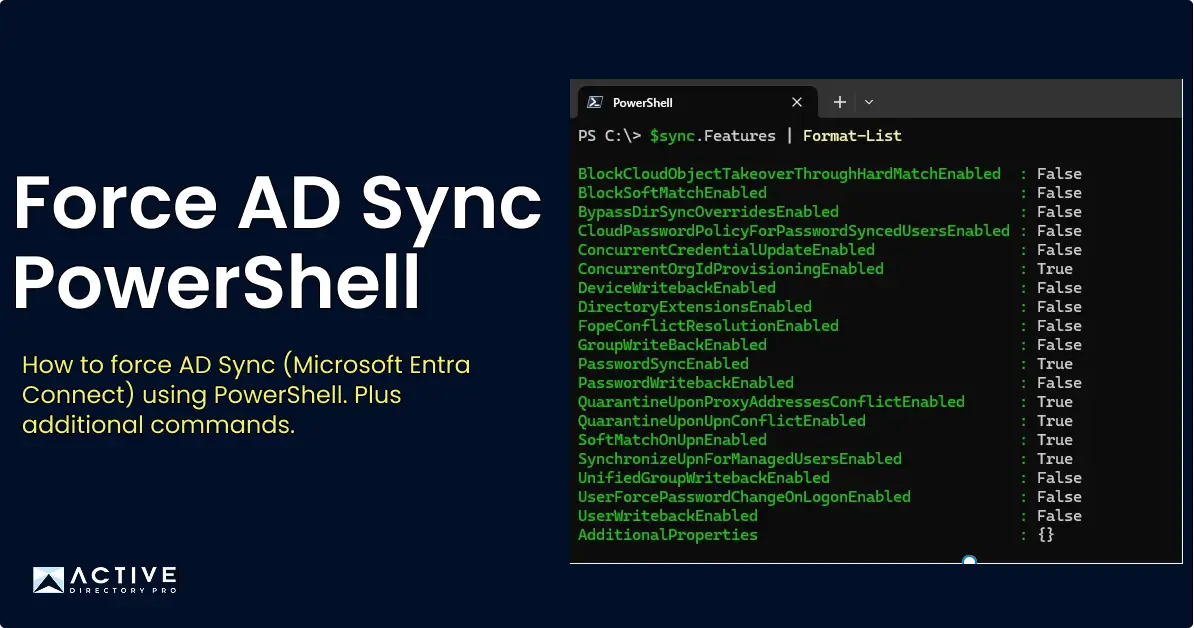
How to Force Sync Azure AD Connect (Microsoft Entra Connect) Using PowerShell
If you are using Azure AD Connect or Entra Connect to sync your on-prem Active Directory to Azure you can force a sync with the following steps.
-
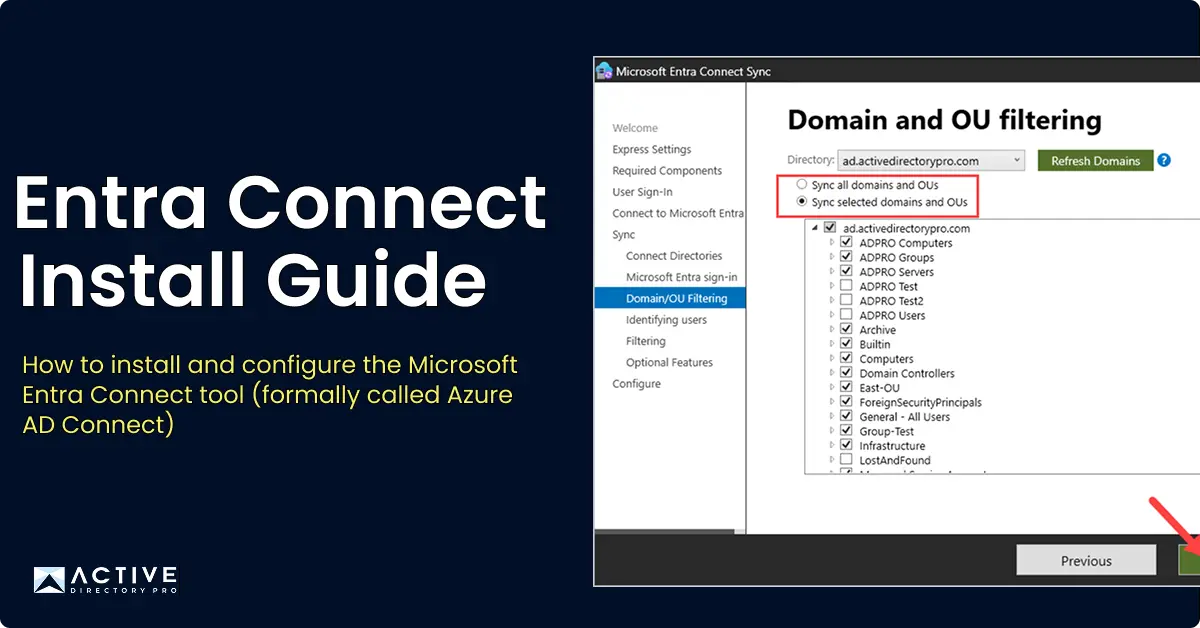
Azure AD Connect: Install and Setup Guide
The Azure AD Connect tool has been renamed to Microsoft Entra Connect as part of Microsoft’s transition from Azure Active Directory to Microsoft Entra ID.
-
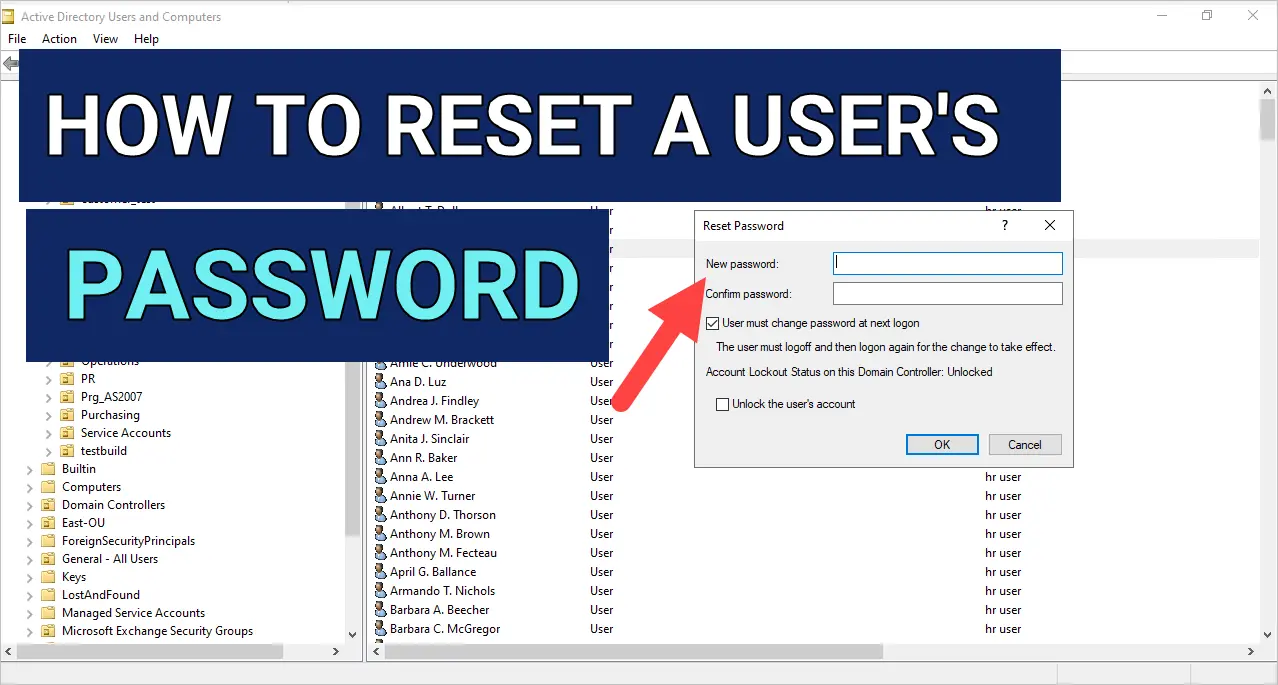
How to Reset User Password in Active Directory (3 Easy Steps)
In this post, you will learn how to reset a user password in Active Directory. In this example, I’ll use ADUC to reset a user’s password.
-
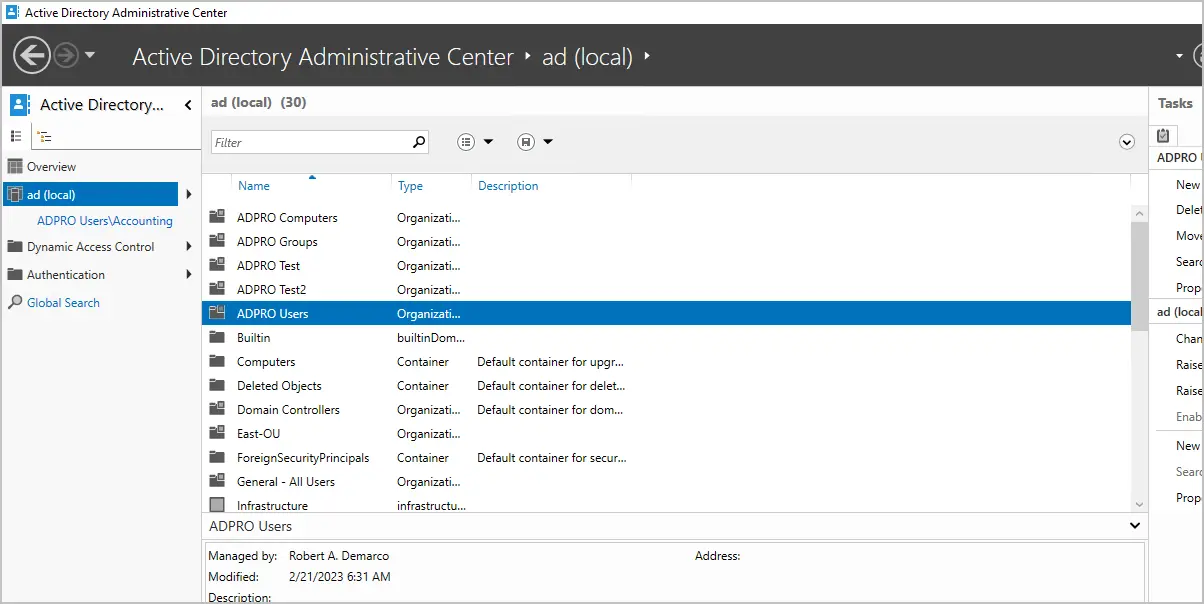
Active Directory Administrative Center (ADAC) Guide
Learn how to install and use the Active Directory Administrative Center (ADAC) on Windows 10, 11, and Server. Includes ADAC vs ADUC comparison and key features.
-
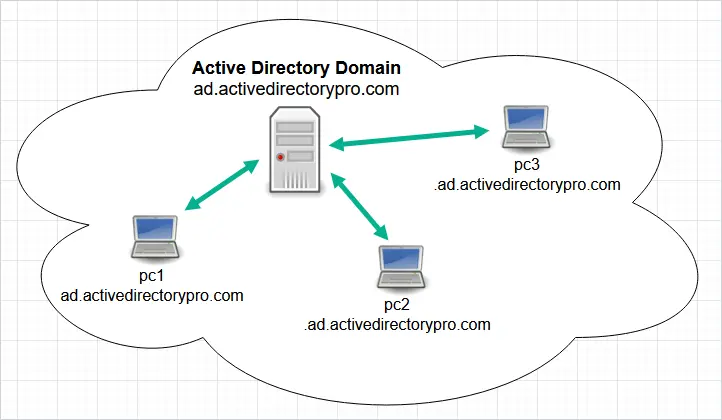
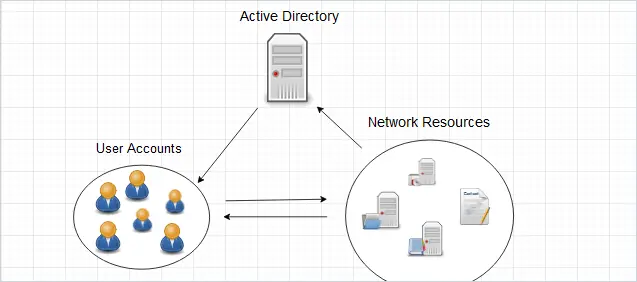
What is Active Directory? A Beginner's Guide
Active Directory (AD) is a Microsoft service that provides centralized authentication and authorization to network resources.
-
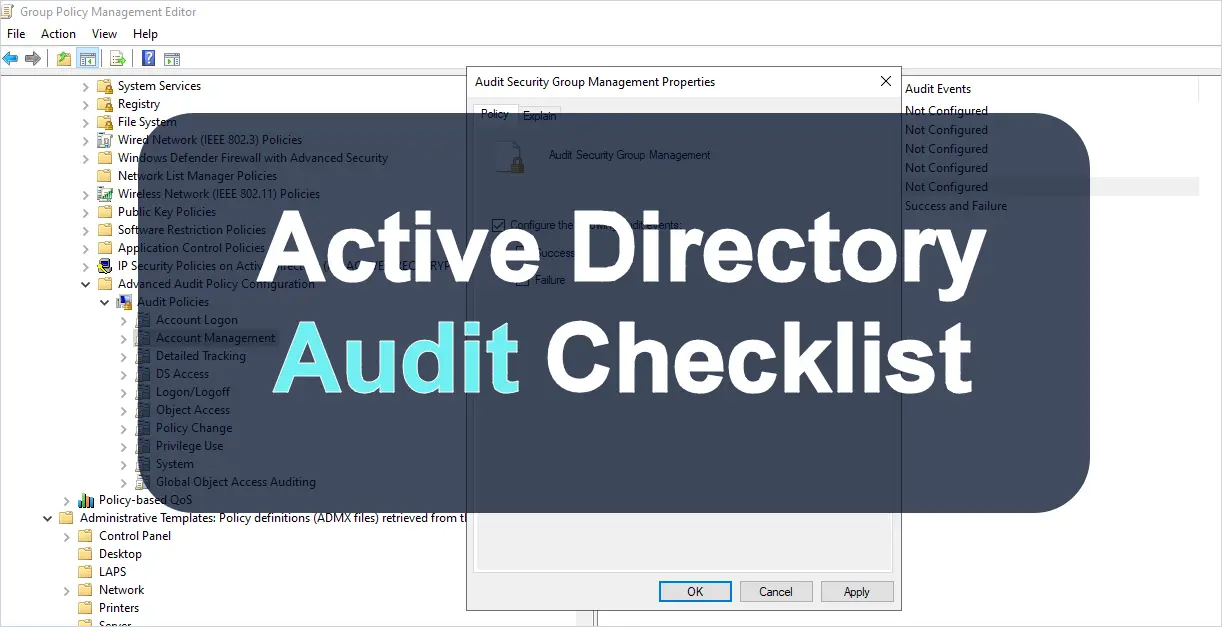
Active Directory Audit Checklist
To properly Audit Active Directory you must have the right policy settings enabled. These policy settings ensure your domain controllers are logging security…
-
6 Best Active Directory Auditing Tools
Compare the 6 best Active Directory auditing tools to track and monitor AD changes. Includes ManageEngine, Netwrix, Quest, Lepide, Specops, and AD Pro Toolkit.
-
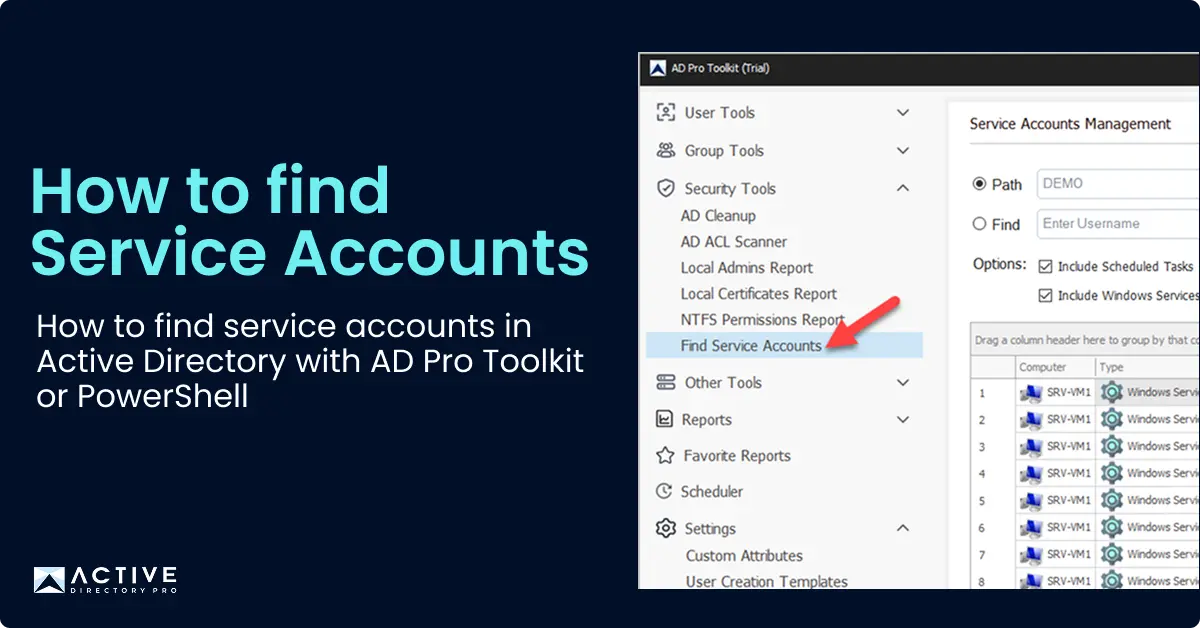
Find Service Accounts in Active Directory
How to find service accounts in Active Directory using PowerShell and the AD Pro Toolkit, by checking SPNs, password settings, delegation and event logs.
-
How to Check Password Complexity Requirements in Active Directory
In this tutorial, you will learn how to check if Password Complexity is required in your Active Directory Domain. What is Password must meet complexity
-
Find Bad Password Attempts in Active Directory
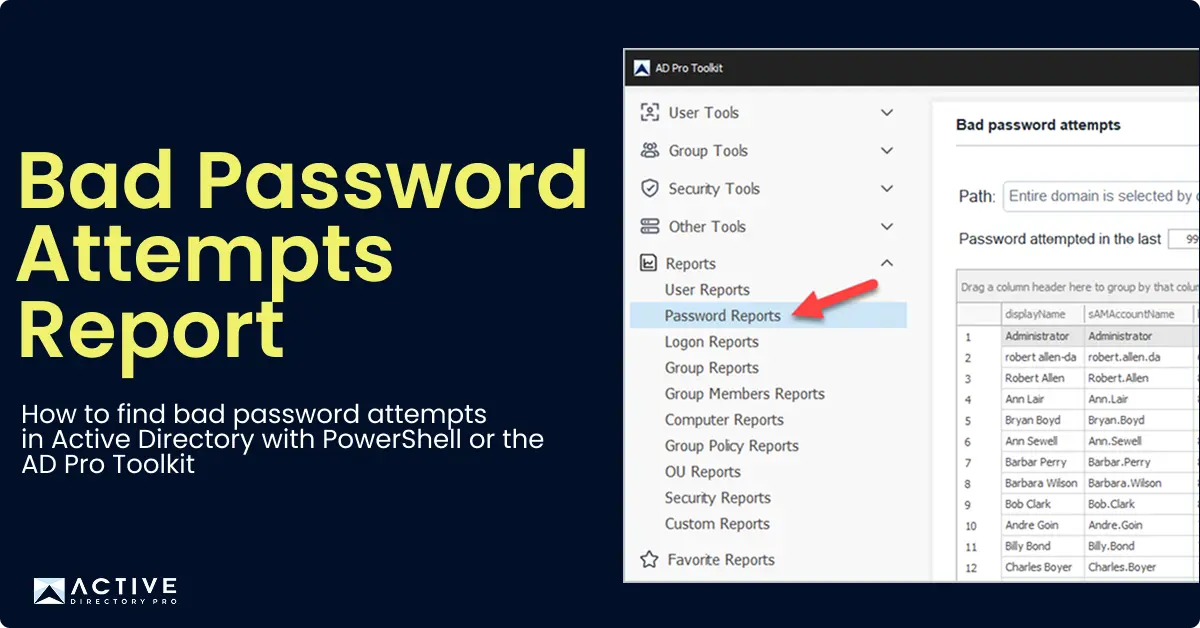
Monitoring bad password attempts helps you detect brute force attacks, misconfigured services, and accounts with stale credentials. In this guide, I’ll show you
-
Microsoft LAPS: Install and Setup Guide
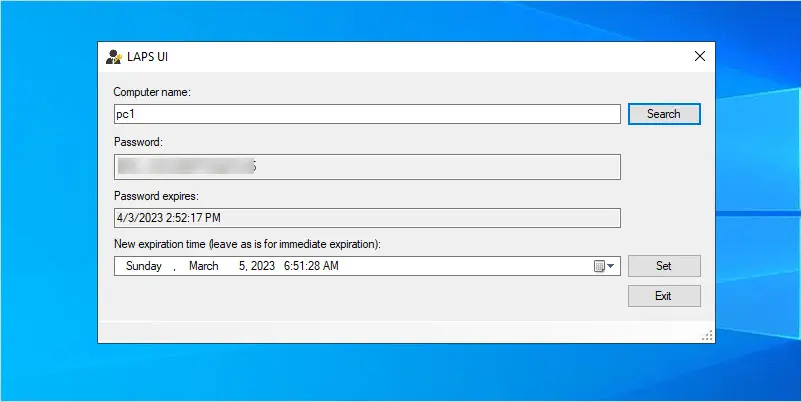
In this guide, you will learn how to install and configure Microsoft LAPS. Step by step guide to install and setup Microsoft LAPS.
-
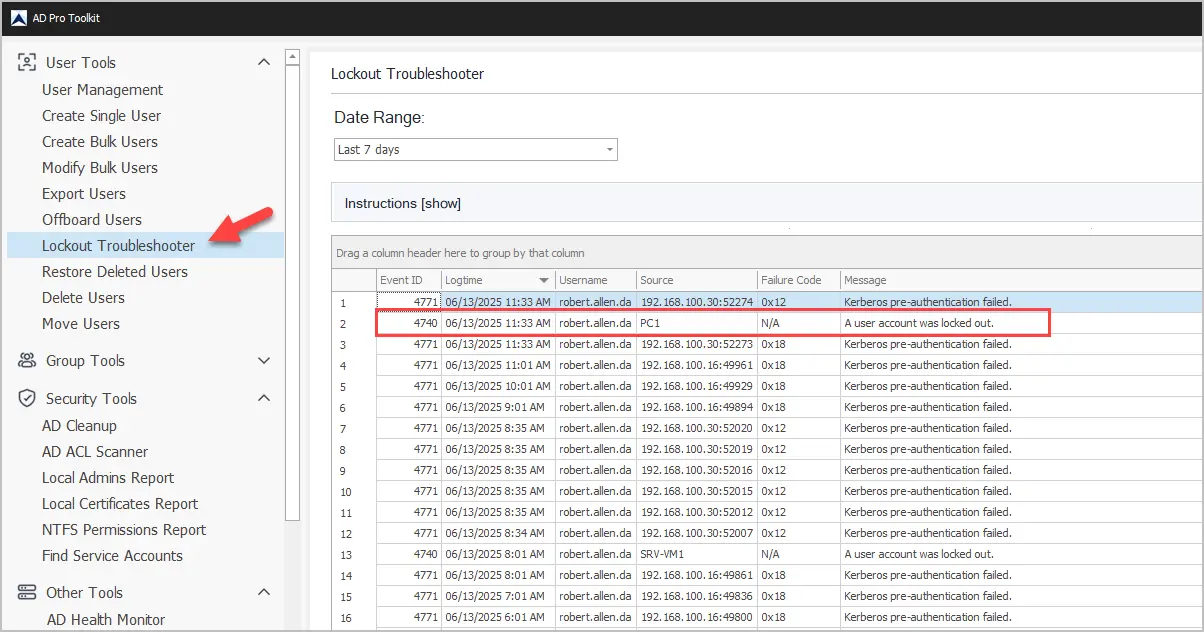
Account Lockout Event ID - Find the Source of Account Lockouts
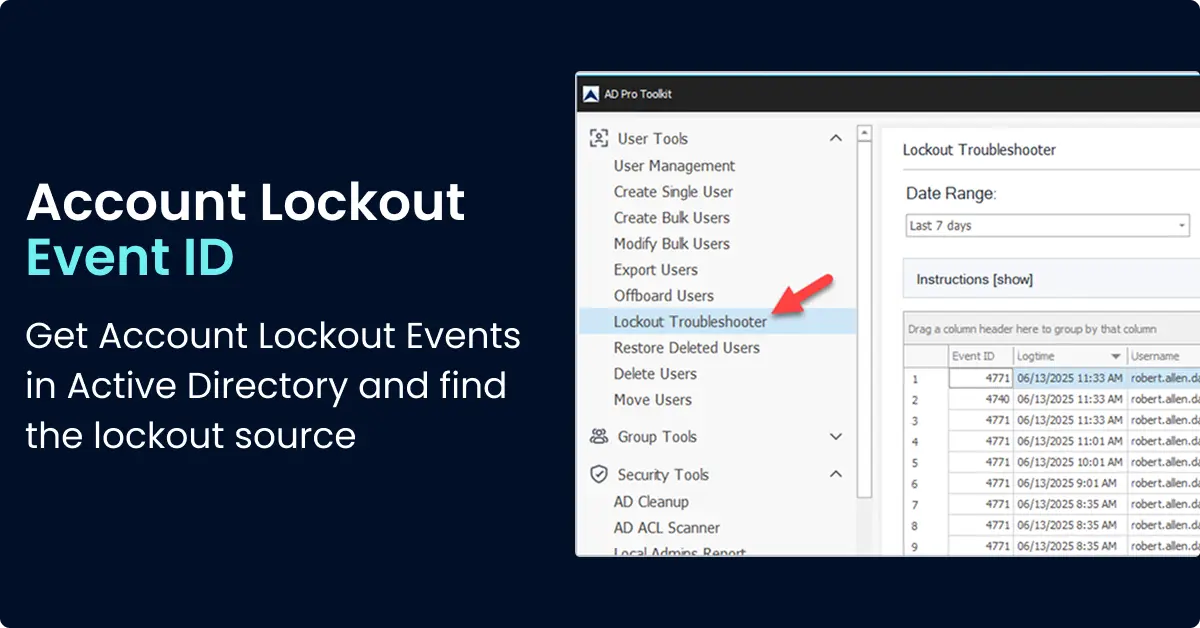
Account lockout event ID 4740 is logged when an AD account gets locked out. Learn how to find the lockout source and fix common causes
-
How to Add Secondary Domain Controller (2012, 2016, 2019)
Having one Domain Controller is not recommended because it creates a single point of failure. If the only Domain Controller goes down in the organization
-
How to Search Objects in Active Directory
In this article, you will learn how to search Active Directory to find objects such as users, computers, OUs, and groups. There are multiple options for
-
Account Lockout Policy: Configuration Guide
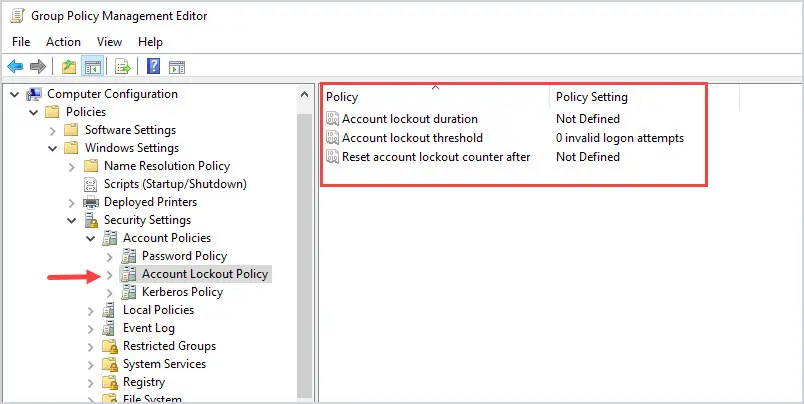
In this guide, you will learn about the three account lockout policy settings and how to properly configure each policy setting.
-
Create Active Directory Test Environment (Complete Guide)
Create an Active Directory test environment with these step by step instructions and scripts. Building an Active Directory lab is easy and is a great way to
-
Disable Password Saving in Chrome Using Group Policy
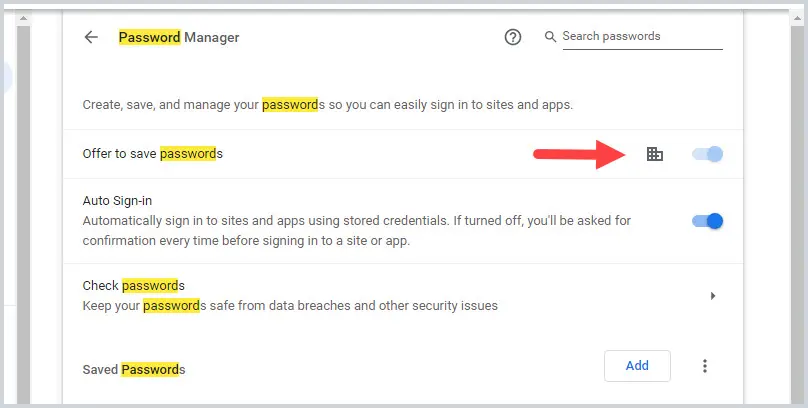
In this guide, you will learn how to block users from saving passwords in the Chrome Browser by using Group Policy. I’ll show you how to disable saving
-
How to Restore Active Directory (Full Restore & System State)
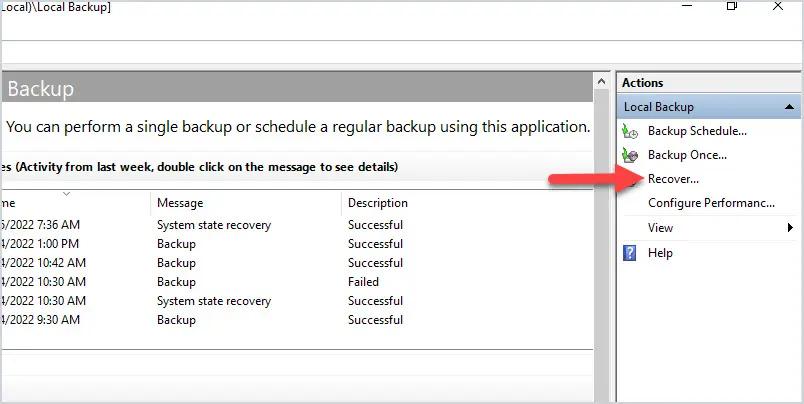
In this guide, you will learn how to restore Active Directory from a Windows Server Backup. You will need to have a full server backup or a system state backup
-
Active Directory Ports Used Client to Server
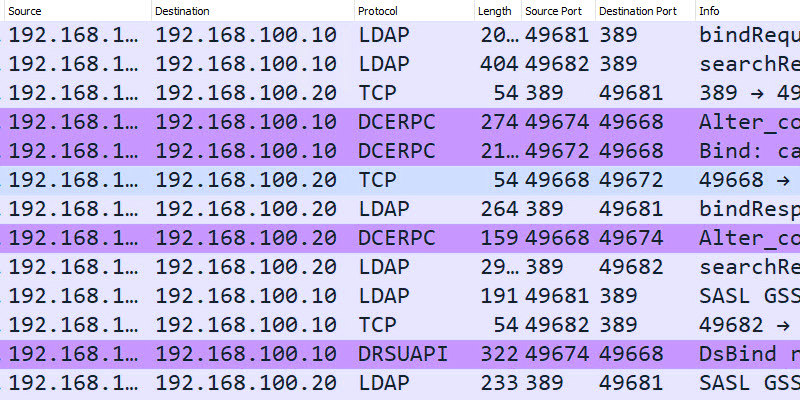
In this post, I will explore the TCP and UDP ports used by Active Directory from client to server. I will use WireShark and a series of tests to determine what
-
Delegate Control in Active Directory (Step-by-Step Guide)
Delegating control in Active Directory lets you give specific admin tasks to non-admin users without granting them full domain admin rights. For example
-
How to Deploy a Domain Controller in Azure
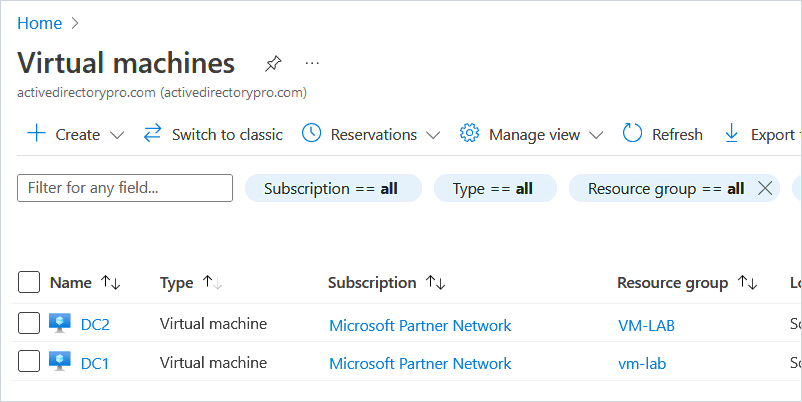
In this guide, I will demonstrate how to deploy a domain controller in Azure. Deploying a Domain Controller in Azure can be used to add additional Domain
-
How to Move Users from One Domain to Another
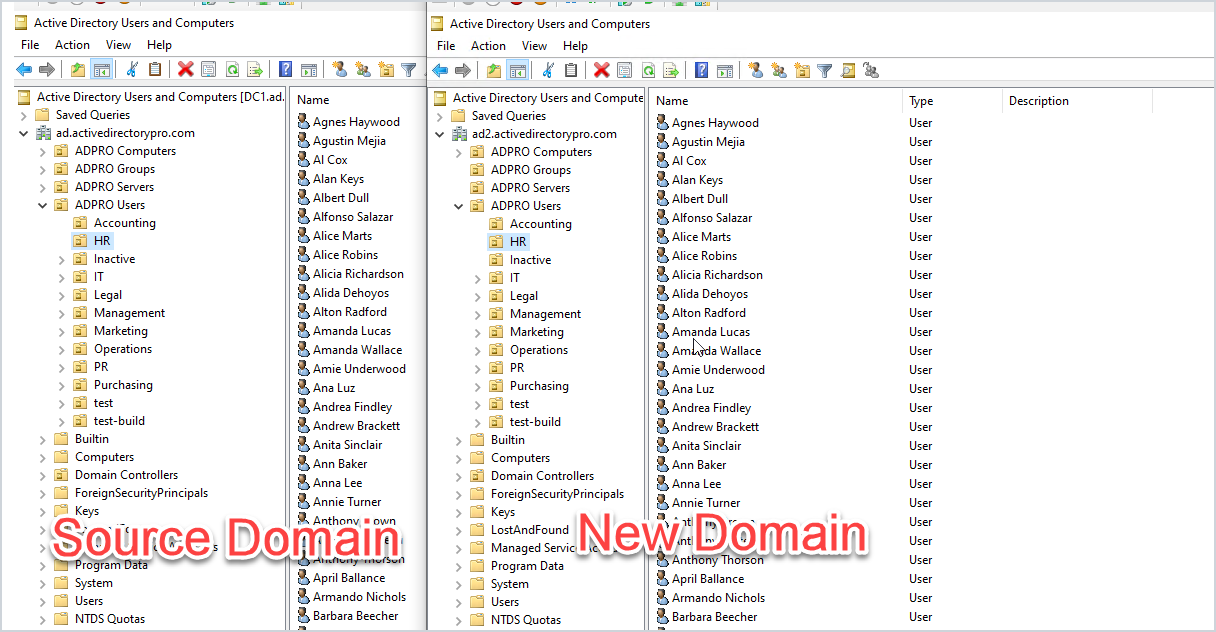
In this tutorial, I will demonstrate moving Active Directory users from one domain to another.
-
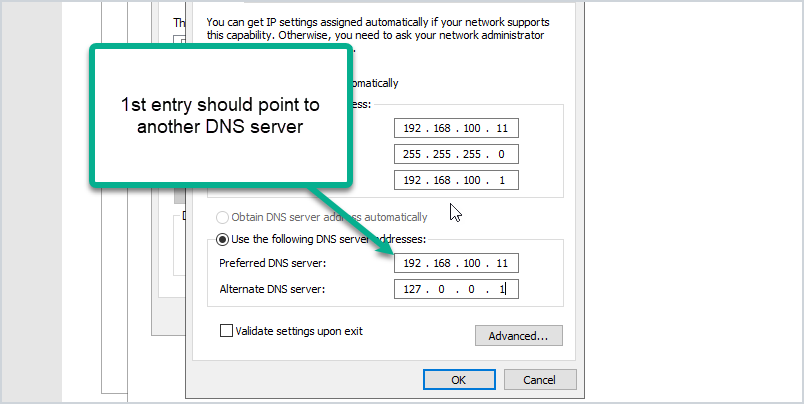
Change IP Address on Domain Controller
In this post, I will demonstrate how to change the IP address on a domain controller. Before you change the IP address it is very important to run through a
-
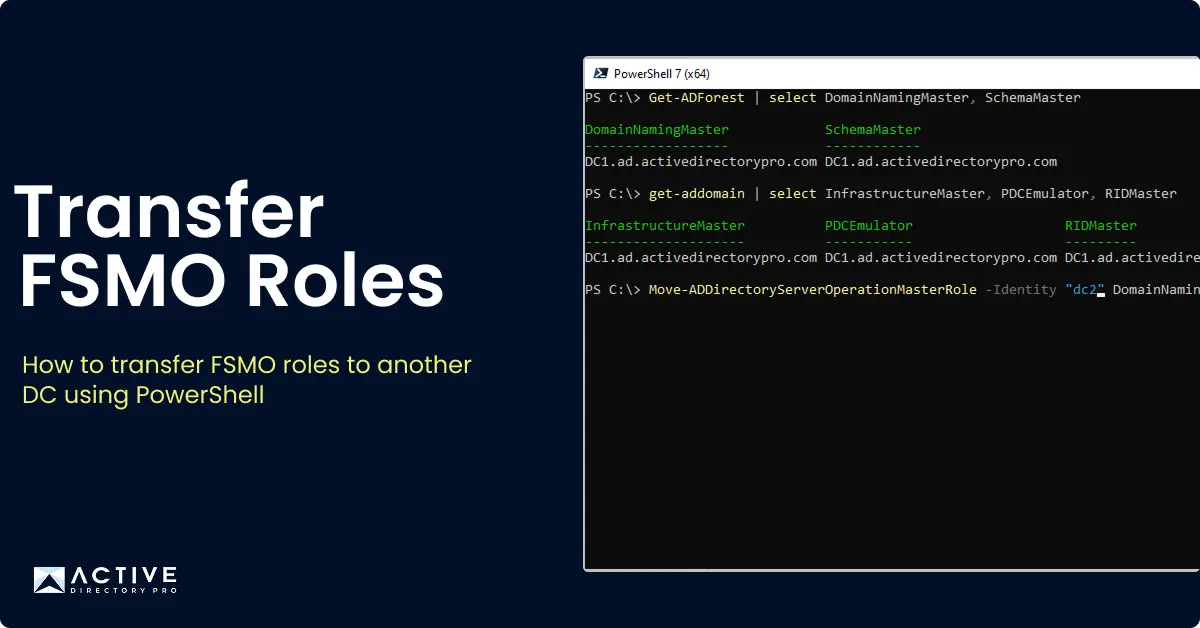
How to Transfer FSMO Roles (2 Easy Steps)
In this tutorial, I’ll show you step by step instructions to transfer the FSMO roles from one domain controller to another.
-
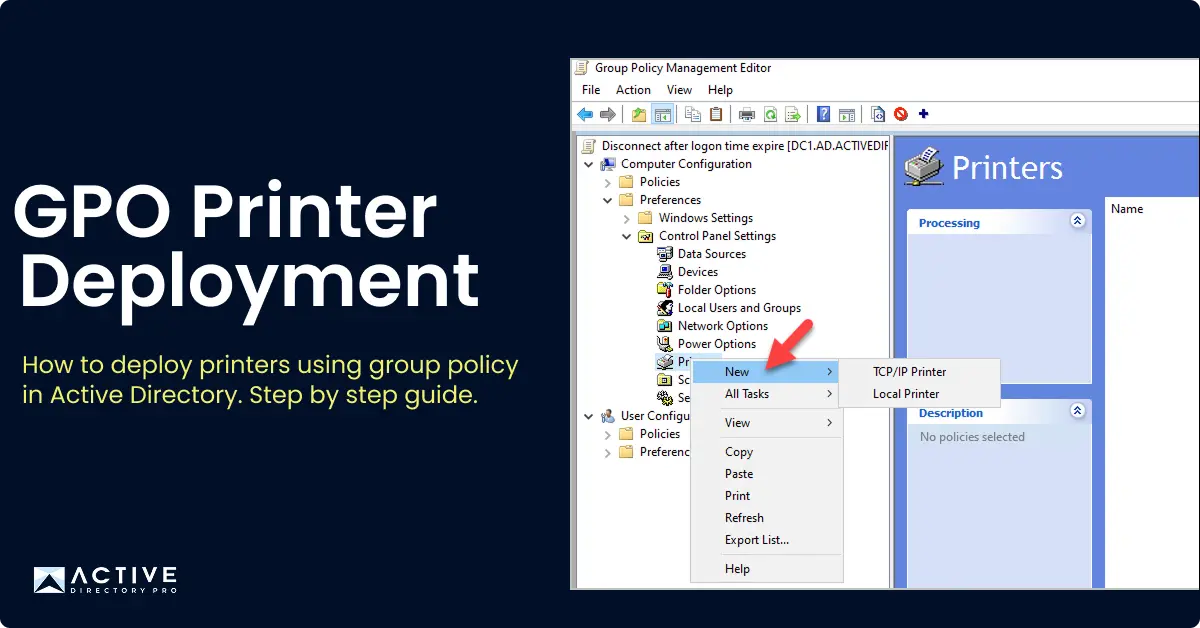
Deploy Printers With Group Policy
In this tutorial, you will learn how to deploy printers using Group Policy. In this example, I will use group policy preferences and item level targeting to
-
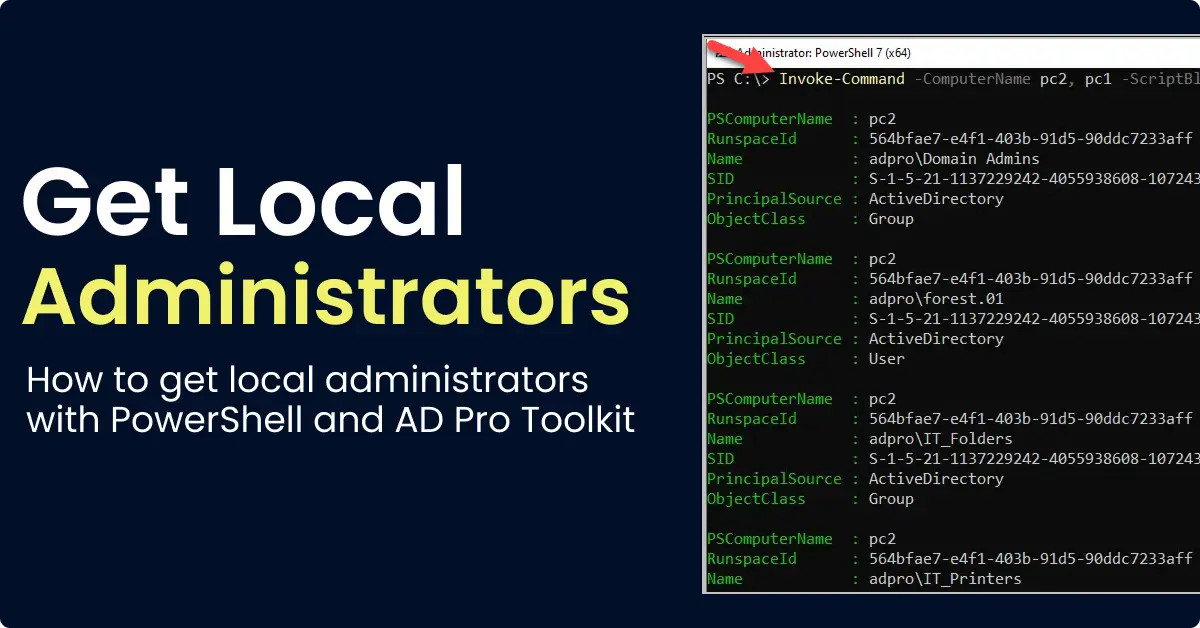
Get Local Administrators with PowerShell
Get members of the local administrators group using PowerShell and Get-LocalGroupMember.
-
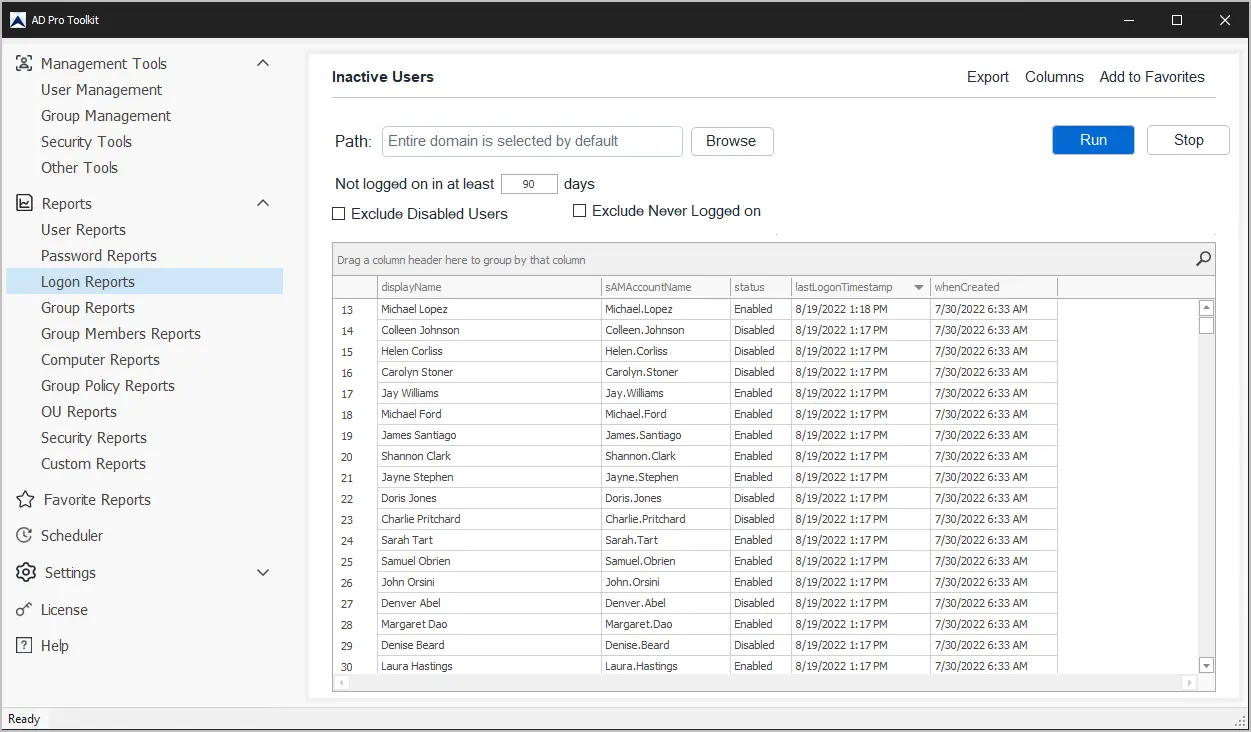
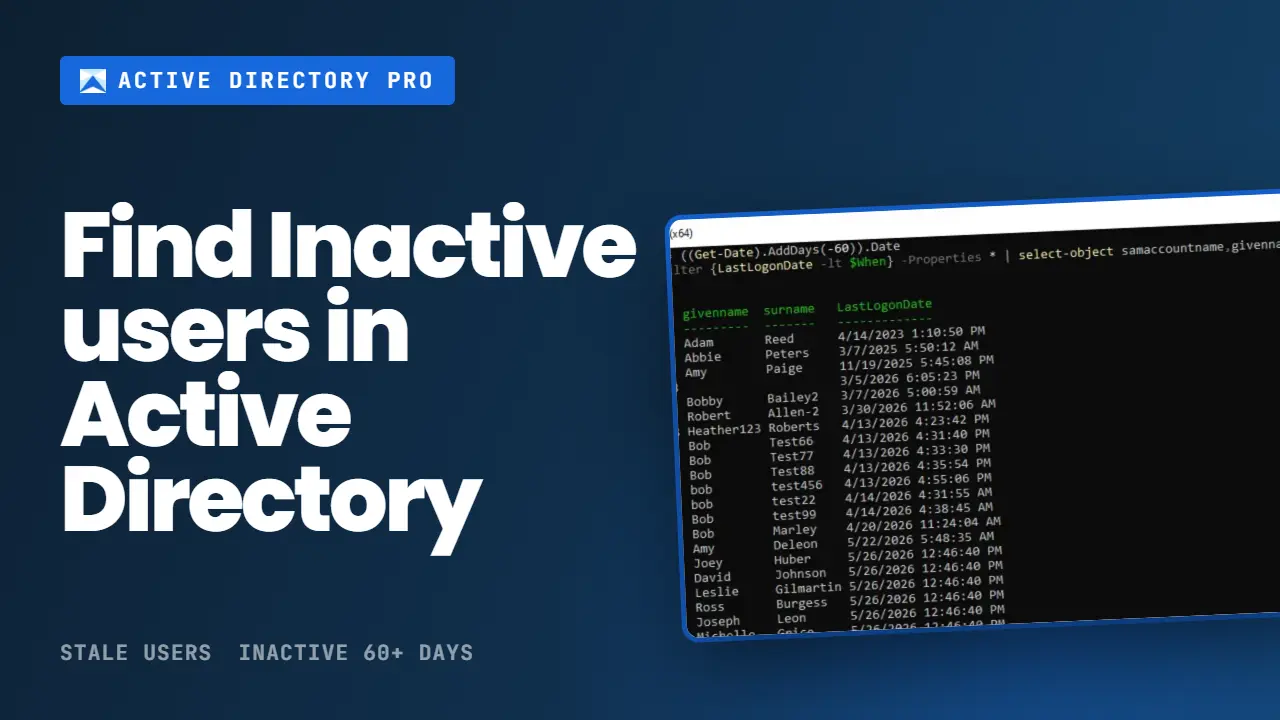
How to Find Inactive User Accounts in Active Directory
Find and remove inactive or dormant Active Directory accounts with PowerShell, AD GUI, or AD Pro Toolkit. 3 Step by Step guide.
-
How to Demote a Domain Controller (Step-by-Step Guide)
Steps on how to remove a domain controller using server manager and manually remove a dead domain controller.
-
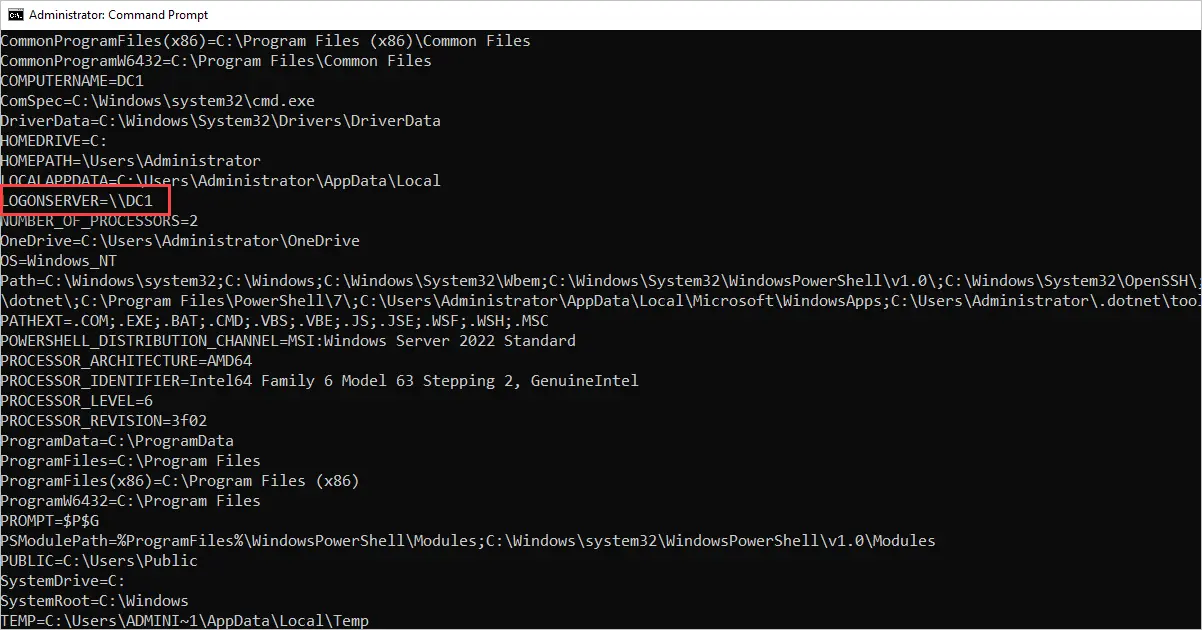
How to Find Which Logon Server You Authenticated to (Domain Controller)
There are times when you need to determine which domain controller you have authenticated to. This can be helpful for a number of reasons such as
-
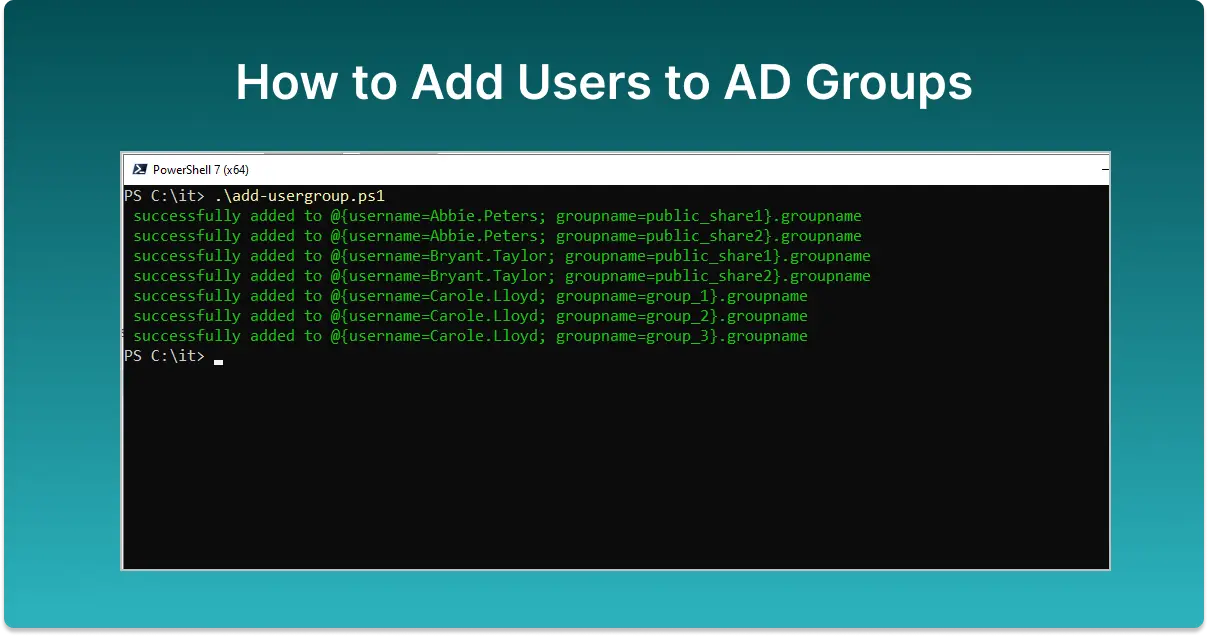
Bulk Add Users to Groups in Active Directory
Bulk add users to Active Directory groups using PowerShell, CSV, or the AD Pro Toolkit. Add multiple users to a group or one user to multiple groups.
-
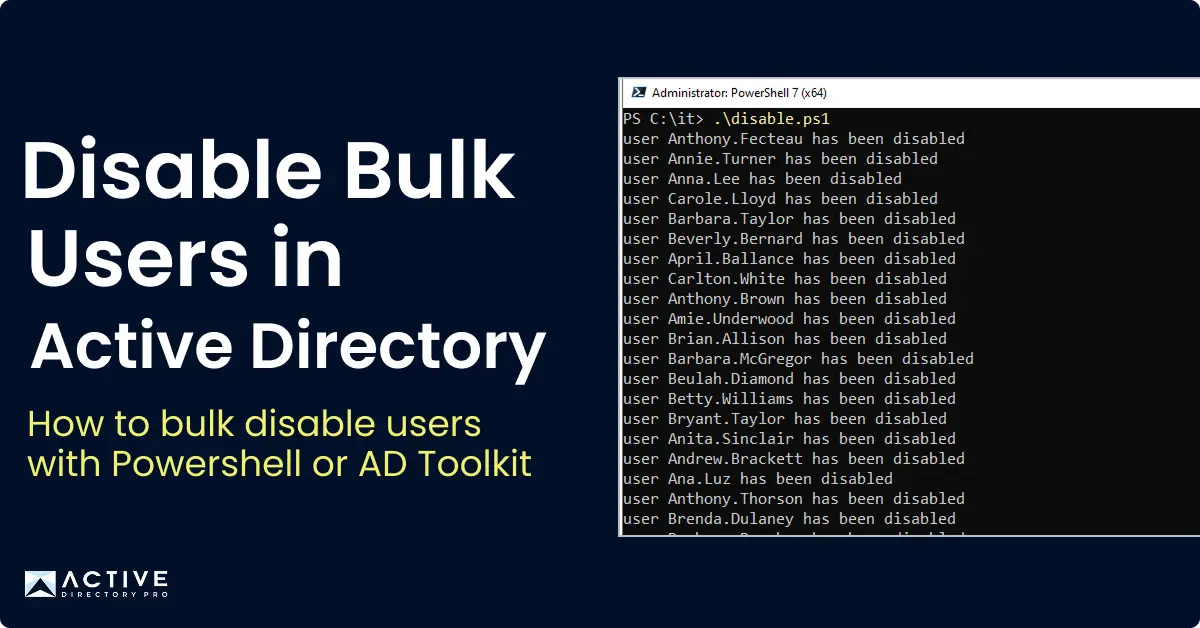
Using PowerShell to Disable AD Accounts
In this guide, you will learn how to disable Active Directory user accounts with PowerShell. I’ll also show you how to disable users with the AD Pro Toolkit and
-
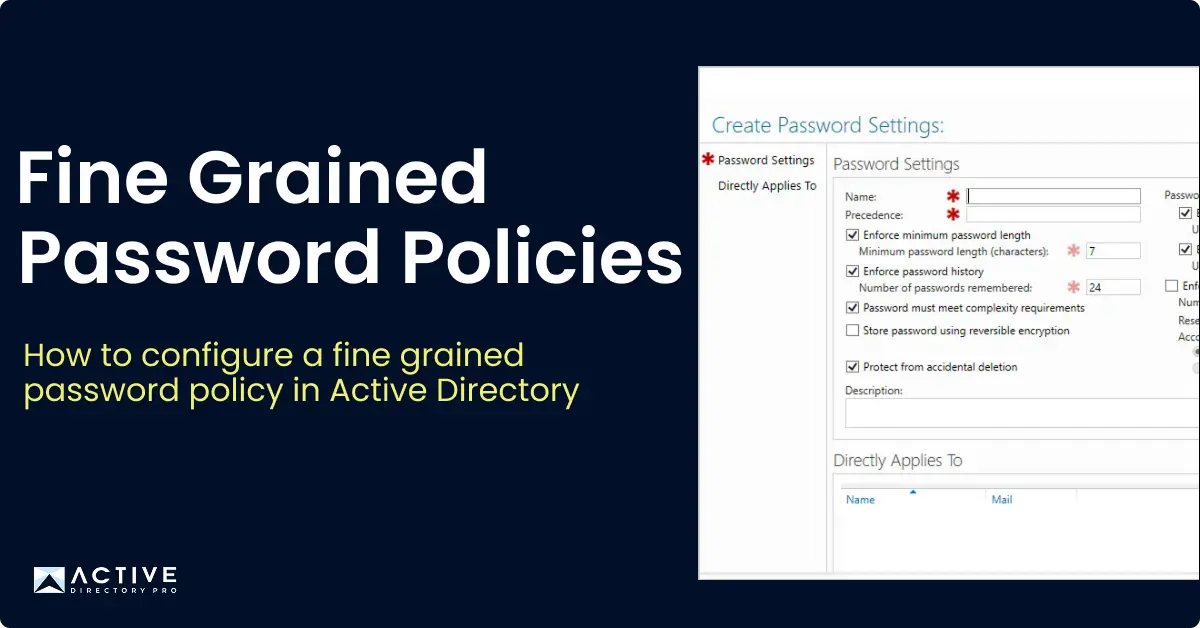
Create Fine Grained Password Policy (Step-by-Step-Guide)
Fine Grained Password Policies allow administrators to apply a different password policy to specific users or groups in Active Directory.
-
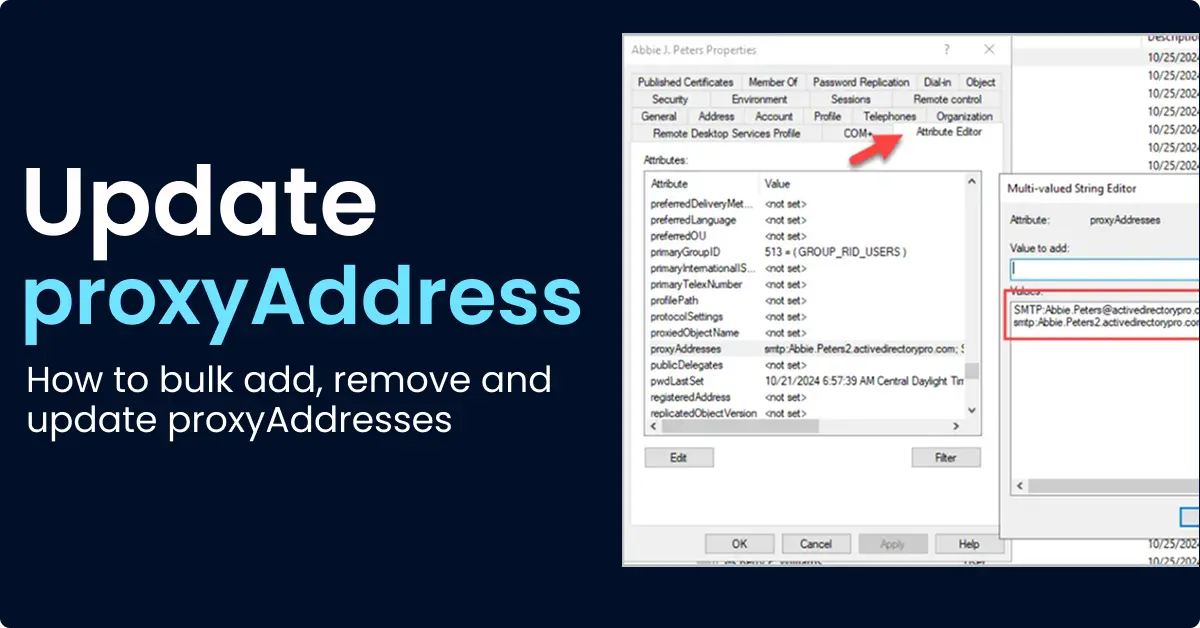
How to Add Proxy Addresses in Active Directory
Learn how to add proxy addresses in Active Directory using ADUC, PowerShell, and CSV files. Includes steps to bulk add and remove proxy addresses.
-
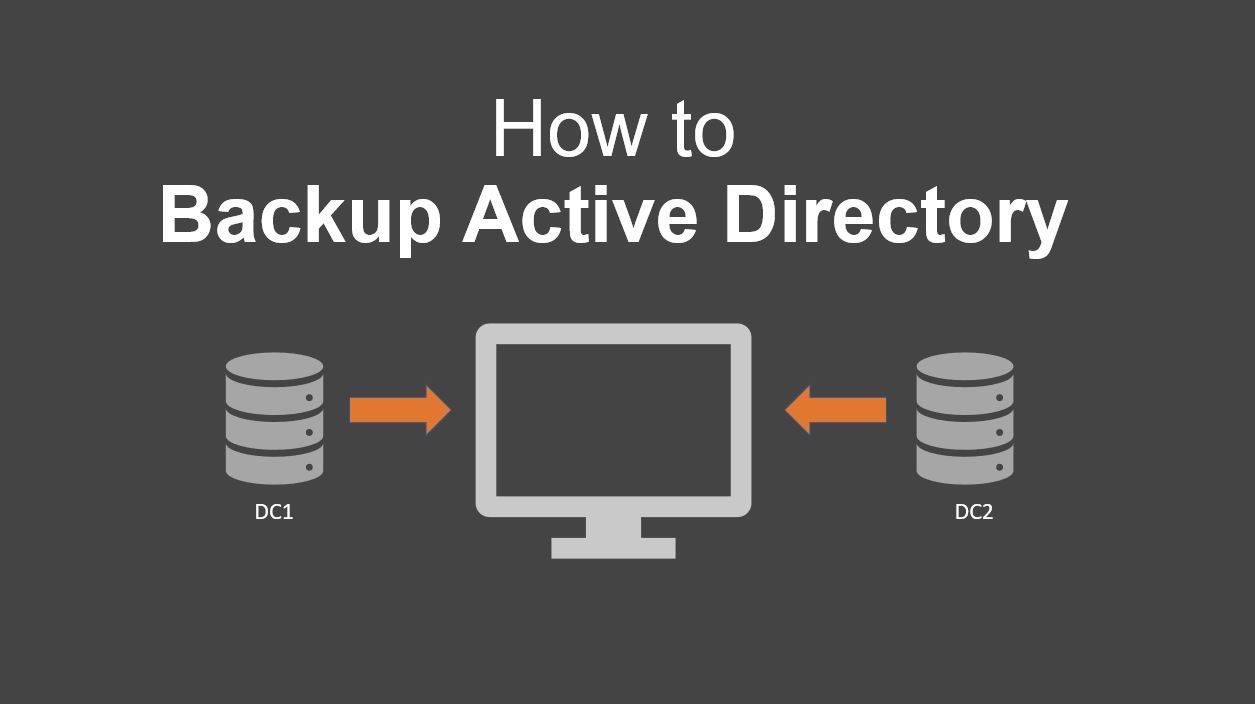
Backup Active Directory (Full and Incremental Backup)
Learn how to backup Active Directory with this step-by-step guide. Table of contents: Let’s dive right in. In networks that use Active Directory
-
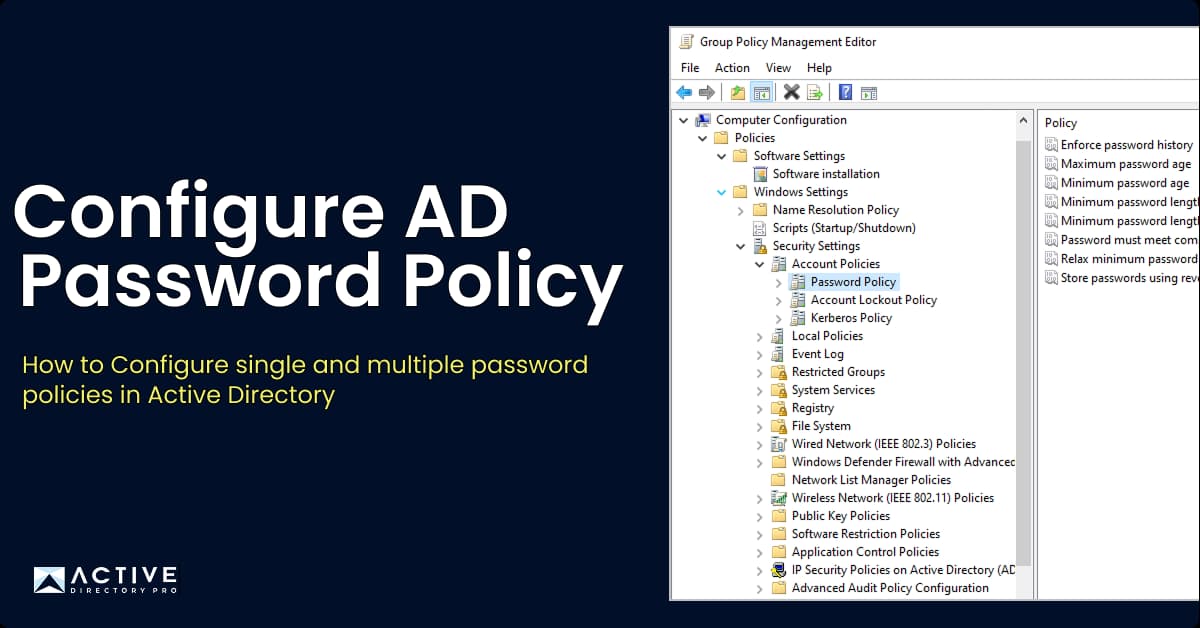
How To Configure a Domain Password Policy
In this article, you will learn how to configure the Active Directory Domain password policy. The domain password policy is critical to ensure security and
-
Active Directory Glossary - Terms and Fundamental Concepts
In this post, I’m going to list and explain the most commonly used terminology in Active Directory and related technologies. If you are new to Active Directory
-
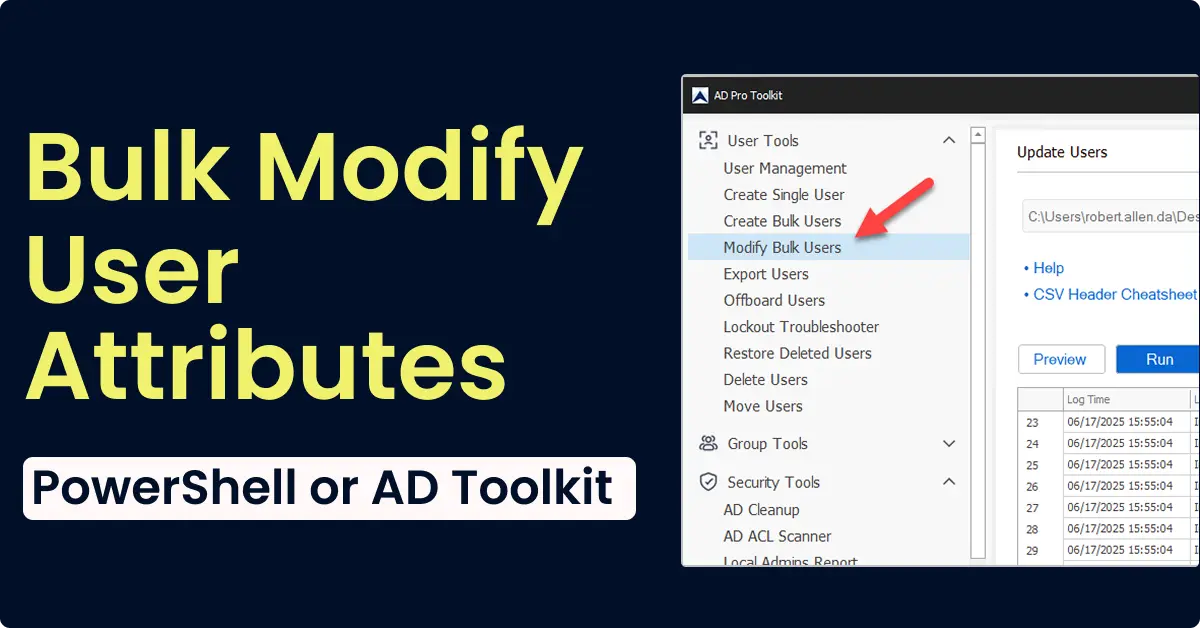
Bulk Update AD User Attributes (PowerShell & GUI)
Learn how to bulk update Active Directory user attributes using PowerShell, CSV, and the AD Pro Toolkit. Update departments, titles, managers, and more in bulk.
-
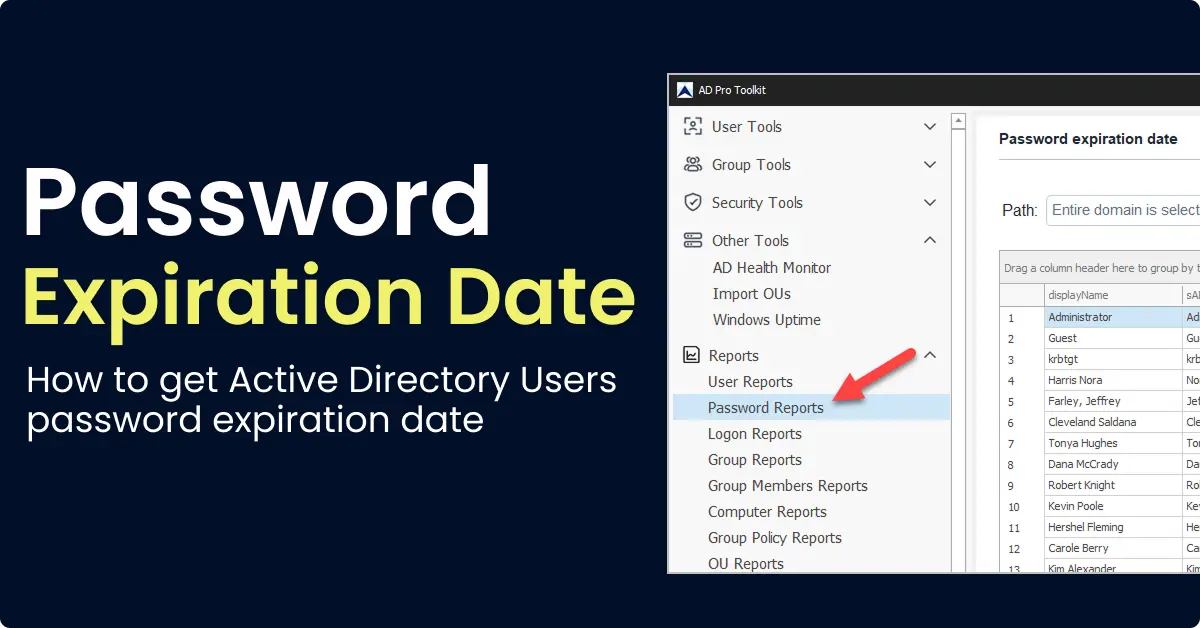
How to Get AD Users Password Expiration Date
In this guide, I’ll show you how to get the password expiration date for Active Directory User Accounts. This is very easy to do. I will provide a few examples
-
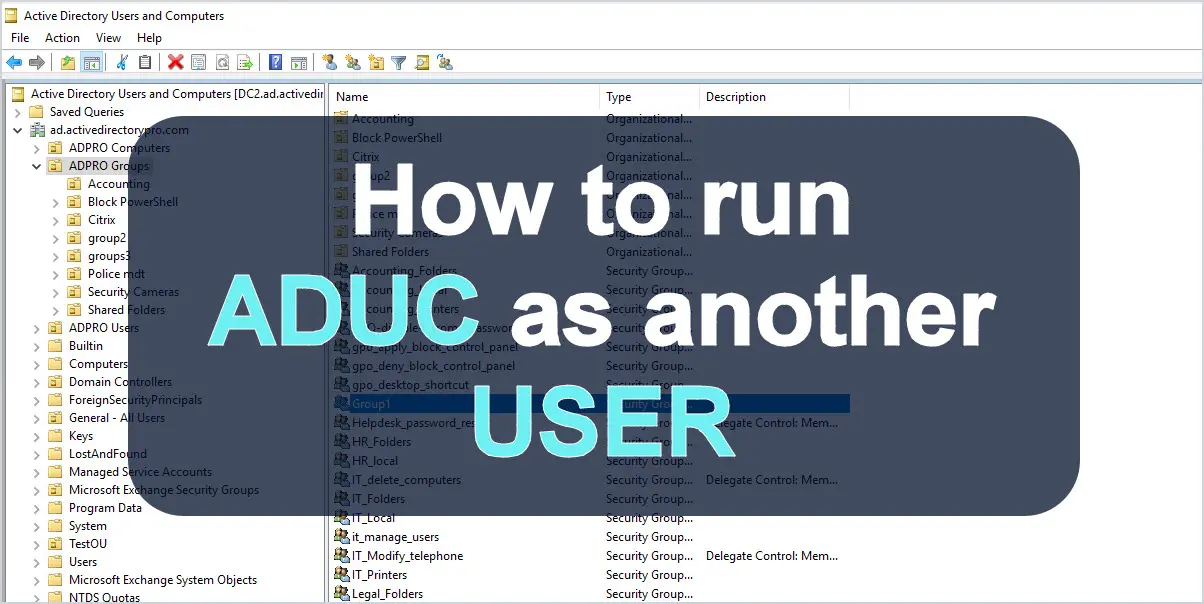
Run ADUC as Another User (RUNAS)
Are you looking for a way to run Active Directory Users and Computer as a different user? Then you’re in the right place. It is a best practice for System
-
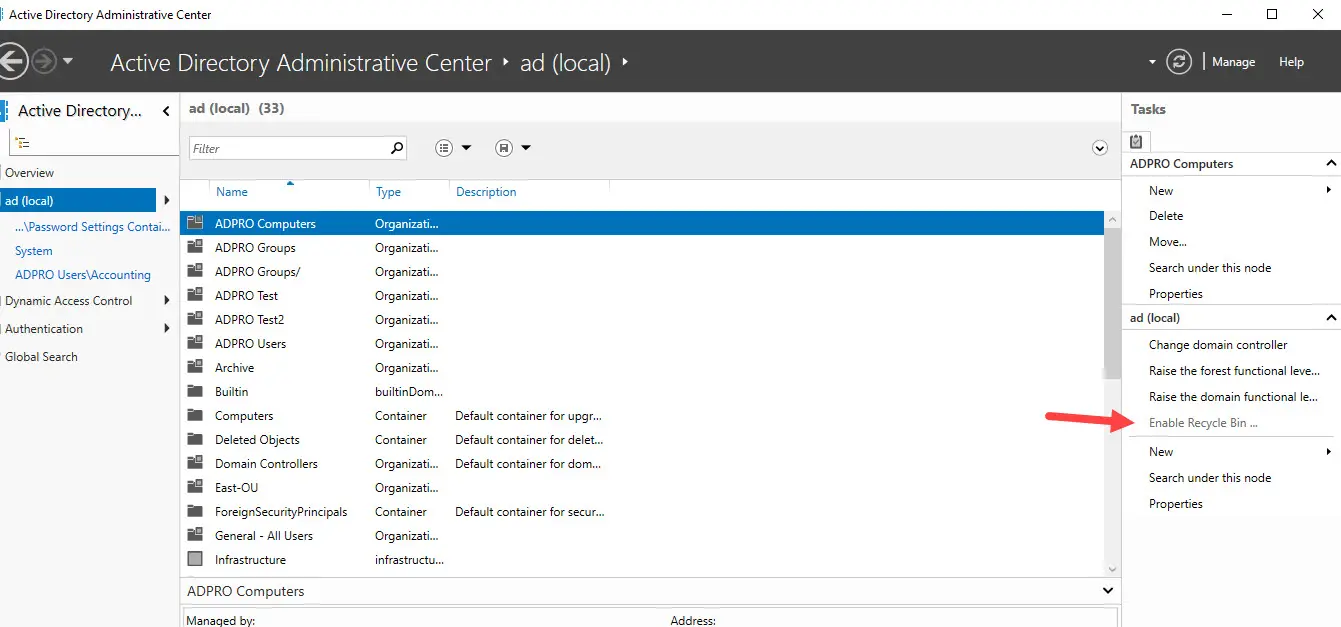
How to Enable Active Directory Recycle Bin
How to enable the Active Directory recycle bin using Windows server manager or with PowerShell. Learn how to check if AD recycle bin is enabled.
-
Repadmin: How to Check Active Directory Replication
In this tutorial, you will learn how to use the repadmin tool to check Active Directory Replication. Repadmin is the ultimate replication diagnostic tool.
-
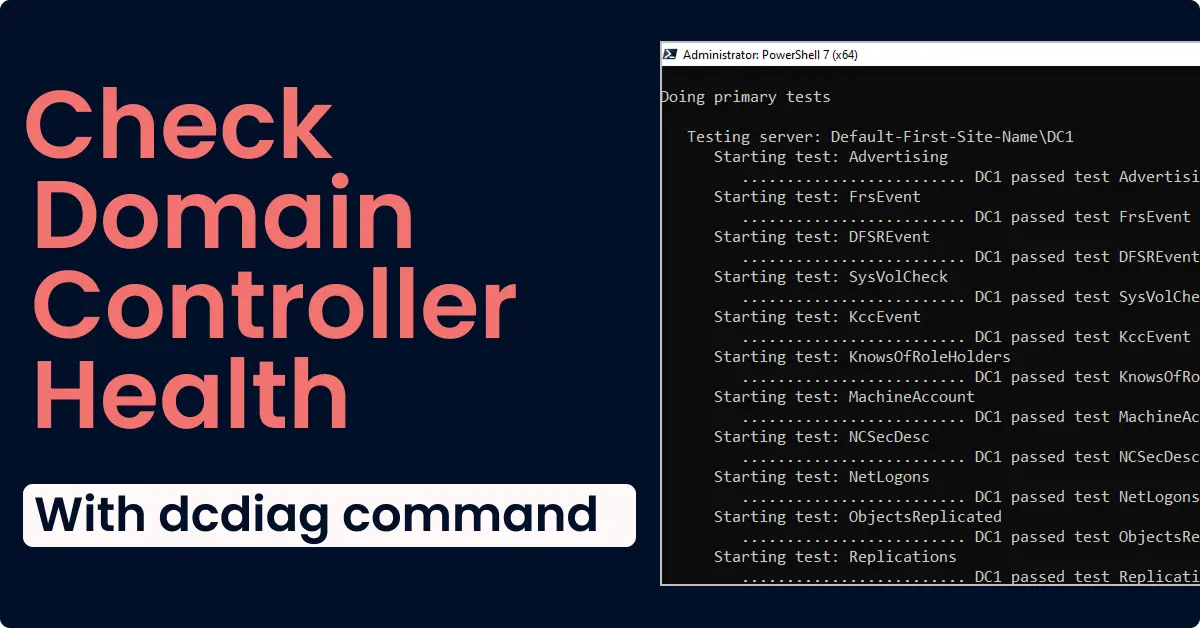
Dcdiag: How to Check Domain Controller Health
In this tutorial, I’ll show you how to use the Dcdiag command line utility to perform a domain controller health Check and test DNS. I’ll also show you a GUI
-
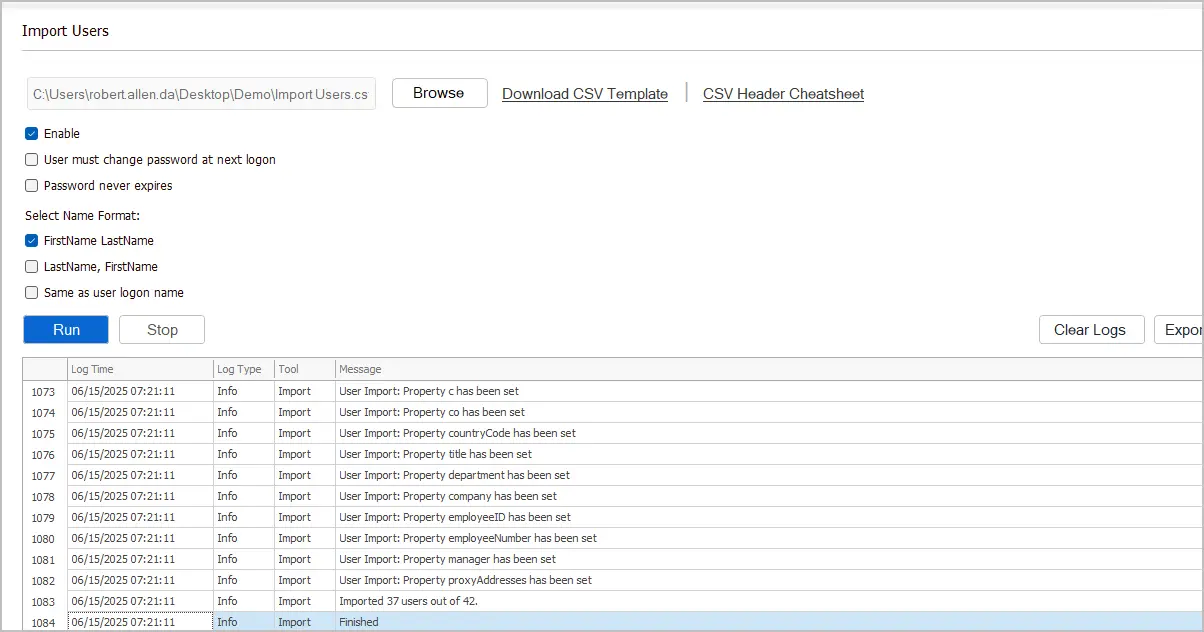
Bulk Create Users in Active Directory
Create bulk users in Active Directory using PowerShell and a CSV file. Step-by-step guide with PowerShell script, CSV template, and import verification steps.
-
How to Find Inactive Computers in Active Directory
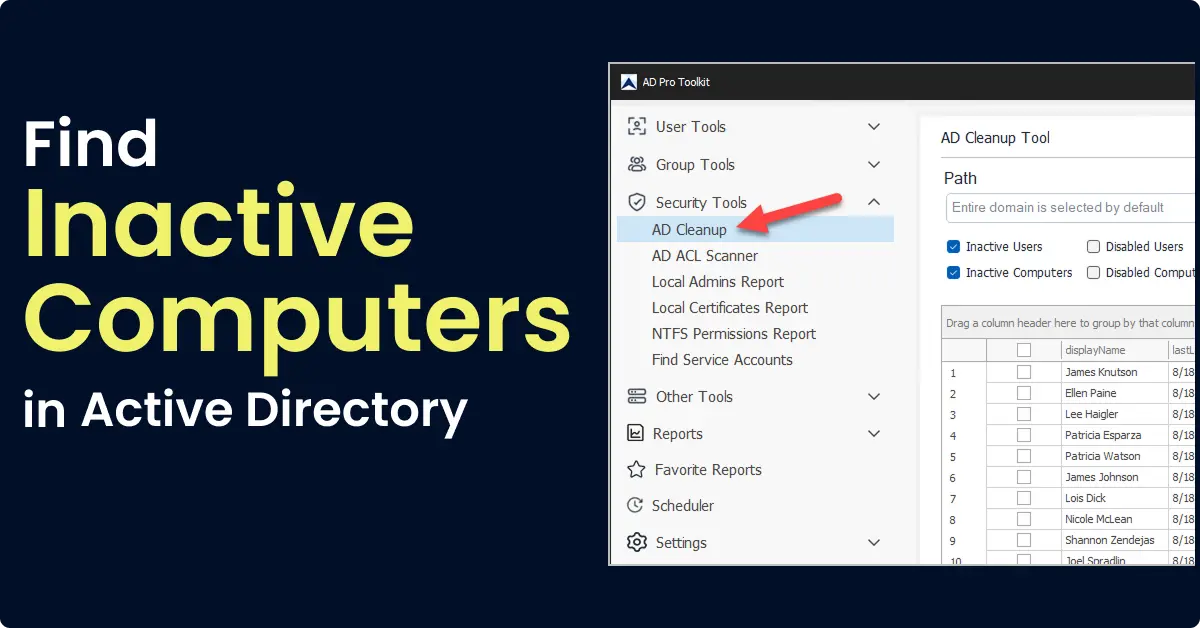
Find and remove inactive computers in Active Directory using PowerShell and the AD Cleanup Tool.
-
Install RSAT (Windows 10,11, Windows Server)
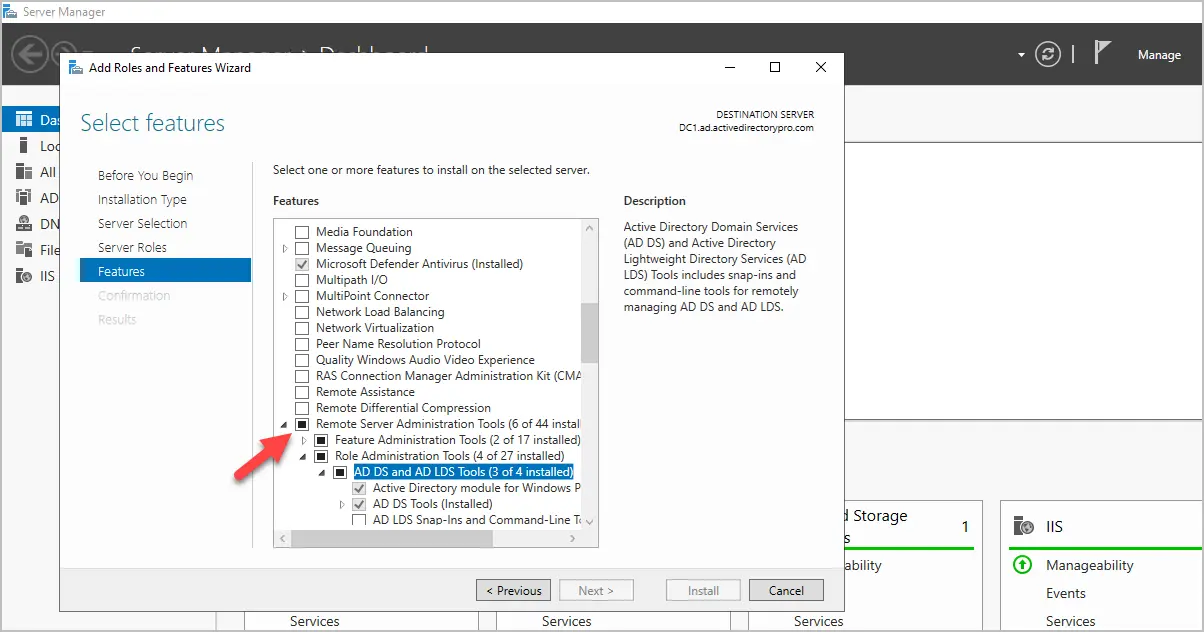
In this guide, I’ll show you how to install RSAT (Remote Server Administration Tools) on Windows 10, Windows 11, and Windows Server. I’ll also show you how to
-
Find Locked out Accounts in Active Directory
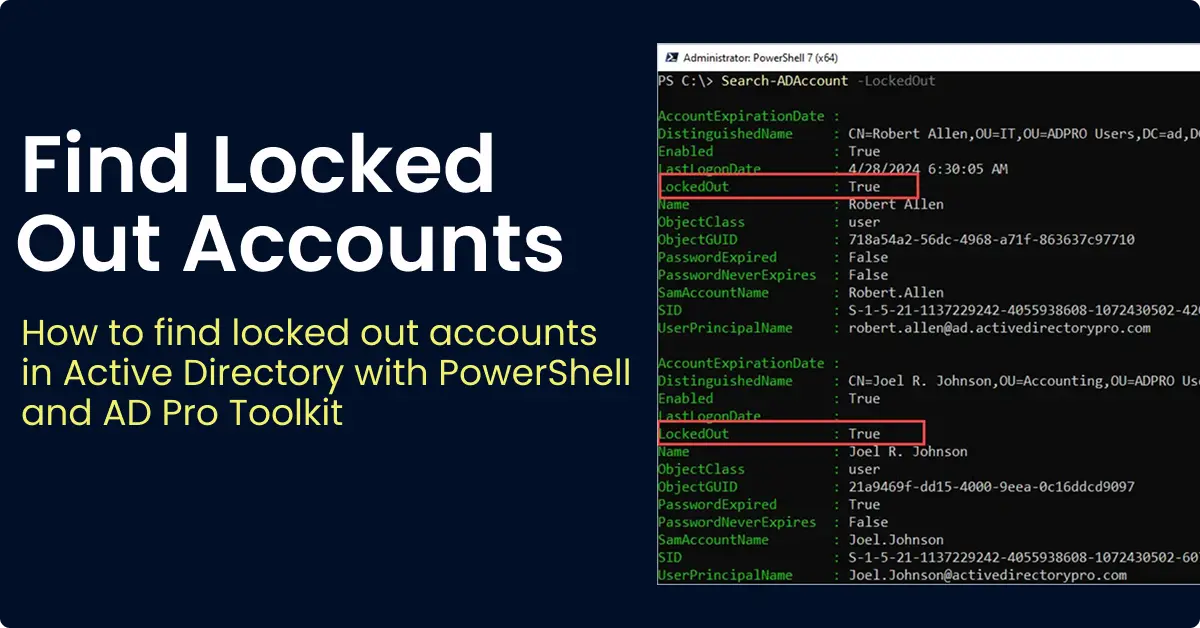
How to find locked out accounts in Active Directory using PowerShell, AD Pro Toolkit, and ADUC. Includes how to troubleshoot accounts that keep locking out.
-
Get AD User Last Logon with PowerShell
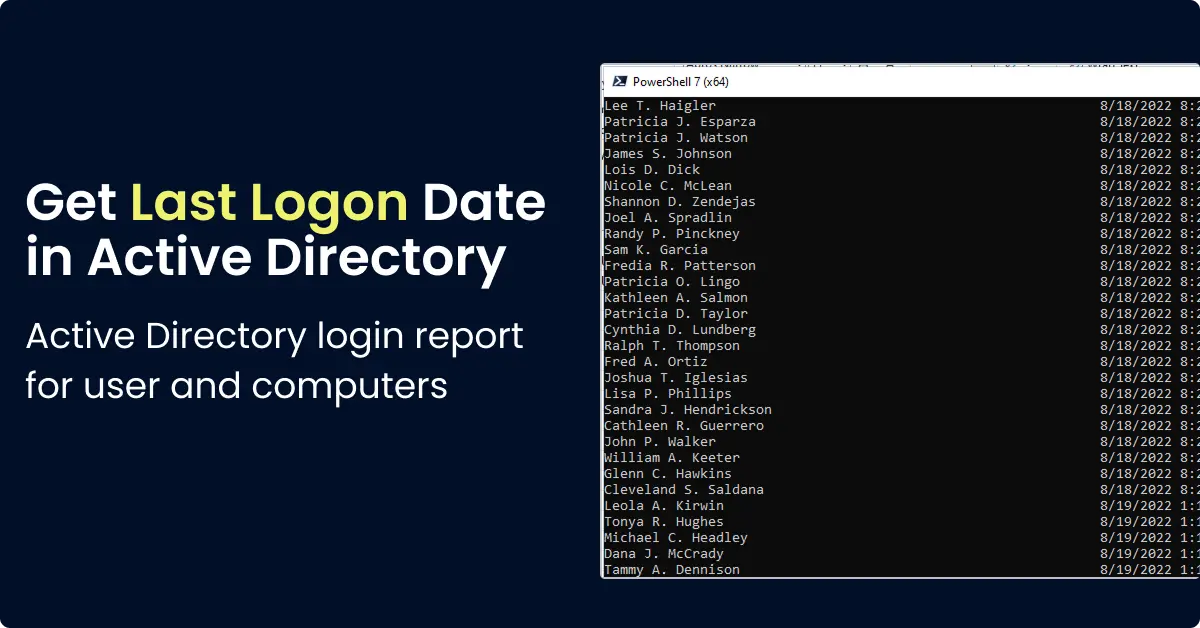
Use PowerShell Get-ADUser to find the last logon date for AD users. Covers LastLogon vs LastLogonTimeStamp and how to export results to CSV.
-
Lockout Status Tool: Download & Setup Guide
The Microsoft Account Lockout and Management Tools (LockoutStatus.exe) helps find and troubleshoot account lockouts in Active Directory. In this guide
-
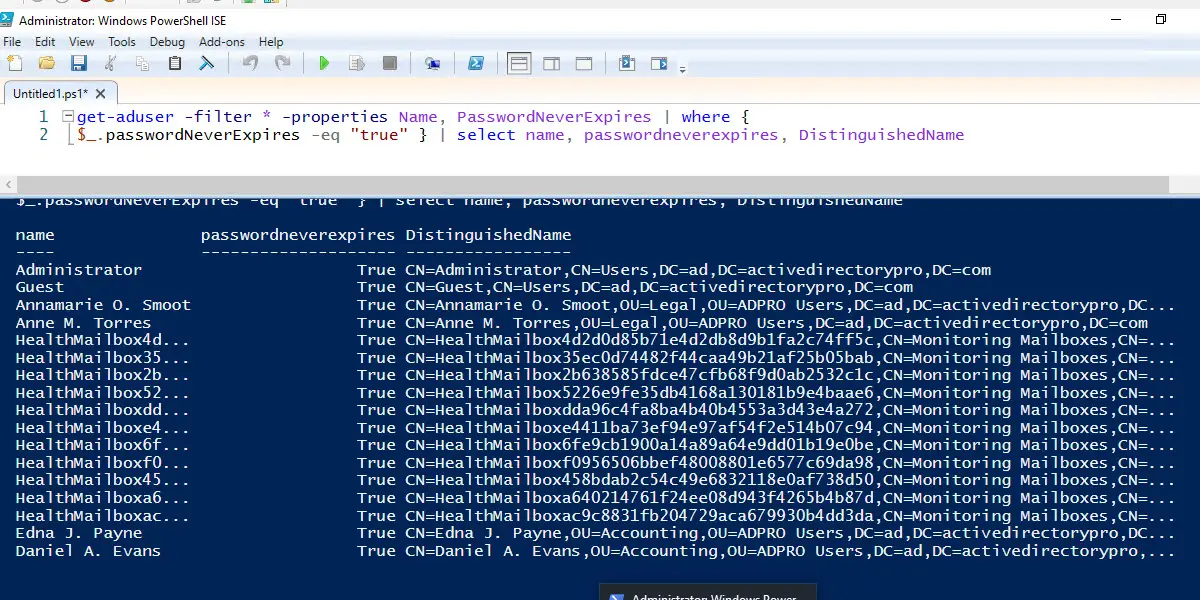
PowerShell: Find Users with Password Never Expires
Accounts with passwords set to never expire are a security risk and should be reviewed regularly. In this guide, I’ll show you how to find Active Directory
-
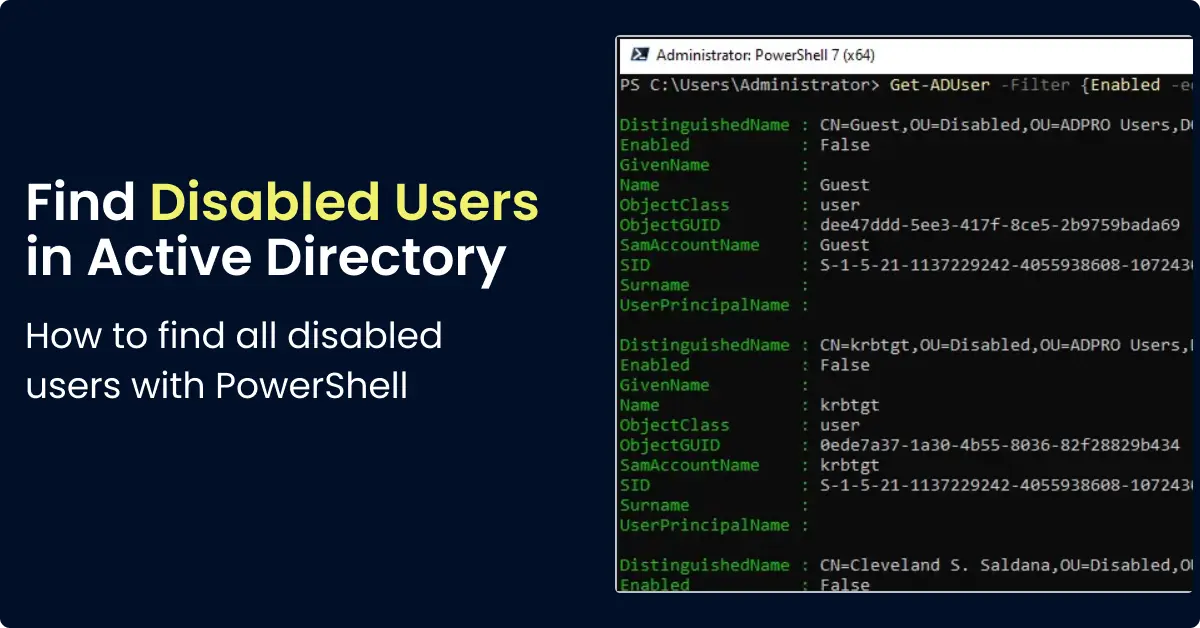
Export Disabled Users from Active Directory
Find all disabled user accounts in Active Directory using PowerShell. Export disabled users to CSV, find all disabled users by OU.
-
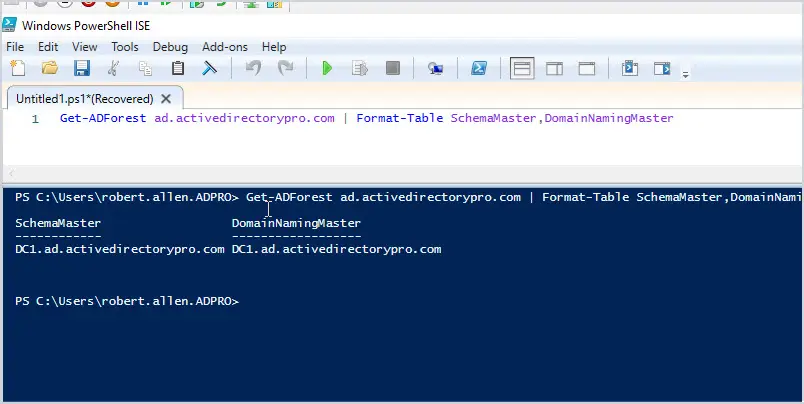
How to Quickly check FSMO roles
Active Directory contains five roles called Flexible Single Master Operation Roles (FSMO), these roles are required for the domain controllers to function
-
How to Setup a Domain Controller Server 2012
In this article, I will walk through how to setup a new domain controller on server 2012. Before promoting the server, you should make sure a static IP address
-
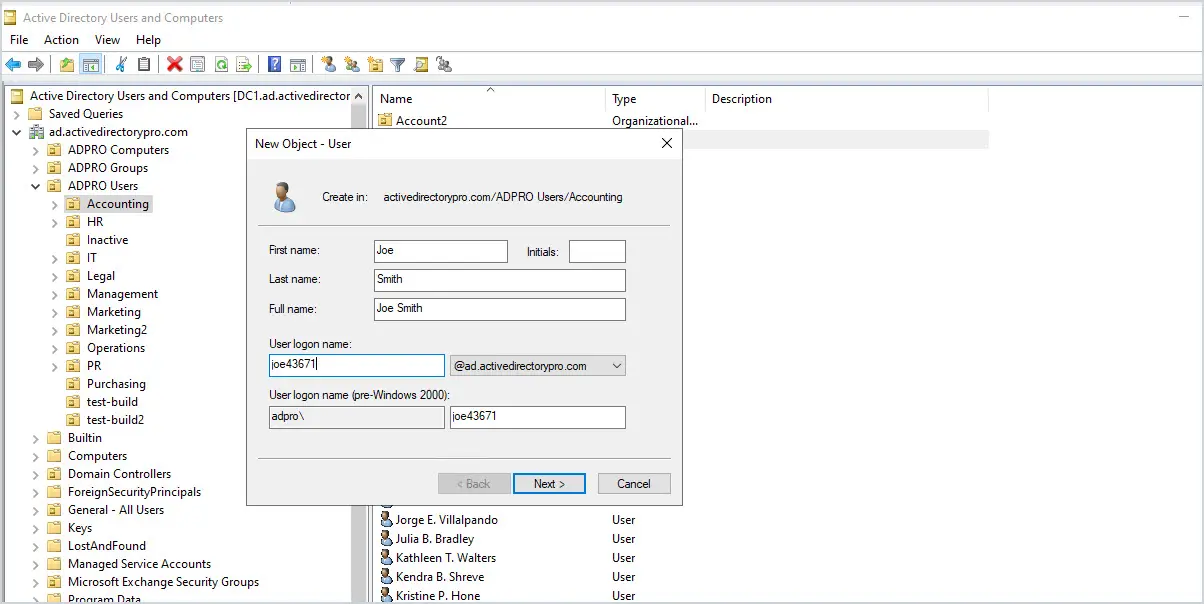
Active Directory User Naming Conventions
In this article, I will look at some of the most common naming conventions for usernames in Active Directory. Each user account will need to be unique
-
Create a User in Active Directory (Step by Step)
This is a complete guide on how to add users in Active Directory. Learn how to easily create users with this detailed post.