
365 Pro Toolkit
Microsoft 365 Reporting and Management Tool
365 Pro Toolkit is the all-in-one console for Microsoft 365 admins, with hundreds of built-in reports and full management for users, groups, and mailboxes.
Download Free Trial Book a demo
Trusted by 5,000+ organizations worldwide. Runs on your own server.
Product overview
See 365 Pro Toolkit in action
Watch a quick product demo to see how easy it is to generate reports and manage users, mailboxes, and groups.
No More Jumping Between Admin Centers
Manage Microsoft 365, Exchange, and Entra from one place.
User Management
Create users from templates, fix attributes in bulk, and retire accounts without leaving the app.
Group Management
Build any group type and manage membership and ownership from one screen.
Mailbox Management
Convert to shared, set permissions and auto-replies, and manage inbox rules.
Bulk Operations
Drive thousands of changes from a CSV. Add or remove members, licenses, and more in one pass.
License Management
See who has what, then assign or reclaim licenses in bulk to stop paying for stale accounts.
Security Actions
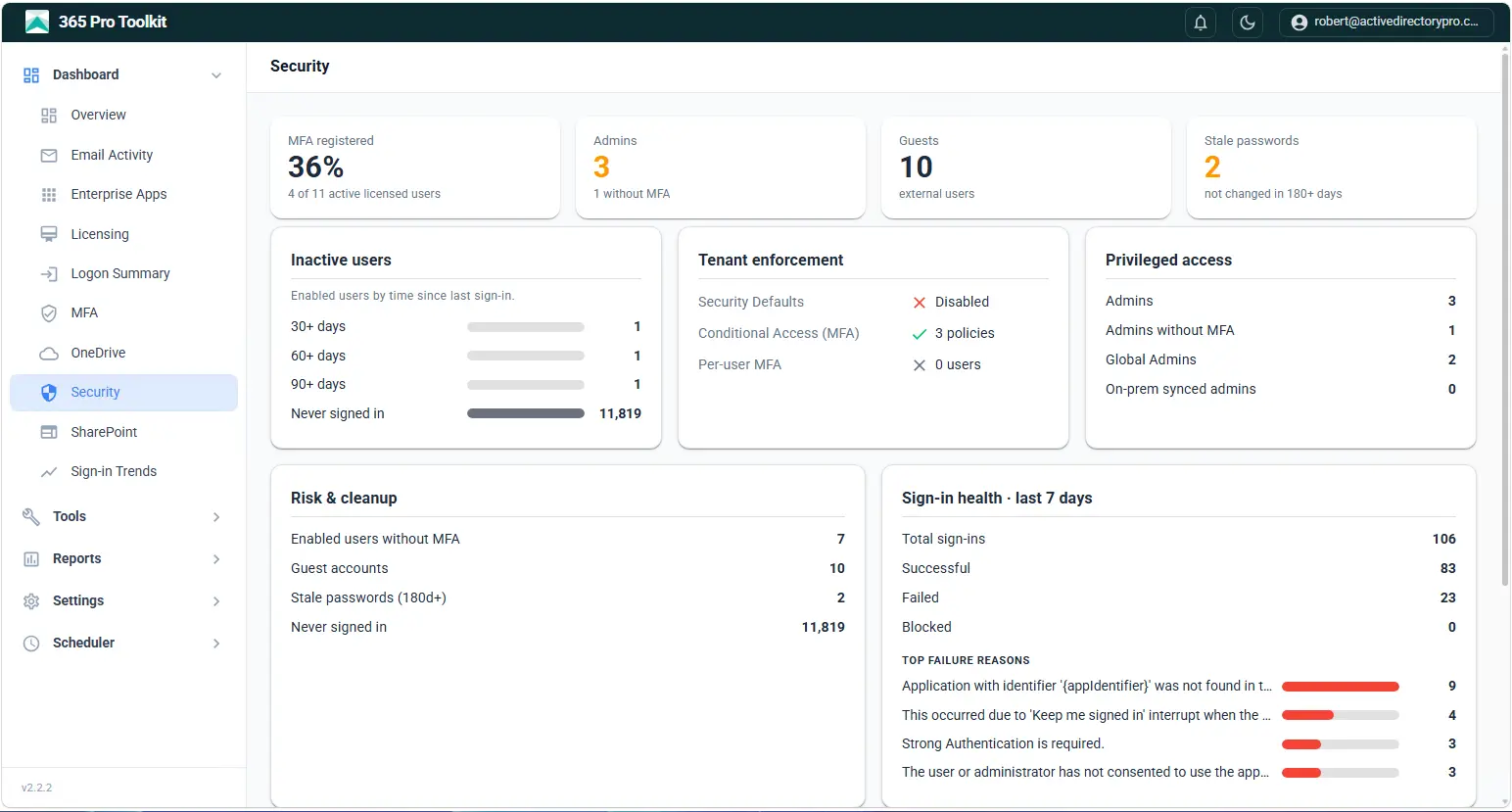
Find inactive accounts, users without MFA, and unexpected admin roles across your tenant.
300+ Built-in Reports
Users, groups, mailboxes, licenses, devices, and security, ready the moment you connect.
Scheduled Reports
Run any report automatically and have it delivered to your inbox daily, weekly, or monthly.
Multi-Tenant Support
Manage and report across multiple Microsoft 365 tenants from a single console.
Advanced Column Filters
Filter, sort, and save report views, then reuse them without setting the filters up again.
Role-Based Access
Delegate reporting and management to helpdesk staff without granting them admin privileges.
Export Reports
Export any report to Excel, CSV, PDF, or HTML for auditors, managers, and compliance.
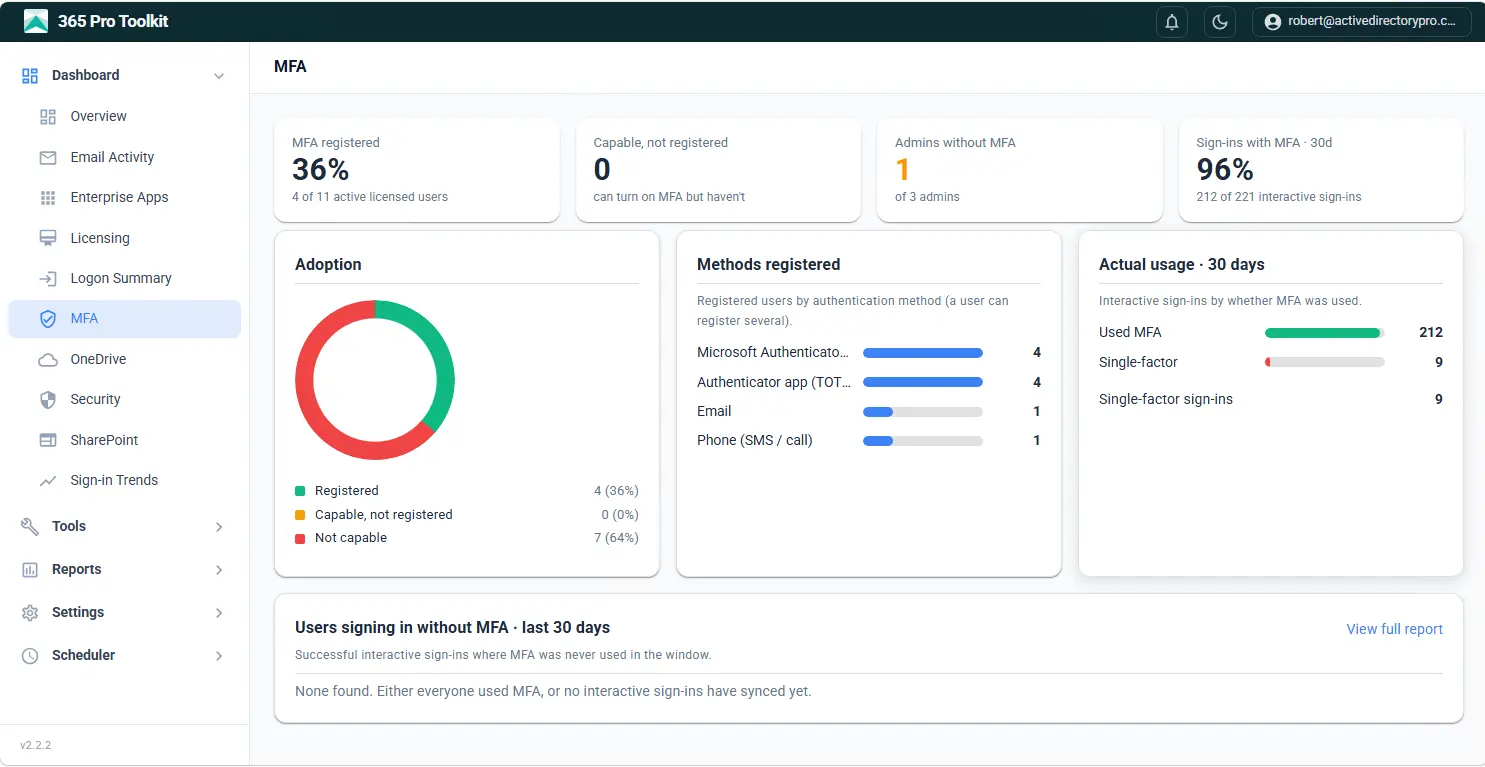
Microsoft 365 Reporting
Hundreds of pre-built reports load from a fast local database, so you are not waiting on Graph paging or timing out on large tenants. Dashboards summarize security posture, licensing and sign-in health the moment you open the app.
- MFA coverage and tenant enforcement at a glance
- Privileged access, risk and cleanup in one view
- Inactive, licensed and guest accounts
- Export to Excel or CSV, or email on a schedule
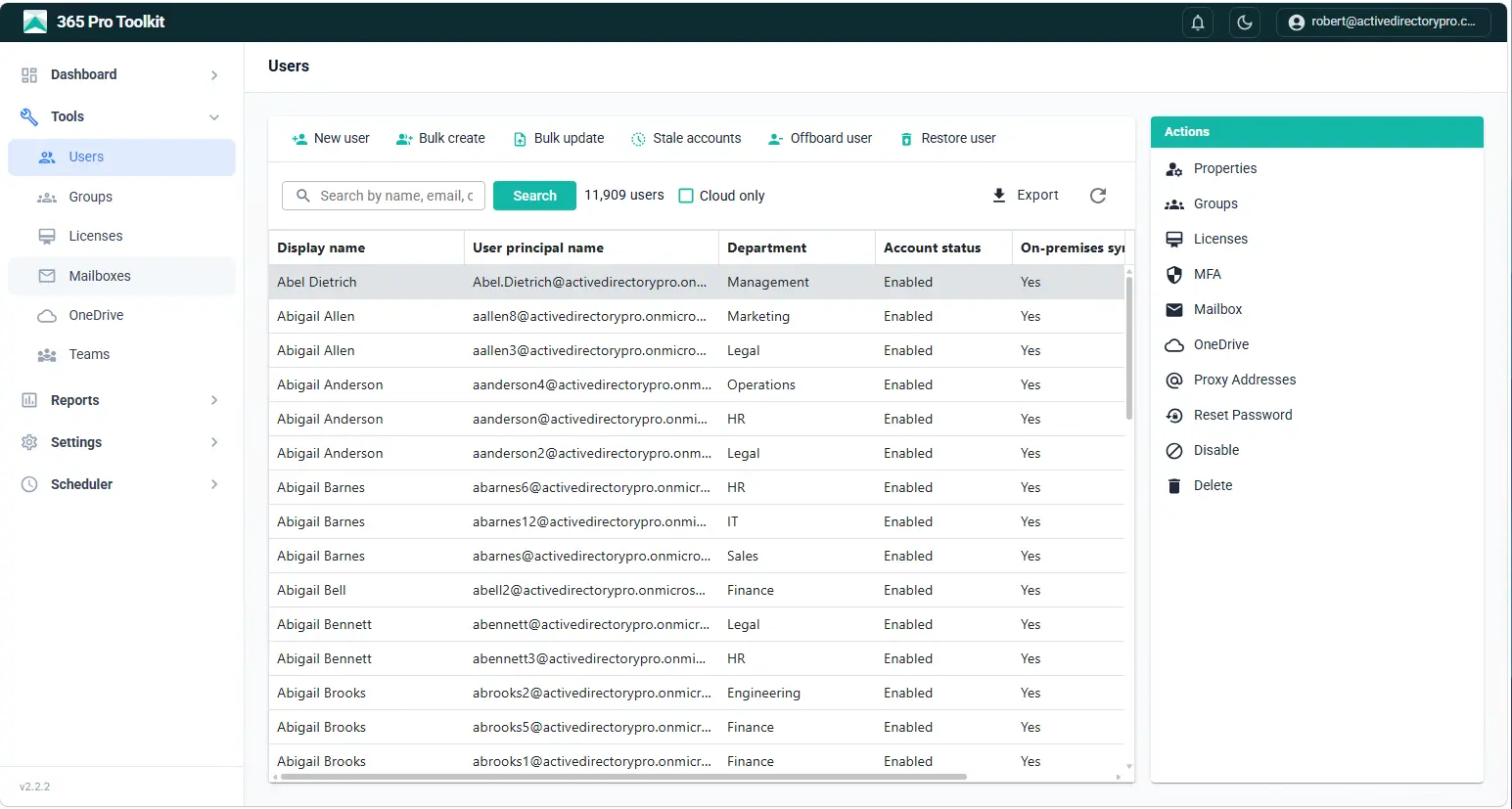
User and Group Management
Create users from reusable templates, fix attributes in bulk, and build any group type with membership and ownership managed from one screen. Check and manage user licenses.
- Create users from reusable templates
- Bulk attribute and membership updates from a CSV
- Microsoft 365, security and distribution groups
- Assign and reclaim licenses in bulk
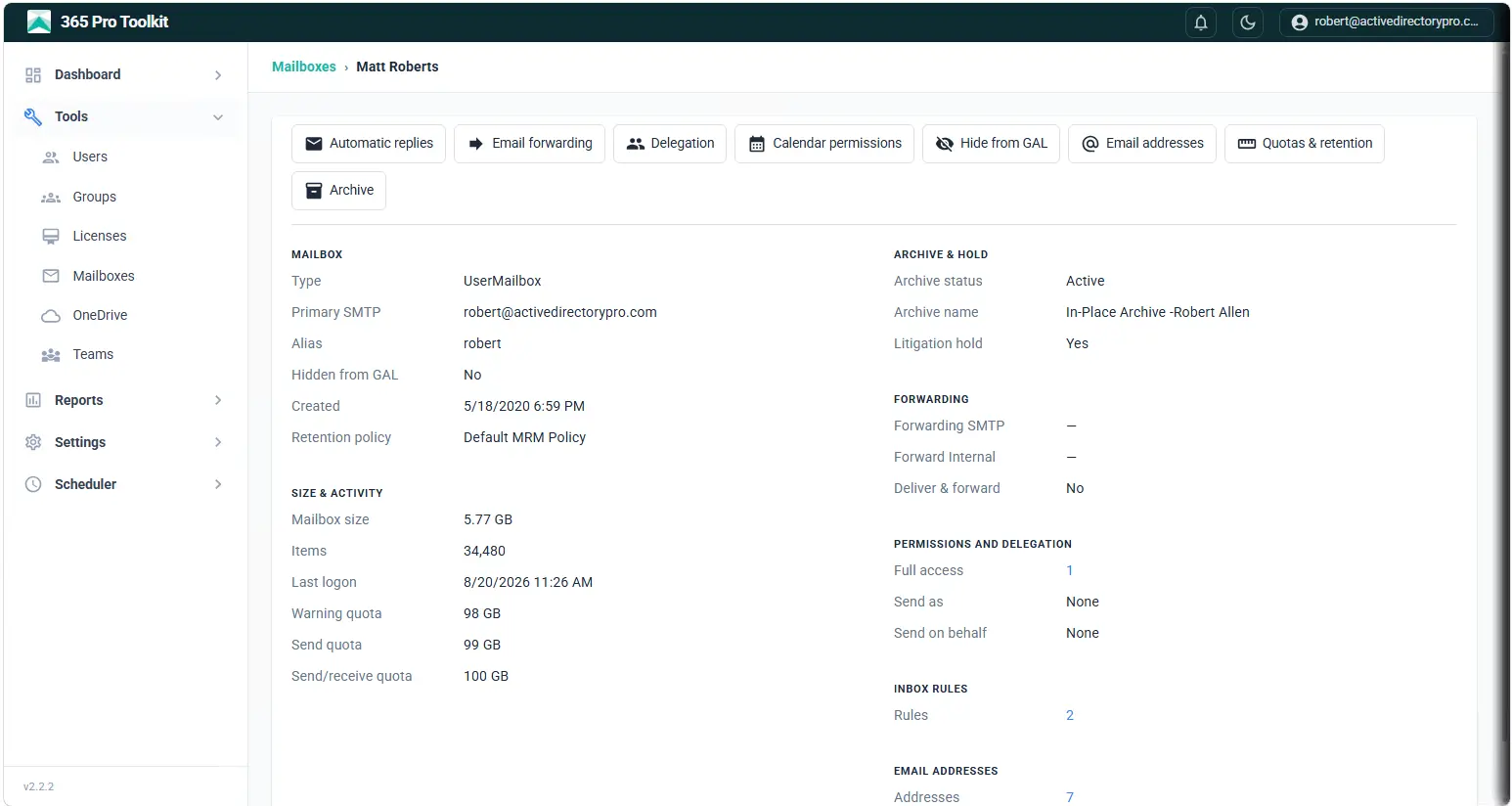
Exchange Management Tasks
Convert mailboxes to shared, set permissions and auto-replies, and manage inbox rules without opening the Exchange admin center.
- Convert to shared and set mailbox permissions
- Auto-replies, forwarding and inbox rules
- Delegation and send-as access
- Mailbox sizes, types and litigation hold
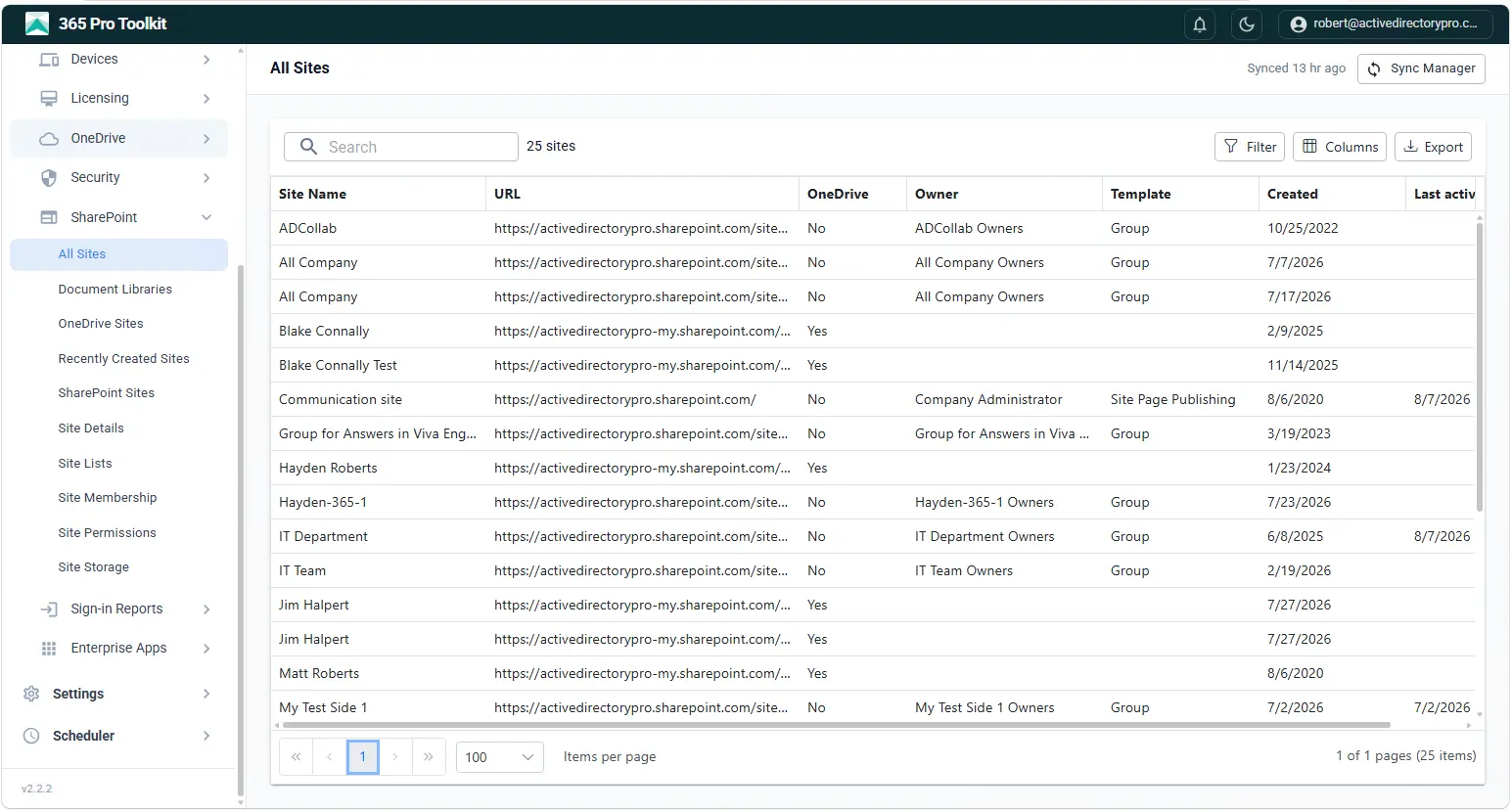
OneDrive and SharePoint Reports
Report on every SharePoint site and OneDrive account in the tenant, including who owns it, how much storage it uses, and whether anyone is still using it.
- All sites with URL, owner, template and created date
- Storage usage and quota across the tenant
- Orphaned and inactive OneDrive accounts
- Site membership and permissions
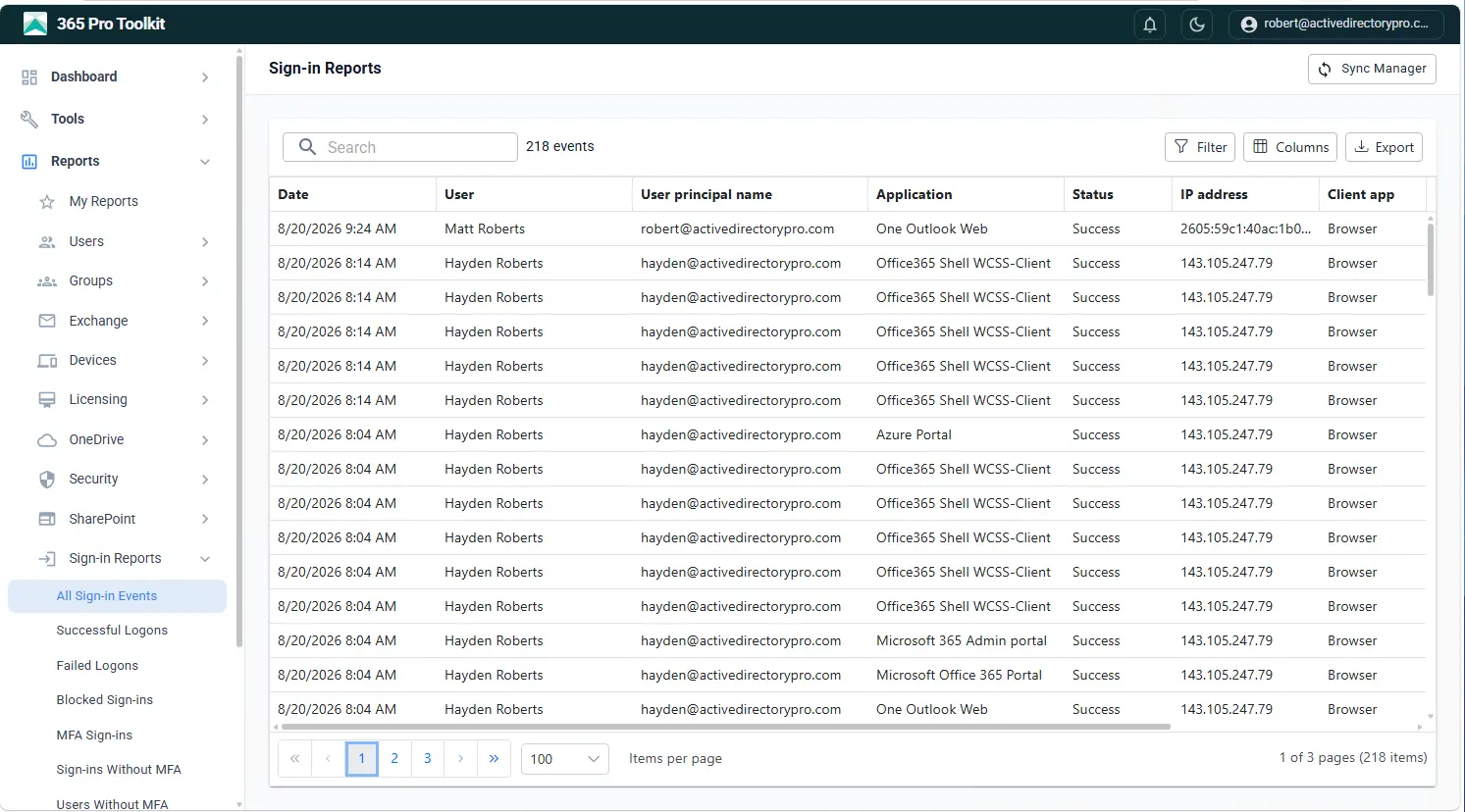
Sign In History Reports
See who signed in, from where, and whether it worked. Sign-in activity across the tenant with failures, locations and risky sign-ins surfaced rather than buried.
- Sign-in success and failure history
- Location, device and application details
- Risky and blocked sign-ins
- 7-day sign-in health across the tenant
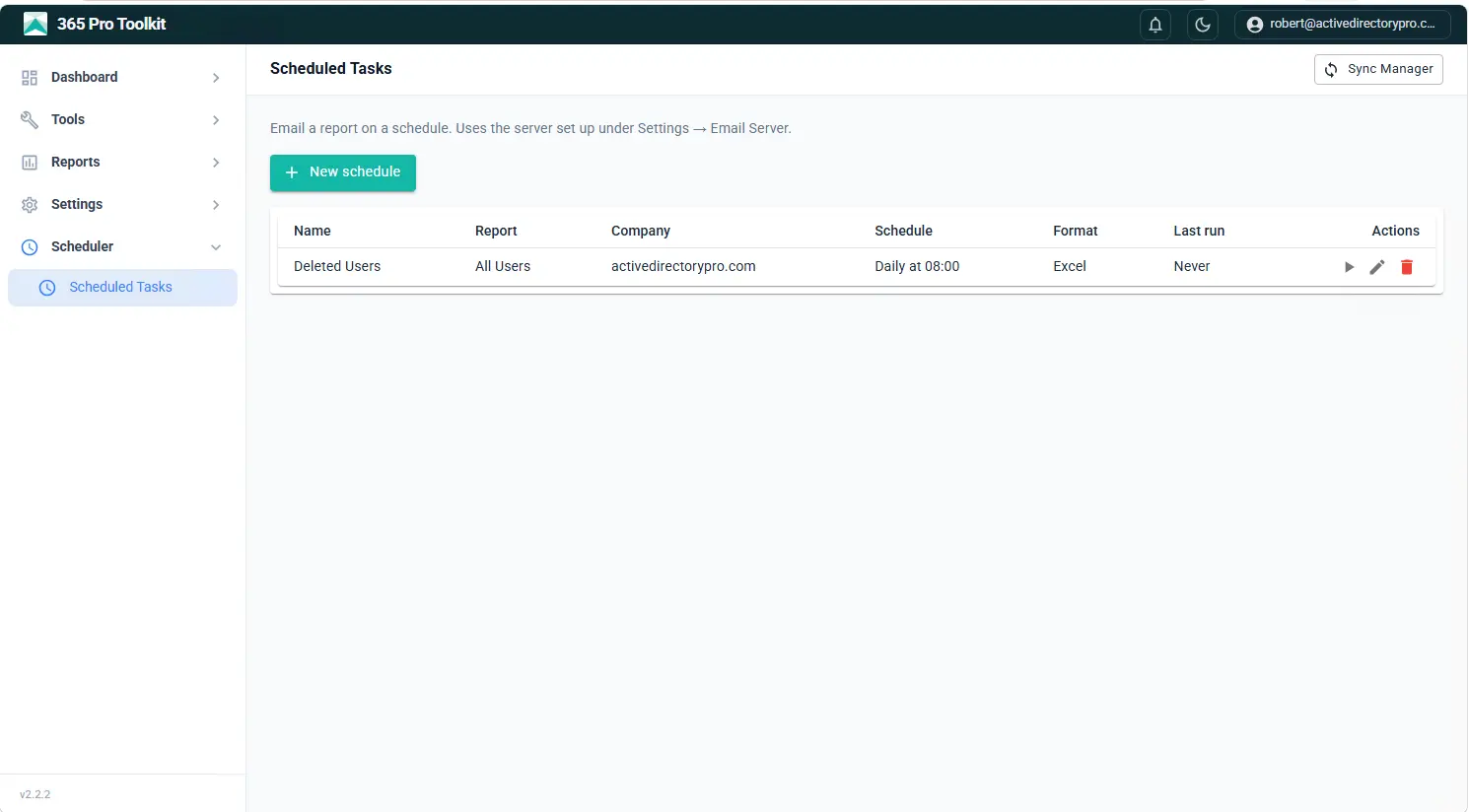
Scheduled Reports
Run any report automatically and have the result delivered to your inbox daily, weekly or monthly. Every run uses the same saved filter, so this month matches last month.
- Daily, weekly or monthly schedules
- Delivered as Excel, CSV, PDF or HTML
- 300+ reports available to automate
- Saved filters reused on every run
Your tenant data never leaves your server.
No cloud middleman, no third-party data processor. 365 Pro Toolkit runs as a Windows Service on your own infrastructure and talks straight to Microsoft Graph.
Frequently Asked Questions
Do I need PowerShell to use it?
No. Every report and management action runs through the app's interface. Bulk changes are driven by a simple CSV upload, not scripts.
Where is my data stored?
On your own server. 365 Pro Toolkit installs a local database and syncs your tenant into it. Nothing is sent to a third-party cloud.
Can it manage more than one tenant?
Yes. Manage multiple Microsoft 365 tenants from a single install and switch between them in a click. You can also delegate scoped access so your team or helpdesk can handle day-to-day tasks.
How does it connect to Microsoft 365?
A one-click connect flow registers an app-only connection scoped to the Graph permissions you approve. You can review and revoke it any time in Entra.
Will it handle a large tenant?
Yes. Reports load from the local database and bulk actions run in parallel, so tenants with tens of thousands of users stay fast.
What does it run on?
Any modern Windows server or workstation. The installer is self-contained, with no SQL Server, IIS, or extra dependencies to configure.
Microsoft 365 management, made simple.
Try every feature free for 15 days. Installs in minutes, runs on your server.