
Take control of Active Directory & Microsoft 365
Simplify Active Directory and Microsoft 365 management with 40+ admin tools and 200+ reports. All self-hosted and no PowerShell required.
5,000+ organizations worldwide
Why Choose Active Directory Pro
One console instead of a dozen snap-ins, admin portals, and half-remembered scripts.
Bulk actions turn repetitive account and group work into a few clicks instead of an afternoon.
See exactly who has access to what, then tighten it up and keep least privilege in place.
Surface stale accounts, weak passwords, and unnecessary admin rights before someone else does.
Give your team the access they need to do their jobs, without granting full domain admin.
Track what changed and produce the reports auditors ask for without building them from scratch.
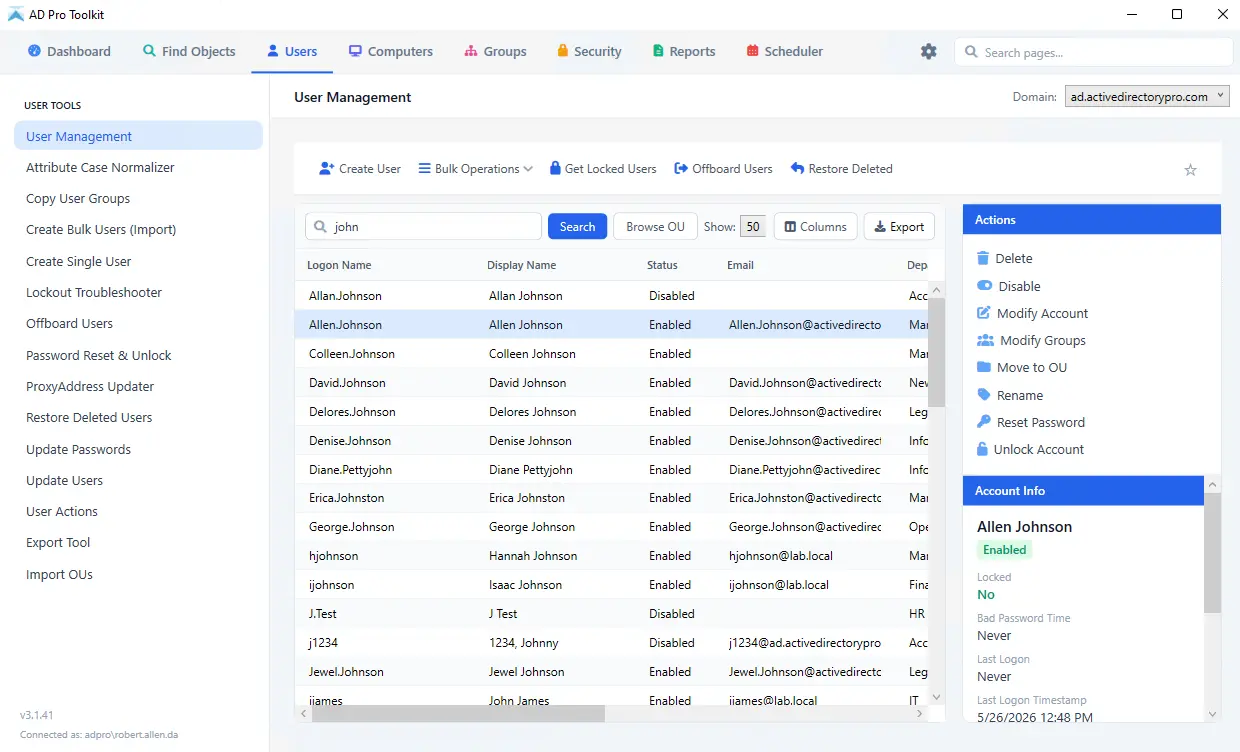
AD Pro Toolkit
Simplified Active Directory management
40+ tools and 200+ reports to manage, clean up, and secure Active Directory. Bulk update users and groups, automate repetitive tasks, find inactive and stale accounts, and quickly identify security issues that need attention.
- Bulk user, group and computer management
- 200+ reports, scheduled and emailed
- Directory cleanup and one-step offboarding
- Scored security assessment
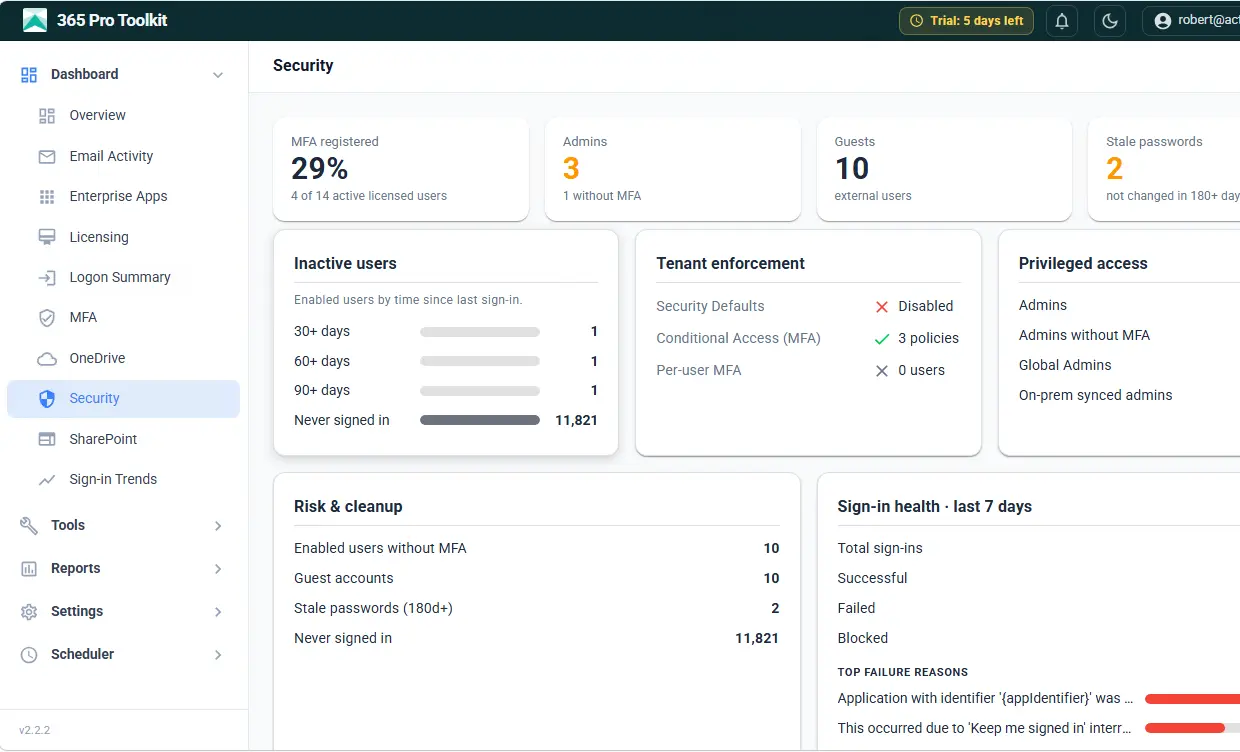
365 Pro Toolkit
Report and manage Microsoft 365 from one console
Manage users, groups, mailboxes, and licenses across Entra ID and Microsoft 365 from one console. No jumping between admin centers, no modules to install, and no scripts to maintain.
- Entra ID users, groups and licenses
- Exchange Online mailbox reporting
- SharePoint and OneDrive permissions
- MFA and sign-in security reports
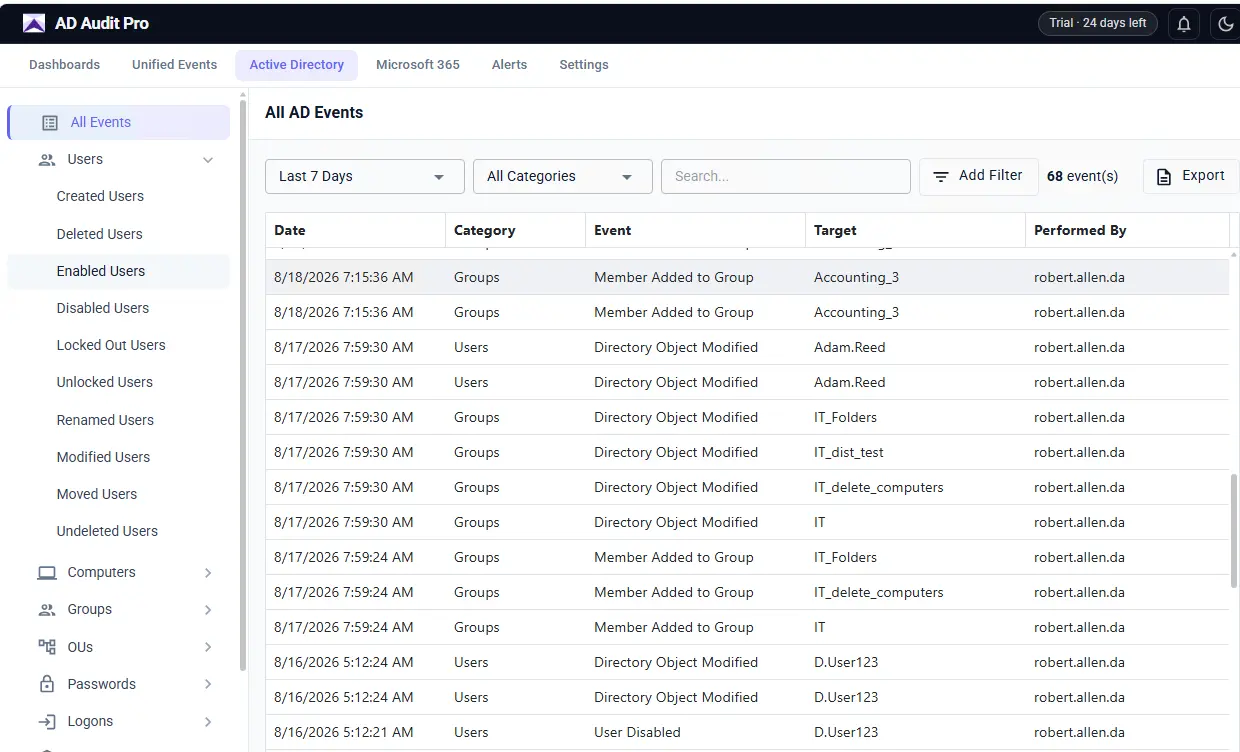
AD Audit Pro
Audit user changes and logons
Stop piecing together event logs across domain controllers. AD Audit Pro puts on-premises and Microsoft 365 activity in one searchable timeline, with the context and alerts to quickly see what happened.
- Change auditing with before-and-after values
- Logon auditing, including the source of a lockout
- Microsoft 365 and Entra ID activity
- Real-time alerts by email
Your data stays on your network
Everything installs and runs in your environment.
What do customers say about our product?
We purchased Active Directory Pro so that our Helpdesk could quickly unlock user accounts, it is a top support call. It has also been a lifesaver in troubleshooting repeat lockouts and finding where users were getting locked out from.
 Diane DryeIT Support Manager
I really like having a GUI method of interacting with Active Directory beyond the limited tools in Windows. We used to use scripts for most of our bulk updates and new user creation. AD Pro tools put everything in one place for convenient use anytime.
 Thad TaubeIT Systems Admin
My company recently went through a Gmail to Office 365 migration. The AD Pro Toolkit proved to be invaluable when setting up the legacy AD environment to create the hybrid model required to move and create accounts into Azure AD. It saved hours of manual updating and was easy to use.
 David HallSystem Administrator
Resources for IT Professionals
Managing IT shouldn't be harder than it needs to be. We build practical tools and resources designed to help IT professionals spend less time dealing with repetitive tasks and more time getting things done. These resources are here to help you troubleshoot issues, simplify common tasks, and keep your environment running smoothly.
Latest guide
Active Directory