Windows Server
23 articles on Windows Server.
-
Delete a Windows Service with the Command Line or PowerShell
In this post, I’ll demonstrate using the sc delete Windows command and the Remove-Service PowerShell command to delete a Windows Service. Open Windows Services…
-
Enable Remote Desktop (Windows 10, 11, Windows Server)
In this guide, you will learn how to enable Remote Desktop on Windows 10, 11, and Windows Server. I’ll also show you on to enable RDP using PowerShell and group
-
How to List Folders Using CMD and PowerShell Commands
In this tutorial, you will learn how to list files, folders, and subfolders using Windows CMD commands and PowerShell. I’ll also demonstrate using the NTFS…
-
Install Windows 11 VM on Hyper-V
In this guide, I will show you how to install Windows 11 virtual machine (VM) on Hyper-V step by step. Windows 11 has several requirements that you must enable…
-
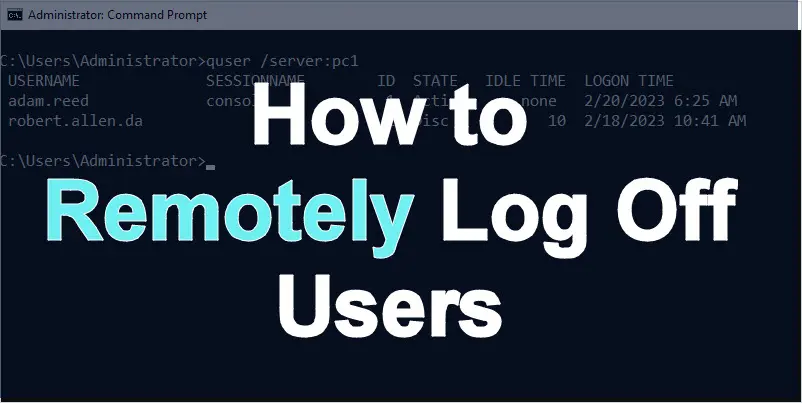
Remotely Log Off User in Windows
Need to log off a user from a remote computer? In this guide, I’ll show you how to use the quser and logoff commands to find active sessions and log off users
-
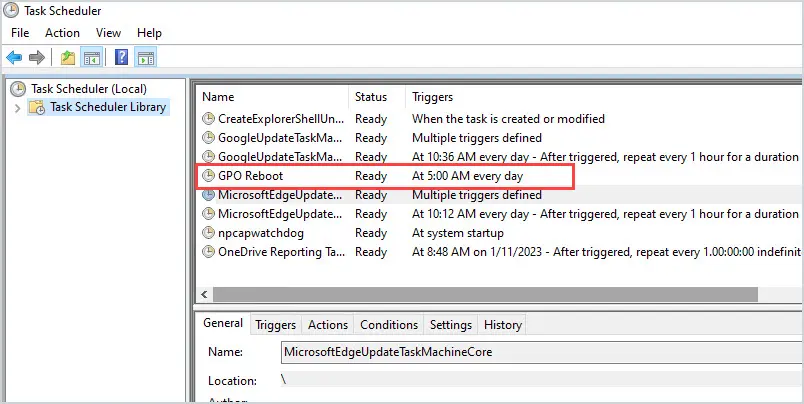
How to Schedule Windows Reboot using Group Policy
In this guide, you will learn how to schedule a Windows reboot using group policy. This guide will work with a Windows server or client OS (Windows 10, 11).
-
Windows Server Maintenance Checklist
Ensuring you have a healthy server infrastructure is a full-time job. There are tasks that should be performed on a daily, weekly, and monthly basis to keep
-
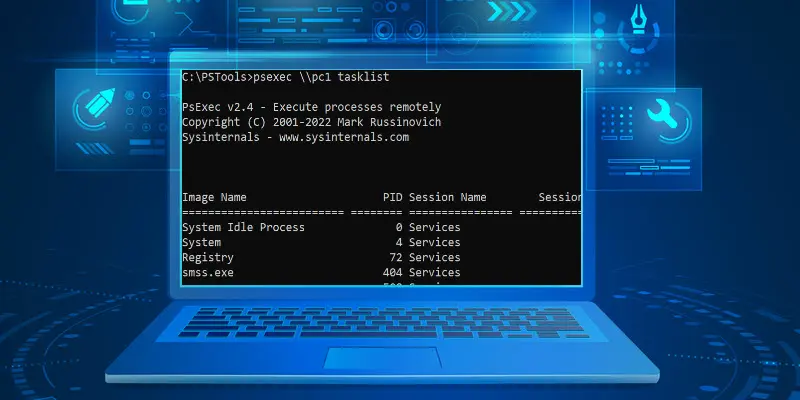
PsExec: Run Commands On Remote Computers
PsExec is a small program that enables IT administrators to run commands and processes on remote computers. In this guide, you will learn how to use PsExec to
-
21 Robocopy Examples With Screenshots
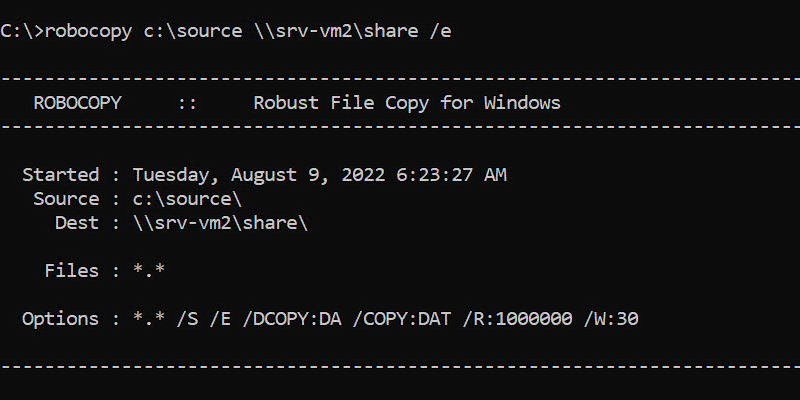
A list of robocopy examples with screenshots. Learn to use robocopy and the best command line options.
-
How to Create a NAT Switch on Hyper-V
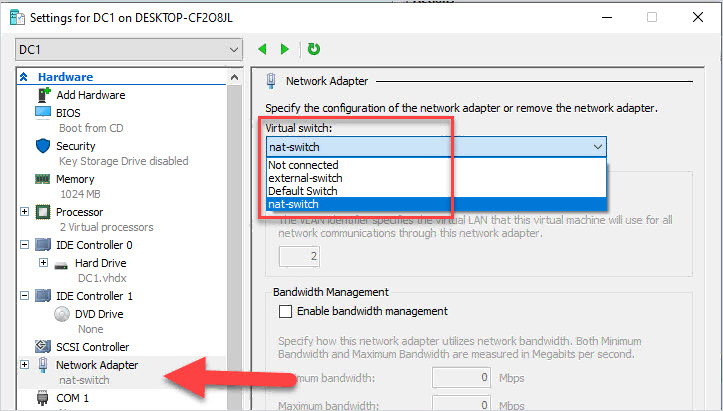
In this guide, you will learn how to create a Hyper-V switch that uses NAT for network access. NAT will provide virtual machines access to network resources
-
Check File Hash with PowerShell (Get-FileHash)
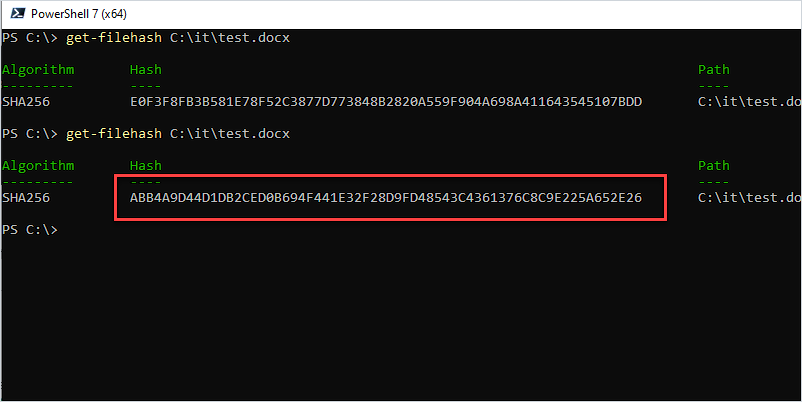
In this guide, you will learn how to check a file hash value using PowerShell. This will work on any file type, exe, msi, docx, pdf, iso, and so on.
-
NTFS vs Share Permissions
NTFS and share permissions both control access to files and folders, but they work differently. Understanding when to use each and how they interact is
-
Export NTFS Permissions List
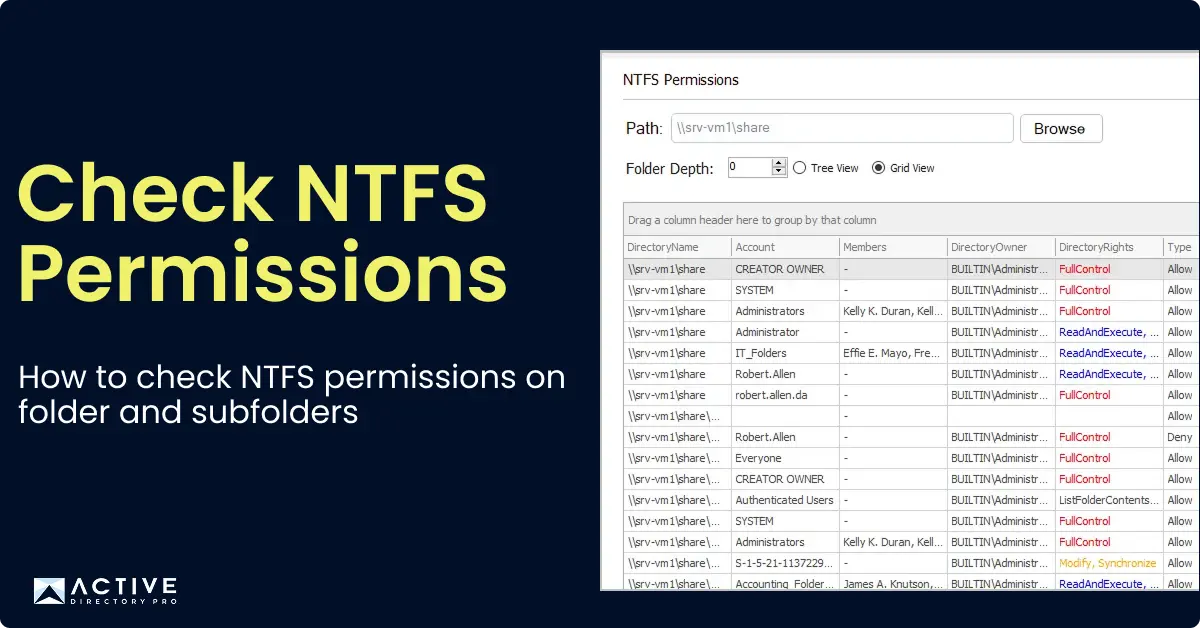
Exporting NTFS permissions gives you a complete record of who has access to your files and folders. In this guide, I’ll show you how to export NTFS permissions
-
How to Allow Ping in Windows Firewall (Client or Server OS)
In this guide, you will learn how to enable ping requests in Windows client and server operating systems.
-
How to Quickly List Installed Roles and Features using PowerShell
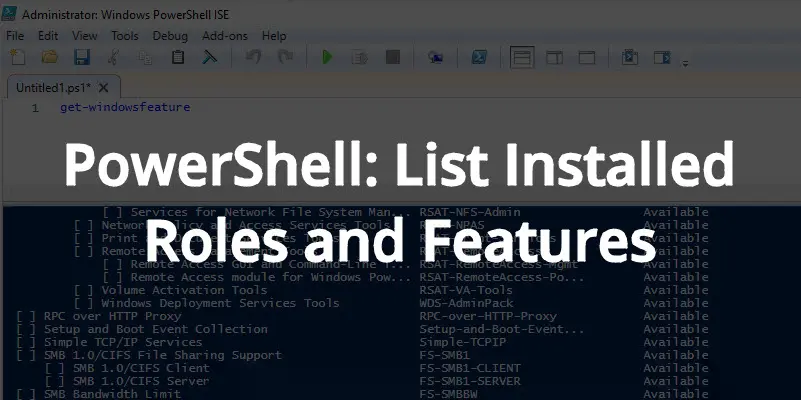
In this tutorial, you will learn how to get a list of all installed roles and features using PowerShell. This will only work on Windows server operating system
-
50 Basic Windows Commands with Examples
Learn basic windows commands that can help you with troubleshooting, configuration, and gathering system details.
-
5 Best IPAM Solutions (IP Address Management Software)
In this article, I will review the best IPAM solutions that will help you simplify and automate IP address management. As your network grows it can be very
-
5 Best FTP Servers for Windows
Are you looking for the best FTP server for Windows? Then you’re in the right place. An FTP server runs a program that utilizes FTP (File Transfer Protocol )
-
5 Best SSH Clients for Windows
A list of the best ssh clients for windows. I use an SSH client on a daily basis to securely access switches, routers, servers, and other systems.
-
5 Best Remote Desktop Connection Managers
Are you looking for the best remote desktop connection manager? Then you’re in the right place. As a System Administrator, it is common to establish multiple
-
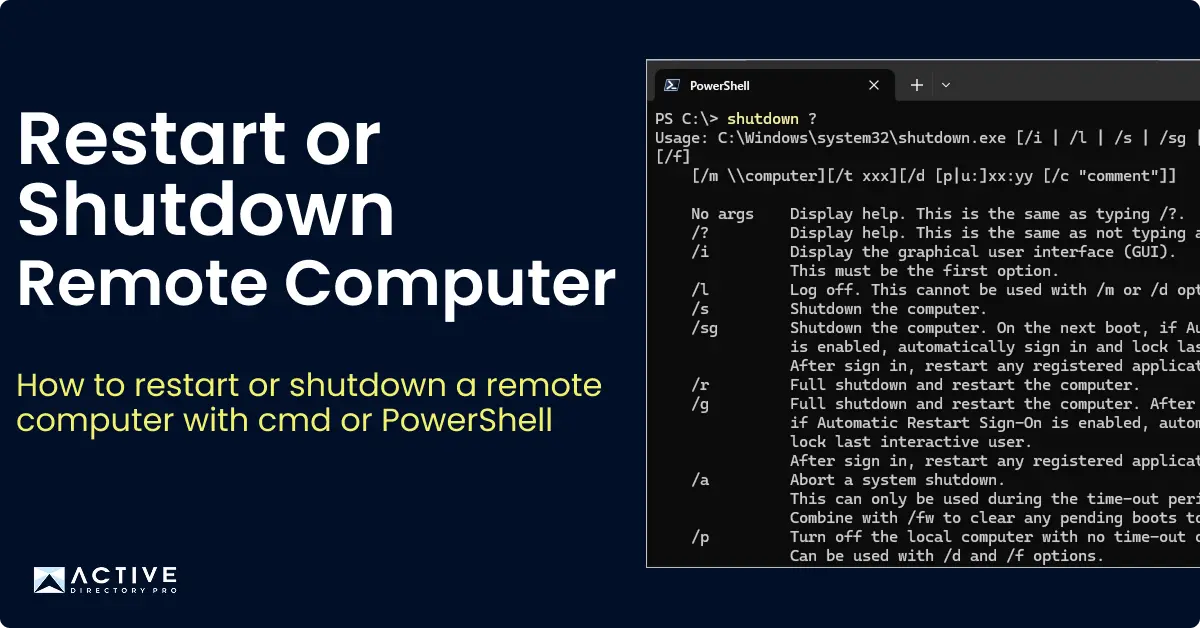
How to Restart or Shutdown a Remote Computer
There will be times as a Windows Administrator when you will need to reboot or shutdown a remote computer or server. In this tutorial, I’ll show you two easy
-
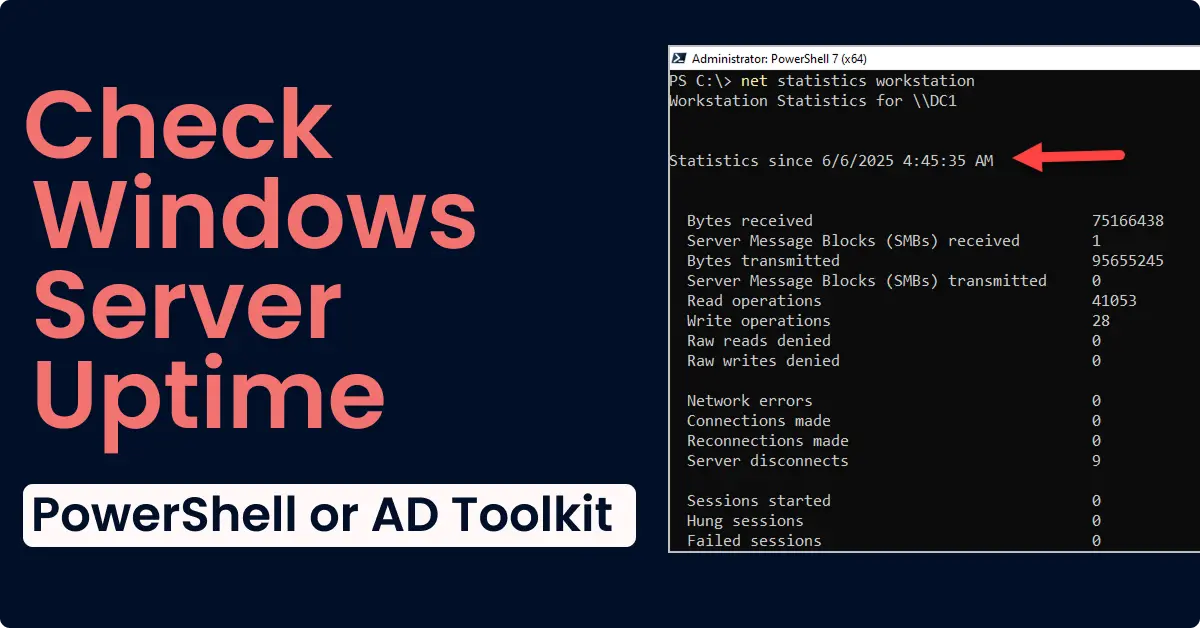
Quickly Check Windows Server Uptime
In this guide, I’ll show you how to check the windows server uptime for a single server and all servers. There are multiple ways to check the uptime in windows
-
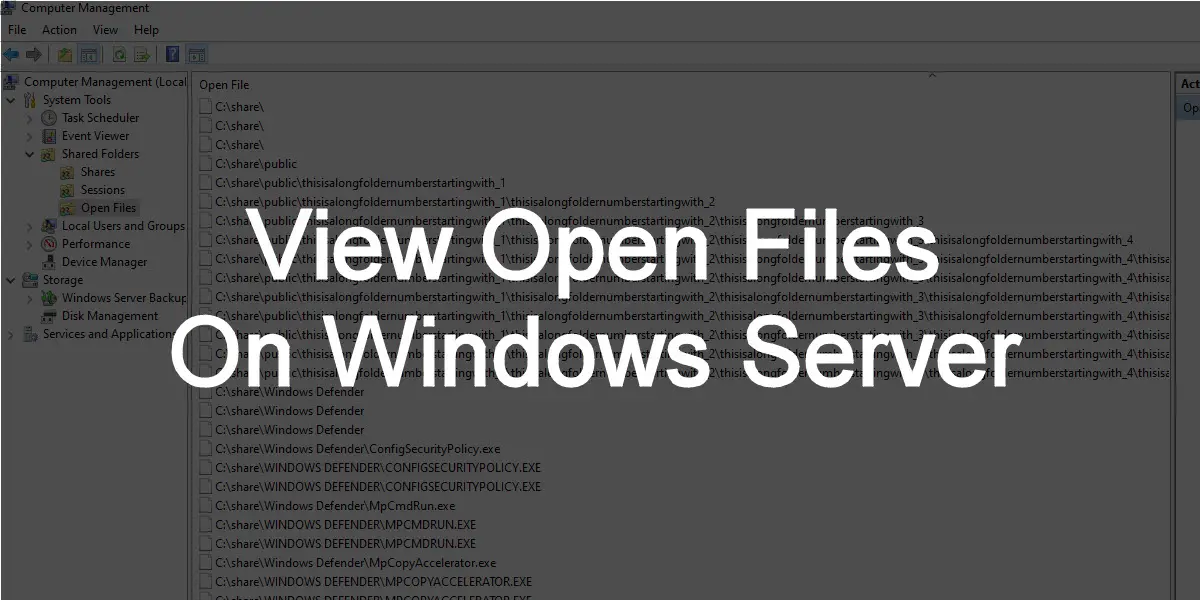
How to view open files on Windows Server (2012, 2016 & 2019)
There are times when a file is open on a windows server and you need to view what user or process has it open. These open files can be locked and prevent users